Disclaimer: 3
rd
party and/or custom firmware providing extra features are not covered in this manual.
4K Integral 2 – User Manual
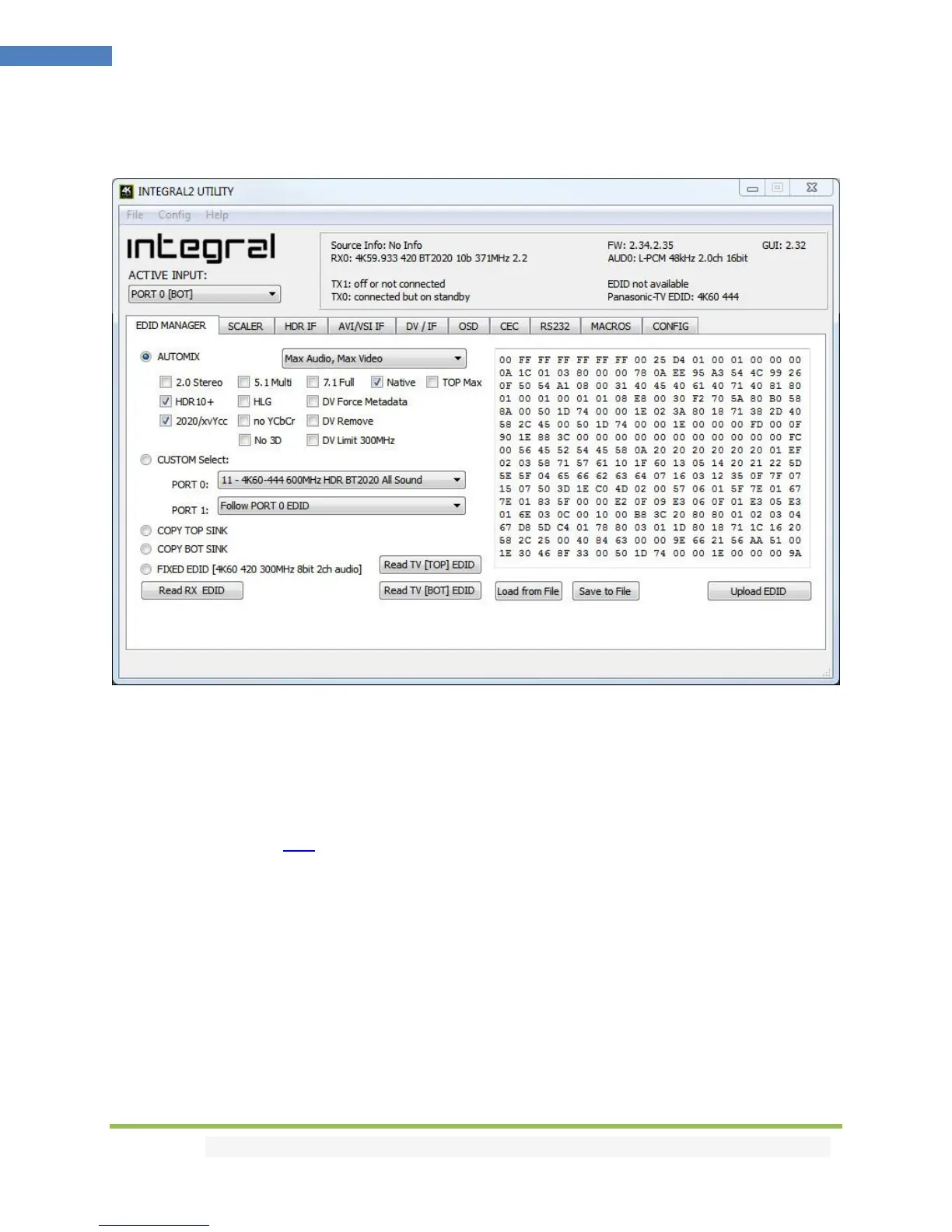
Integral 2 USB GUI (Software for Windows PC)
The USB GUI is compatible with all Microsoft Windows version from Win XP to Win 10.
Make sure you have installed the right Silabs driver based on your Windows version and USB port as
described in p.19
You can download the latest GUI version for your Integral 2 device from the Download Tab on the
Integral 2 Product page: here. Always run latest FW when running latest GUI to benefit from all new
features.
The USB GUI for Windows PC allows the following control:
- Display Information on Source device when available.
- Display Input signal resolution, refresh rate and bandwidth.
- Display Input signal Color Space and Deep Color.
- Display Input signal encryption.
- Display Input signal detected Audio type.
- Display Information on Sink device when available.
- Display Output signal resolution, refresh rate and bandwidth.
- Display Output signal Color Space and Deep Color.



 To Next Page