Disclaimer: 3
rd
party and/or custom firmware providing extra features are not covered in this manual.
4K Integral 2 – User Manual
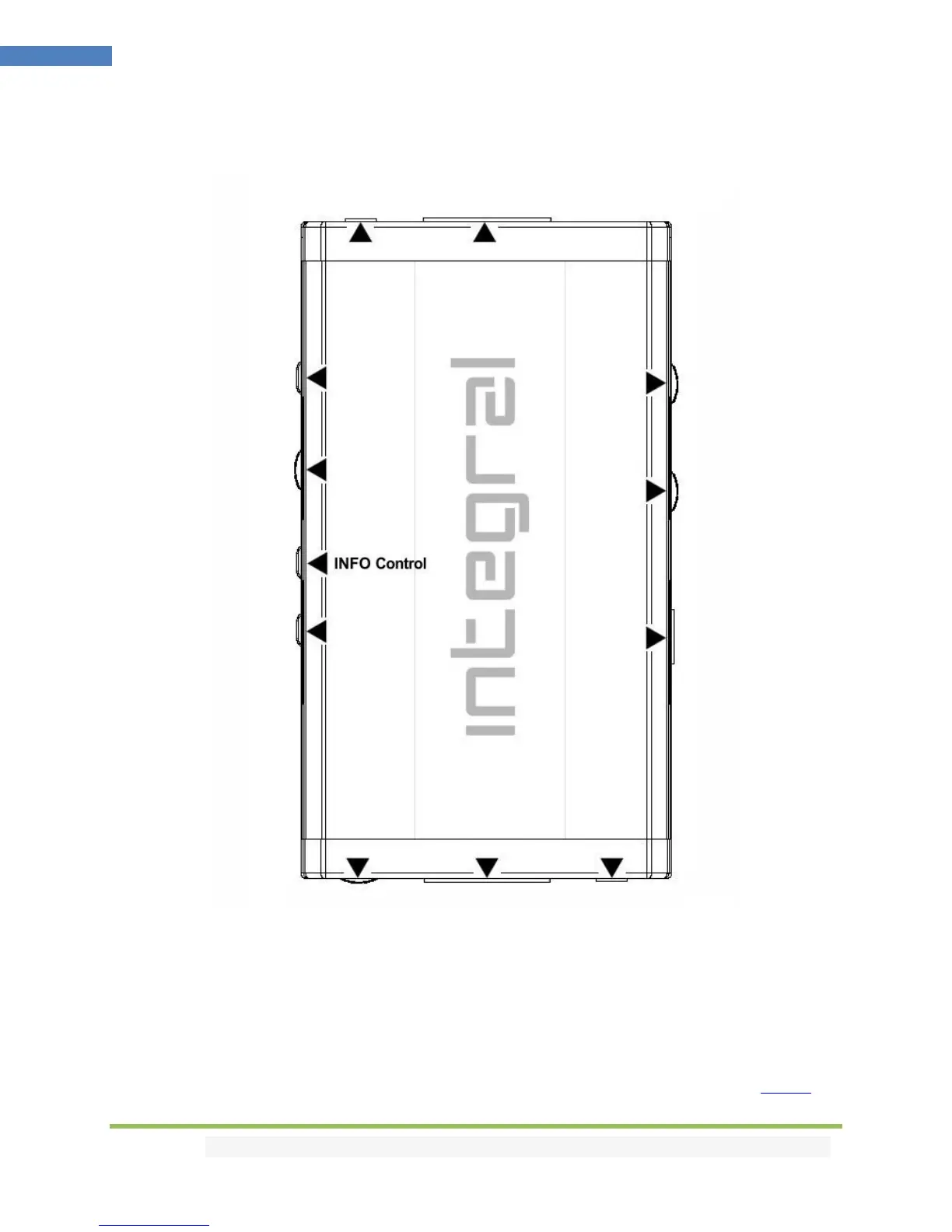
INFO Control
INFO Control Button allows you to control the OSD info displayed and the light in your setup.
[Short Press] Turn OSD ON/OFF
[Long Press] (over 2sec) will cycle through OSD + Logo LED + Custom Text > Logo LED + OSD > OSD >
Logo LED > None (no lights and no info at all)
Note: You can also control light in your setup and any others control with IR codes, from the USB GUI for
Windows PC, RS232 for MAC/WIN/Linux or via smartphone/tablet APP for Android/iOS using GoBlue.



 To Next Page