Disclaimer: 3
rd
party and/or custom firmware providing extra features are not covered in this manual.
4K Integral 2 – User Manual
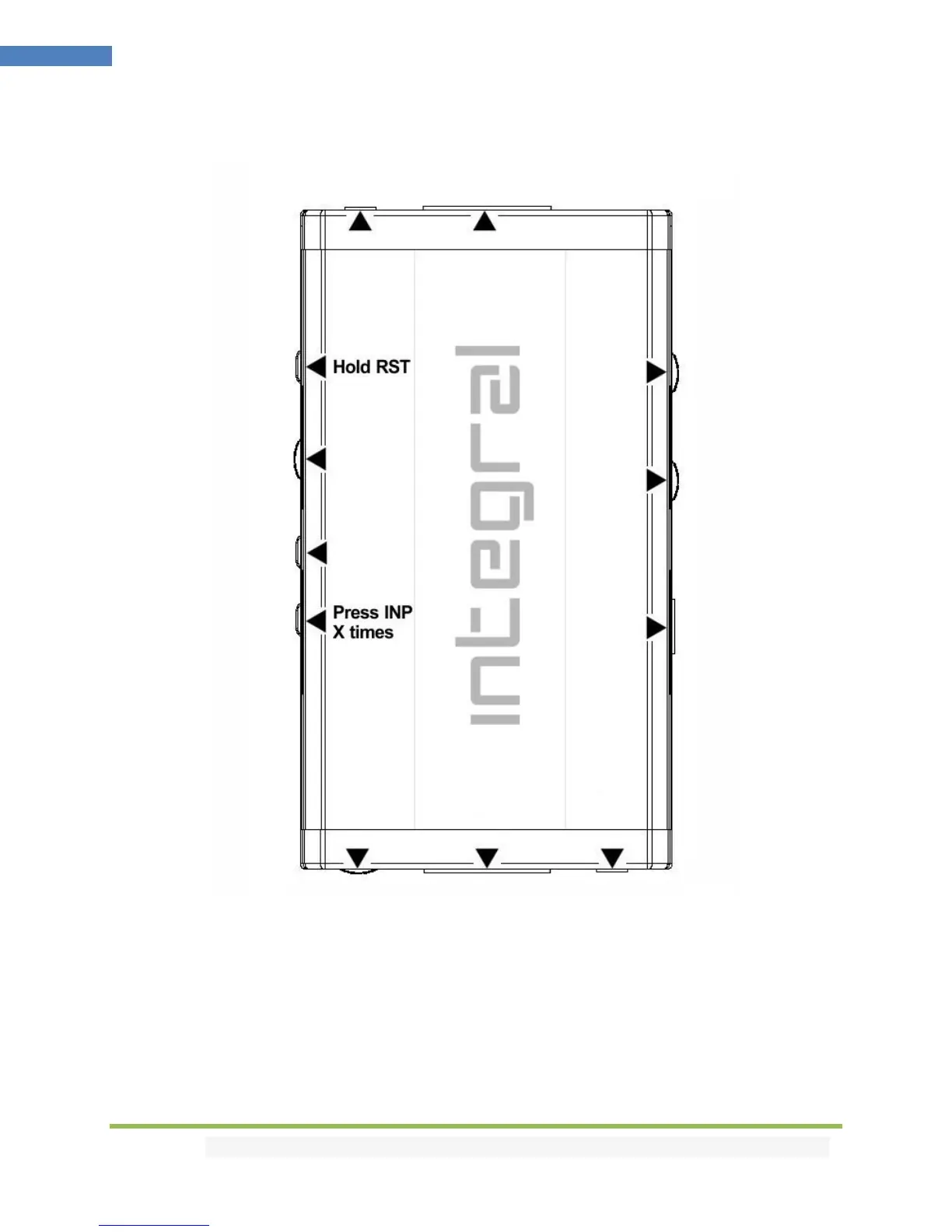
Combo Hold RST + Press INP
By default and/or after firmware flash, you might see a custom text displayed on OSD top left corner.
In case, you see such message: simply hold RST button and press INP buttons 2 times, then release.
Integral 2 OSD will prompt for power cycle. (remove/reconnect USB power cord)
After restart, there will be no more message displayed and Integral 2 is ready to operate optimally.



 To Next Page