Disclaimer: 3
rd
party and/or custom firmware providing extra features are not covered in this manual.
4K Integral 2 – User Manual
Power/Status LED
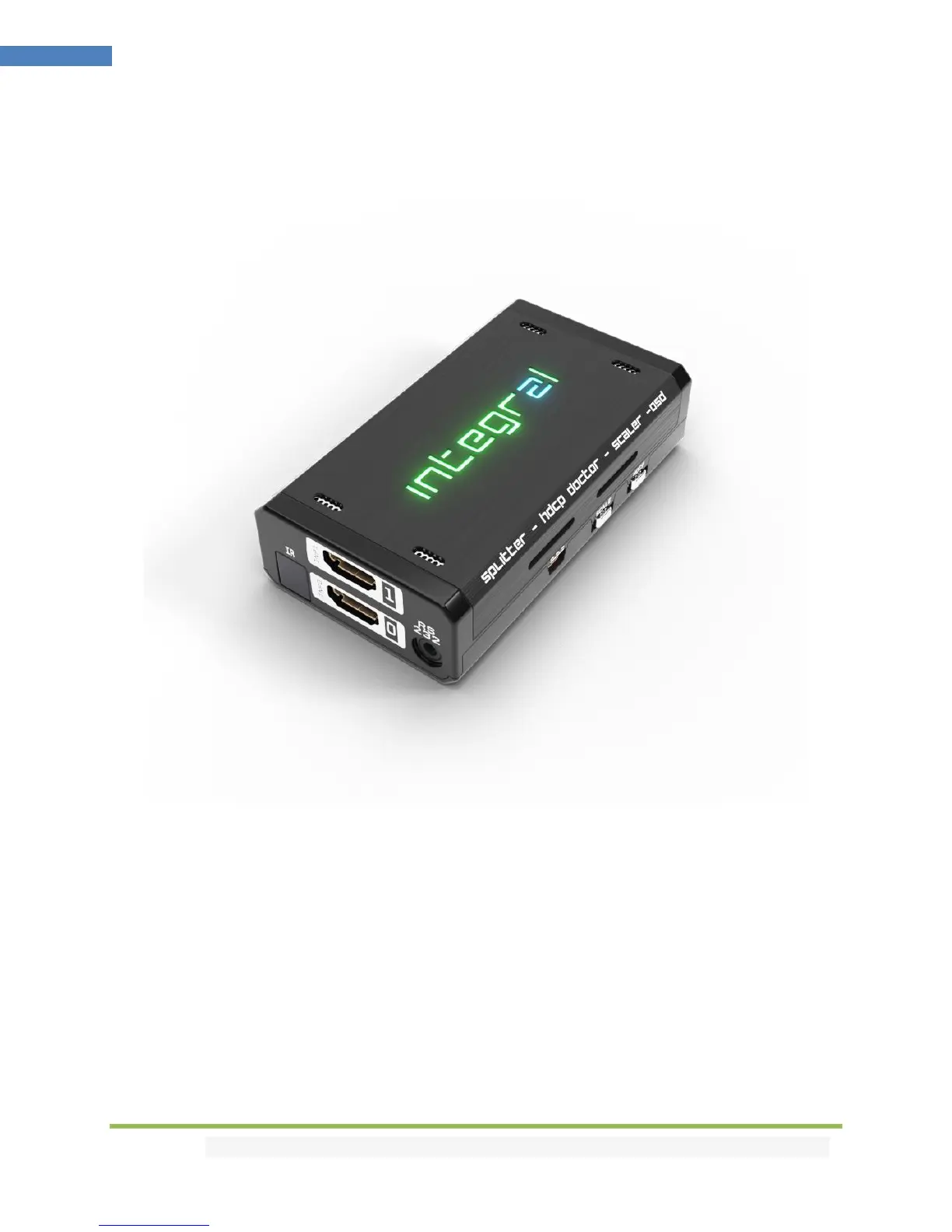
The Integral 2 Logo LED will shortly turn ON then OFF when power supply is applied, Integral 2 Logo will
glow Green to indicate that the HDCP handshake has been completed.
The status of the Logo may be used for troubleshooting:
[LOGO OFF]: Insufficient power or no active input. Use the Integral 2 power supply; make sure
the source is ON. Logo might also stay OFF based on INFO button conditions (see p.9)
[LOGO ON]: The Integral 2 is powered and receiving and decoding a HDMI signal.



 To Next Page