E9Screen Software EPC9 Manual 53
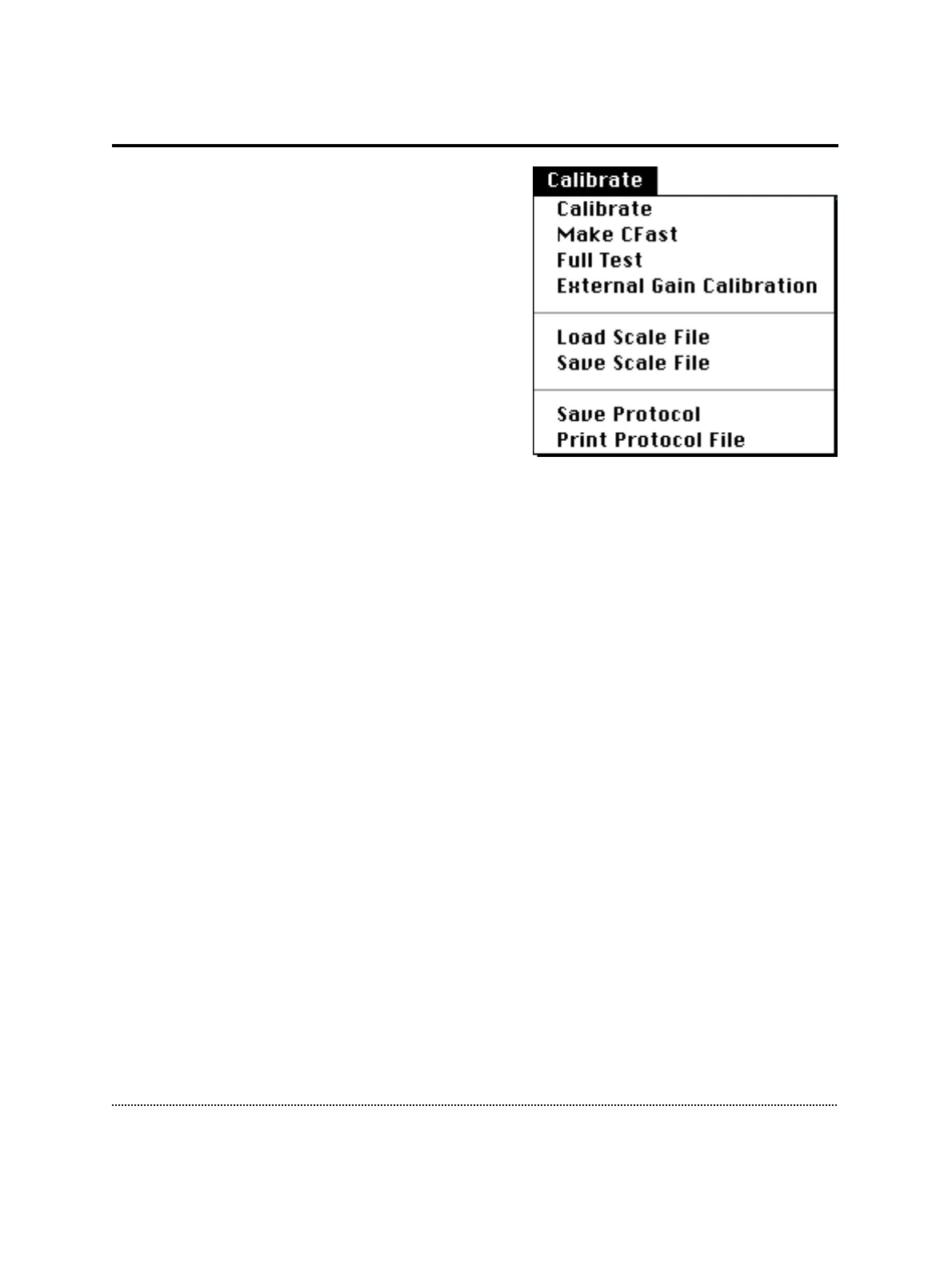
Calibrate Menu
Calibrate: Performs a full calibration of the
EPC9. The result of this calibration may be
stored as a “SCALE.EPC” file. This file contains
the settings of the digital switches and controls
of the amplifier. These are unique to the
amplifier and cannot be used for another EPC9.
A calibration should be performed in intervals
of about 6 months or whenever the frequency
response of the amplifier is not accurate or
offset currents become noticeable. Depending
on the speed of the computer, the calibration
process takes 5-10 minutes.
Note: Calibrations should be performed after
amplifier and probe have reached normal operation temperature (i.e., powered up for
about 15 min.utes)
Make C-fast: Generates a look-up table for Auto C-fast compensation. The file is
loaded automatically if it has the name “CFAST.EPC” and is found in the E9Screen
folder.
Full Test: Performs a hardware test. This generates a list of diagnostic values. This
may be used to inform the manufacturer (HEKA) about the condition of the EPC9. If
you have any doubts about your EPC9 test, please contact HEKA to find out whether
or not it needs to be serviced.
External Gain Calibration: This option allows to use an external precision resistor to
improve the internal, automatic gain calibration. Usually there is no need to perform
an external gain correction, but some users may chose to do so. A gain correction
factor can be given for each gain range, i.e., low, medium, and high gain. Thus, this
enables a “user specified” gain correction factor for matching the computed the R-
membrane value with a calibration resistor.
Load / Save Scale File: Loads or saves calibration files.
Save Protocol: Saves the protocol file of a Full Test.
Print Protocol File: Prints the protocol file of a previously saved Full Test.



 To Next Page