E9Screen Software EPC9 Manual 48
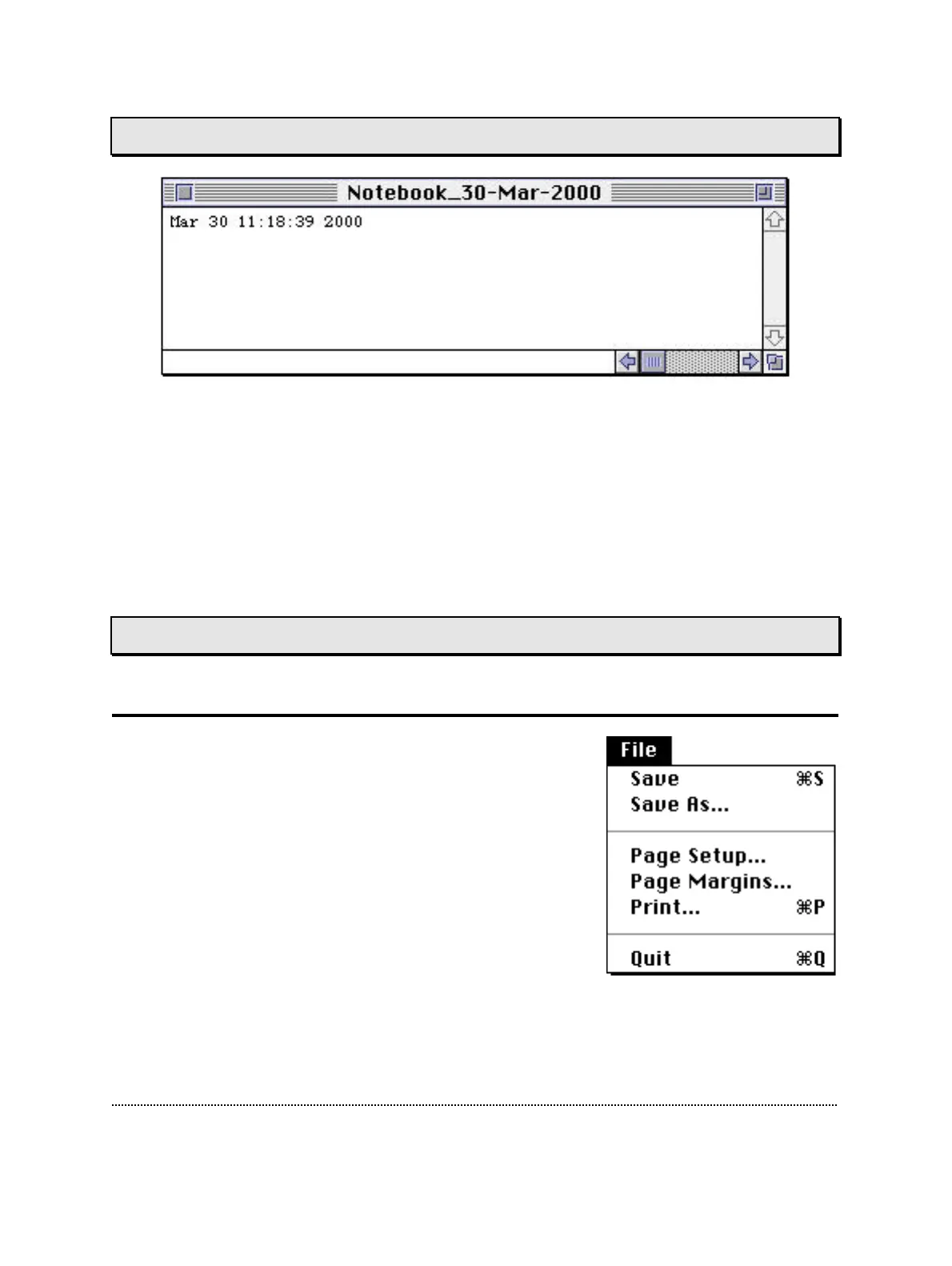
Notebook Window
The Notebook window is used to display printed output of the program, such as error
messages or information about calibration and diagnostic data, for example. The
content of the Notebook can be stored in a memory file; its maximal size can be to be
specified in the drop-down menu Notebook. One can modify text in the Notebook just
as in any other text file. One can add further information to the text file or delete
messages that should not be stored. While in the Notebook window you can copy to
and paste from the clipboard. Thus, you can exchange text with other applications,
such as spreadsheets.
Drop-Down Menus
File Menu
Save: Saves the Notebook content to disk.
Save As…: Asks for a filename before saving.
Page Setup…: Prompts for printer page format.
Page Margins…: Sets the page margins for printing.
Print…: Prints the Notebook content. If some text is se-
lected (i.e., highlighted), only that text selection is
printed.
Quit: Exits E9Screen.



 To Next Page