Installation EPC9 Installation 18
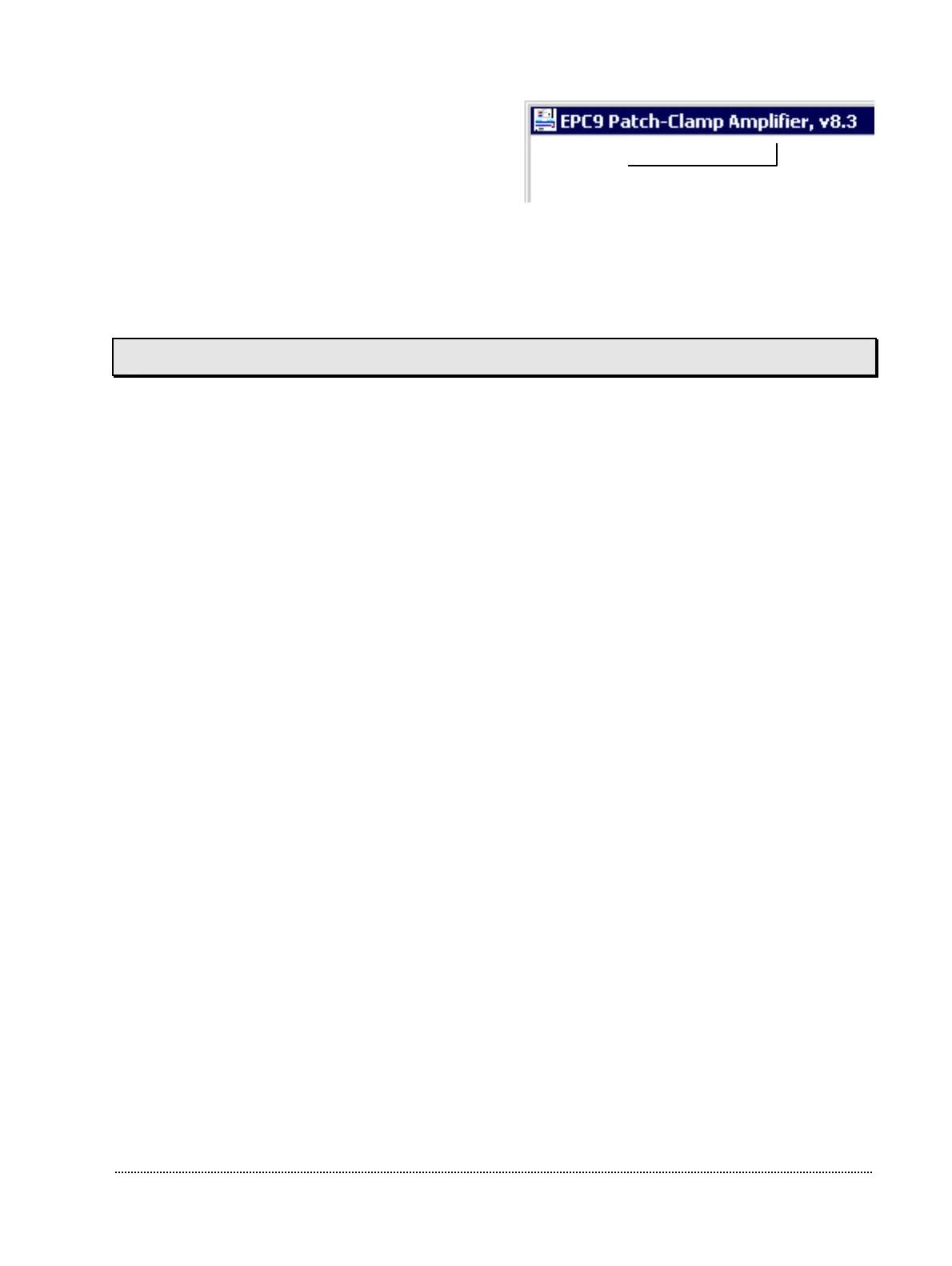
If you have an EPC9 Double or Triple, you
should proceed to calibrate the second and
third amplifier as well. From the amplifier
pop-up menu, choose 2. Amplifier or 3.
Amplifier and repeat the steps listed above.
After having calibrated the amplifier (all amplifiers in case of an EPC9 Double or
Triple), you should also create a new C-fast lookup table for each amplifier as stated in
the next section.
Creating the C-fast Lookup Table
E9SCREEN and PULSE try to load the C-fast lookup table from the same location as the
calibration file when initializing the EPC9. You will get an appropriate error message, if
the Cfast file was not successfully loaded. To create a new C-fast lookup table select
Make CFast from the Calibrate menu in E9SCREEN. A confirmation dialog will be
displayed and will instruct you to remove anything from the probe and shield its input.
Again, please make sure that nothing is connected to the probe except for the metallic
cap that came with your amplifier. Now E9SCREEN will create the C-fast lookup table.
This usually takes a few minutes (30 seconds on a 300 MHz PII system). If you get the
message that the noise of the probe is suspiciously low this may indicate that your probe
is not connected to the main unit of the EPC9 – or you have a very good probe! Finally,
E9SCREEN will ask you to save the modified C-fast lookup table to disk and suggest a
reasonable path and file name corresponding to your active calibration.
Finally, E9SCREEN re-initializes the EPC9. If you have an EPC9 Double or Triple, you
should continue and create the C-fast lookup table of the second and third amplifier.
From the amplifier popup menu, choose ”2. Amplifier” or ”3. Amplifier” and repeat the
steps listed above.
2. Amplifier Noise
WHOLE-CELLON-CELLSET-UP
Record



 To Next Page