E9Screen Software EPC9 Manual 46
Usually a setting of 20 µs is sufficient, unless very fast currents such as Na
+
currents
are studied.
External: The external Stim. Input is scaled by an editable factor (range: ±0-10x), to
allow for different external stimulators. It is strongly recommended to set External to
Off (i.e., equal to zero), if no external stimulator is connected to the Stim. Input. This
will prevent pick-up of external noise. Please note that the internal V-membrane is not
affected by changing the external scale factor. If the user sets the holding potential
externally (e.g., with a stimulator or another computer), then the scaling will affect
the holding potential.
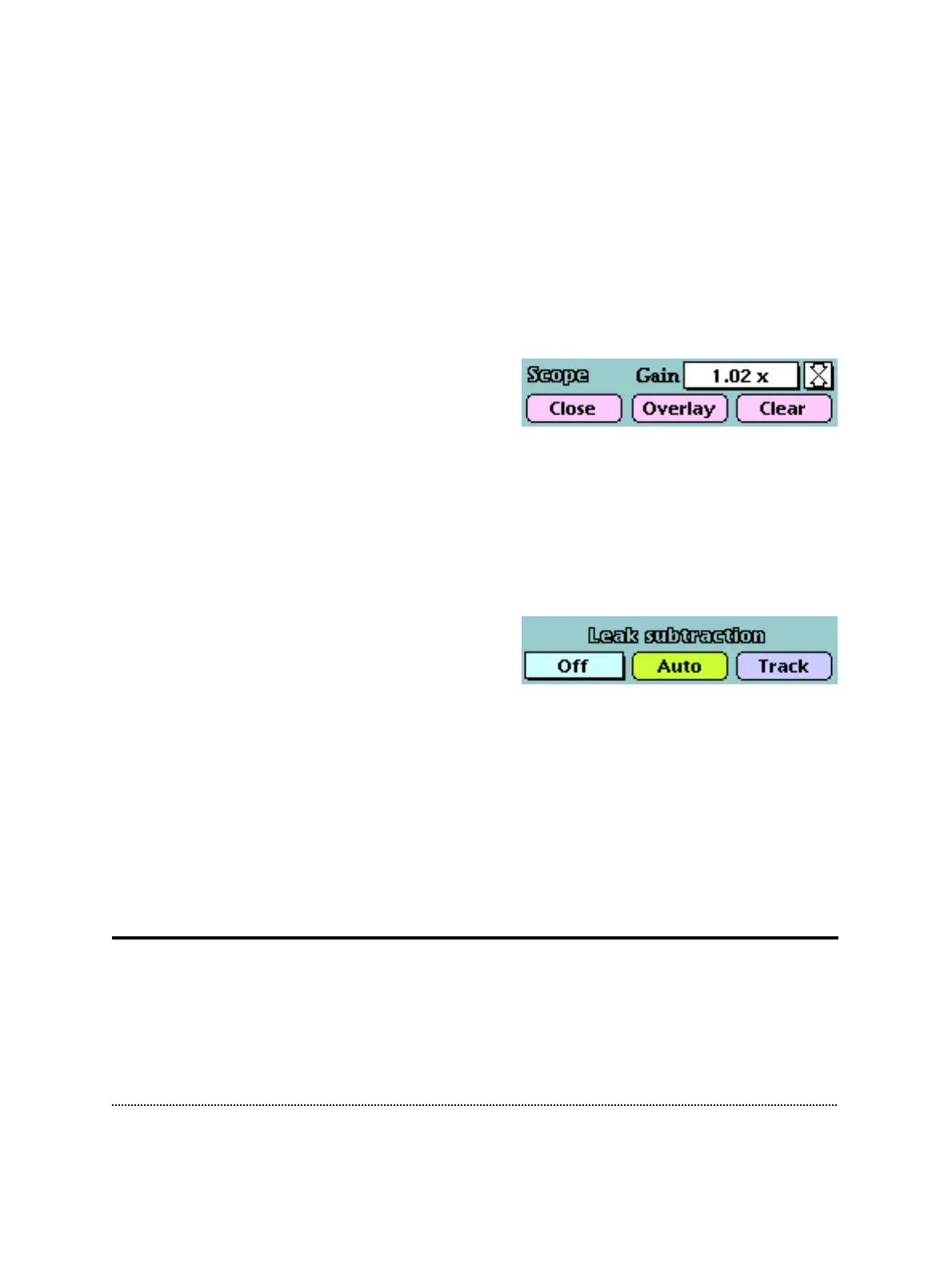
Gain: Sets the gain of the oscilloscope display.
Clicking on the arrow icon will cause the
sweeps to be centered in the oscilloscope.
Close: Closes the oscilloscope display. With the oscilloscope closed the controls for
sound encoding of R-membrane and Current-Clamp Speed (EPC9 version “C” and later)
become accessible. There will be no test pulse while the oscilloscope remains closed.
Overlay: Acquired sweeps will be overlayed if this switch is selected.
Clear: Wipes the oscilloscope display.
Leak Sub.: This controls a hardware leak
compensation which uses the inverted and
scaled stimulus signal and adds it to the
current monitor outputs. Leak can be adjusted manually by dragging the mouse, or
typing, or automatically by clicking on Auto. The maximal values attainable depend
on the Gain Range. They are 2 nS, 200 nS and 20 µS for high, medium, and low
ranges, respectively.
Auto: Determines and corrects for the leak conductance automatically.
Track: Continuously updates the leak compensation, thus tracking changes in
membrane conductance.
Hidden Controls
Some rarely used controls are hidden behind the oscilloscope display. They can be
accessed by closing the oscilloscope display:



 To Next Page