GBDE
Operating instructions • M-BOSS Compact • 06-2020 • v02 • 544-12020
Layout and function
9
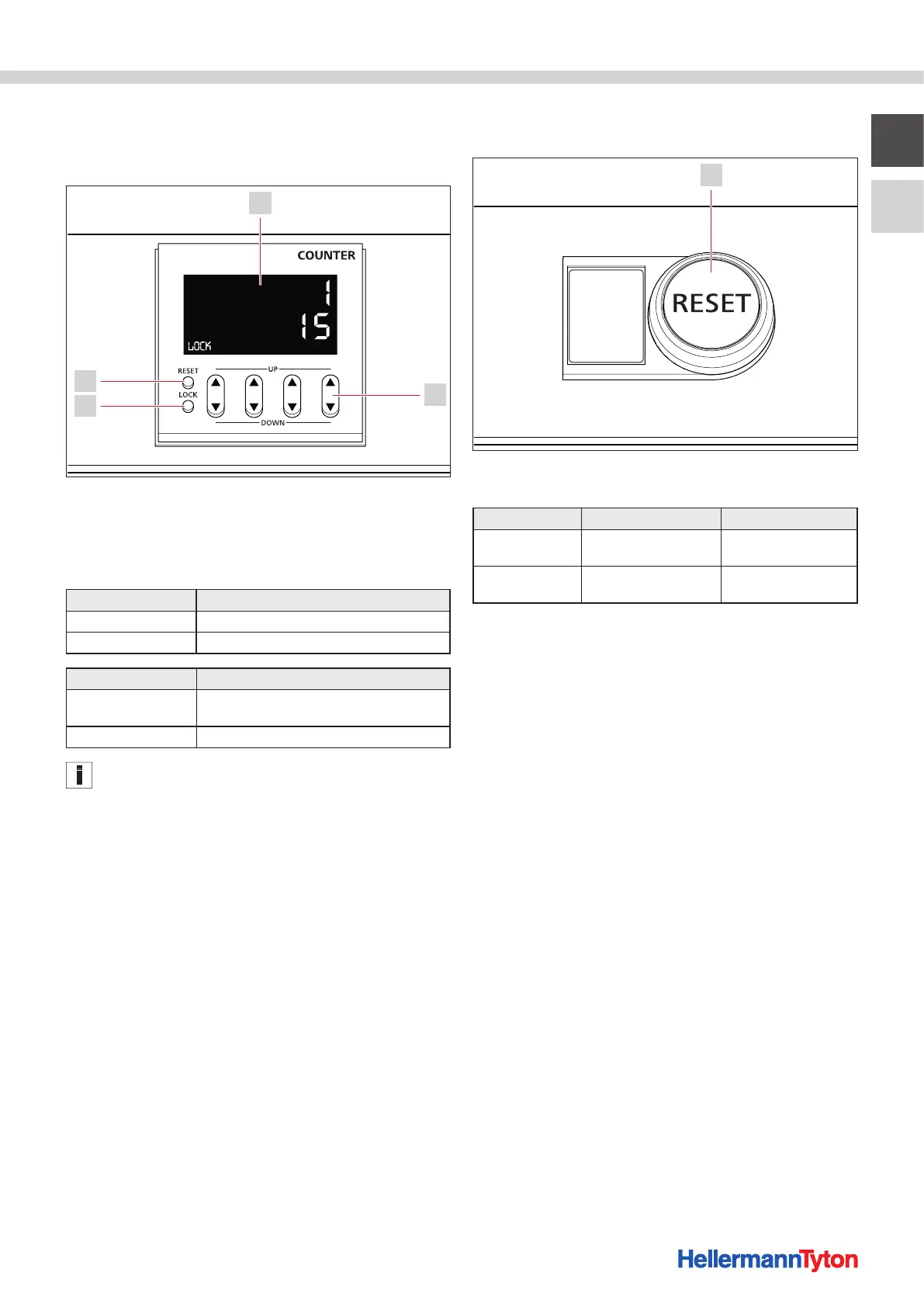
4.6.3 Organiser unit counter
The counter is used to determine the number of markers
to be embossed in each box of the organiser unit.
1
2
3
4
Organiser unit counter.
1 Counter
2 Up/down button
3 Lock button
4 Reset button
Line Meaning
Top line (red) Actual display of markers per box
Bottom line (yellow) Target display of markers per box
Button Meaning
Up/down button Changing of the target number of markers per
box
Reset button Resetting the actual number of markers per box
The counter can only be operated when pressing the reset
button.
4.6.4 Organiser unit reset button
The reset button is used to operate the organiser unit.
Collector
RESET
Counter
unlock
1
Organiser unit reset button.
1 Reset button
Function Meaning Operation
Collector reset
Basic position of the
organiser unit
Press the reset button
2x within 1s
Counter unlock
Deactivate the counter
button lock
Press and hold the reset
button
4.7 Function
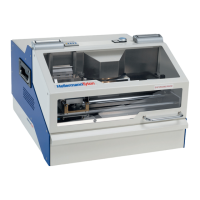
The stainless steel markers are designed with the
TagPrintPro software.
The device is controlled by a computer, and takes a
blank marker from the magazine and embosses it with
up to 69characters. When the embossing is complete,
the device deposits the embossed markers in a drawer.
The stainless steel markers are attached with 4.6mm
wide MBTmetal cable ties and the MK9SSTapplication
tool.


 To Next Page