
 To Next Page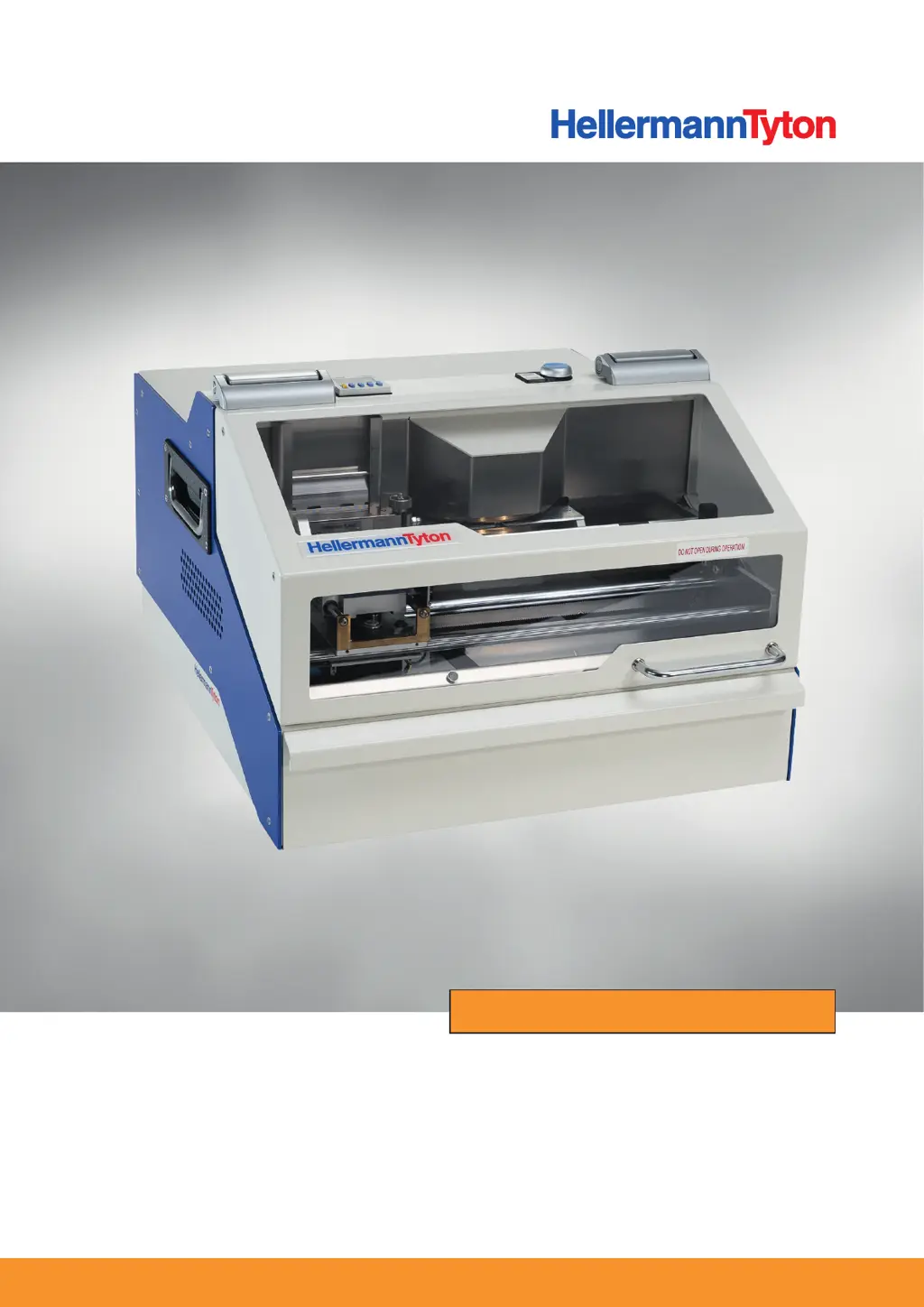
R
Rachael BrightSep 9, 2025
What does it mean if the HellermannTyton Power Tool displays 'Unknown'?
- SstonesethSep 9, 2025
If the HellermannTyton Power Tool displays 'Unknown', check device, execute "Restore".

What does it mean if the HellermannTyton Power Tool displays 'Unknown'?
If the HellermannTyton Power Tool displays 'Unknown', check device, execute "Restore".
What to do if HellermannTyton Power Tool shows 'Personalizing Card' error?
If the HellermannTyton Power Tool shows a 'Personalizing Card' error, this indicates a connection problem. Execute "Restore" to attempt to resolve it.
What to do if the HellermannTyton Power Tool displays 'Feeder empty'?
If the HellermannTyton Power Tool displays 'Feeder empty', it means the magazine is empty or the pusher's movement in the singling unit is restricted. Fill the magazine and open the singling unit to remove any foreign objects or bent markers.
What causes abnormal type face on markers with HellermannTyton Embossers?
If you notice an abnormal type face on the marker with your HellermannTyton Embosser, it suggests a wrong pairing of the embossing job and markers. Check the pairing of the embossing job and markers.
How to fix no screen or LED display on HellermannTyton M-BOSS Compact?
If there is no screen or LED display on your HellermannTyton Embosser, the cause may be a lack of power supply or a defective power input fuse. Check the power cable and connection. If necessary, replace the power input fuse.
How to troubleshoot error code E08 PUNCH MOTOR ERROR on HellermannTyton M-BOSS Compact Embossers?
If your HellermannTyton Embosser displays error code E08 PUNCH MOTOR ERROR, it indicates a restricted punching drive. You should relieve the embossing drum or close the unintentionally opened folding cover.
Why is the red status lamp flashing rapidly on the HellermannTyton Power Tool?
If the red status lamp is flashing rapidly, it indicates the organiser unit is blocked. Open the organiser unit, remove the blockage, and then close the organiser unit.
Why does the HellermannTyton Power Tool stop without finishing the embossing job, and the status lamp is red?
If the device stops without finishing the embossing job and the status lamp is red, it's because the organiser unit was not reset before the embossing job. Open the organiser unit, empty any filled boxes, and then close the organiser unit.
What causes single marker blockage in HellermannTyton M-BOSS Compact?
If you experience a single marker blockage with your HellermannTyton Embosser, it's probably because the marker is bent or twisted. Replace the marker.
What to do if the HellermannTyton Power Tool displays 'X-Home'?
If the HellermannTyton Power Tool displays 'X-Home', it indicates an X-sensor magazine malfunction. Check the sensor for foreign objects or soiling. Clean with a dry brush or compressed air if necessary. Check the sensor and sensor connection, and then execute "Restore".
Details the intended use and scope of the M-BOSS Compact system.
Explains various labels and symbols used throughout the manual for clarity.
Instructions on how to store and maintain the operating instructions.
States the device's compliance with relevant EU directives.
Describes how warning instructions are structured and their meaning.
Explains the severity levels of warnings (DANGER, WARNING, CAUTION, NOTE).
Defines the proper application and purpose of the M-BOSS Compact system.
Lists prohibited uses of the device and potential liabilities.
Details the safety mechanisms integrated into the device.
General safety guidelines for operating the device, including electrical and injury risks.
Specifies environmental and operational constraints for using the device.
Outlines the necessary qualifications and training for operators.
Lists the responsibilities of the device operator.
Identifies the main components of the M-BOSS Compact device from different views.
Describes the organiser unit's function and capacity for storing markers.
Details the drawer insert's role in holding embossed markers and unused materials.
Explains the different types and capacities of marker magazines.
Provides information on the material, properties, and specifications of the markers.
Identifies and explains the function of various control elements and indicators.
Describes the overall function of the device and its interaction with software and accessories.
Instructions on how to properly position the device for operation.
Steps for connecting the device to power and a PC via USB.
Overview of the software installation process, including downloading files.
Step-by-step guide for installing the necessary device drivers.
Procedures for integrating the device into the PC's operating system.
Instructions for installing the Metal Printer Monitor application.
Guide on how to download and install the TagPrint Pro software.
Steps to power on the device and start the Metal Printer Monitor.
Procedures for correctly filling and inserting marker magazines.
Detailed steps for creating a single embossed marker using TagPrint Pro.
Guide on how to perform serial embossing using the TagPrint Pro software.
Instructions on how to safely remove embossed markers from the device.
Steps to safely empty the drawer containing embossed markers.
Procedures for emptying the organiser unit after operation.
Common errors related to markers and their solutions.
Identifies device-specific errors and provides troubleshooting steps.
Lists potential software-related issues and their resolutions.
Addresses errors specific to the organiser unit's operation.
Essential steps to take before and after performing servicing work.
Defines the maintenance tasks to be performed at different intervals.
Lists the recommended cleaning agents and materials for maintenance.
Steps for cleaning optical sensors and light barriers.
Instructions for cleaning and lubricating the device's guide rods.
Procedures for cleaning the internal working area and the marker drawer.
How to clean the external casing of the device.
Steps for cleaning the interior surface of the folding cover.
How to adjust the gripper for correct marker positioning.
Procedures for addressing issues with the embossing drum.
Steps for safely replacing the device's power input fuse.
Instructions for safely shutting down and disconnecting the device.
Steps to follow when reconnecting and restarting the device.
Technical specifications for the M-BOSS Compact system.
Technical details and dimensions of the stainless steel markers.
 General
| Material | Steel |
|---|---|
| Method of Printing | Embossing |
| Type | Manual |
| Power Supply | Manual |
| Marking Material | Stainless Steel, Aluminum |
| Label Width | 6mm, 9mm, 12mm |
| Character Set | Alphanumeric and symbols |