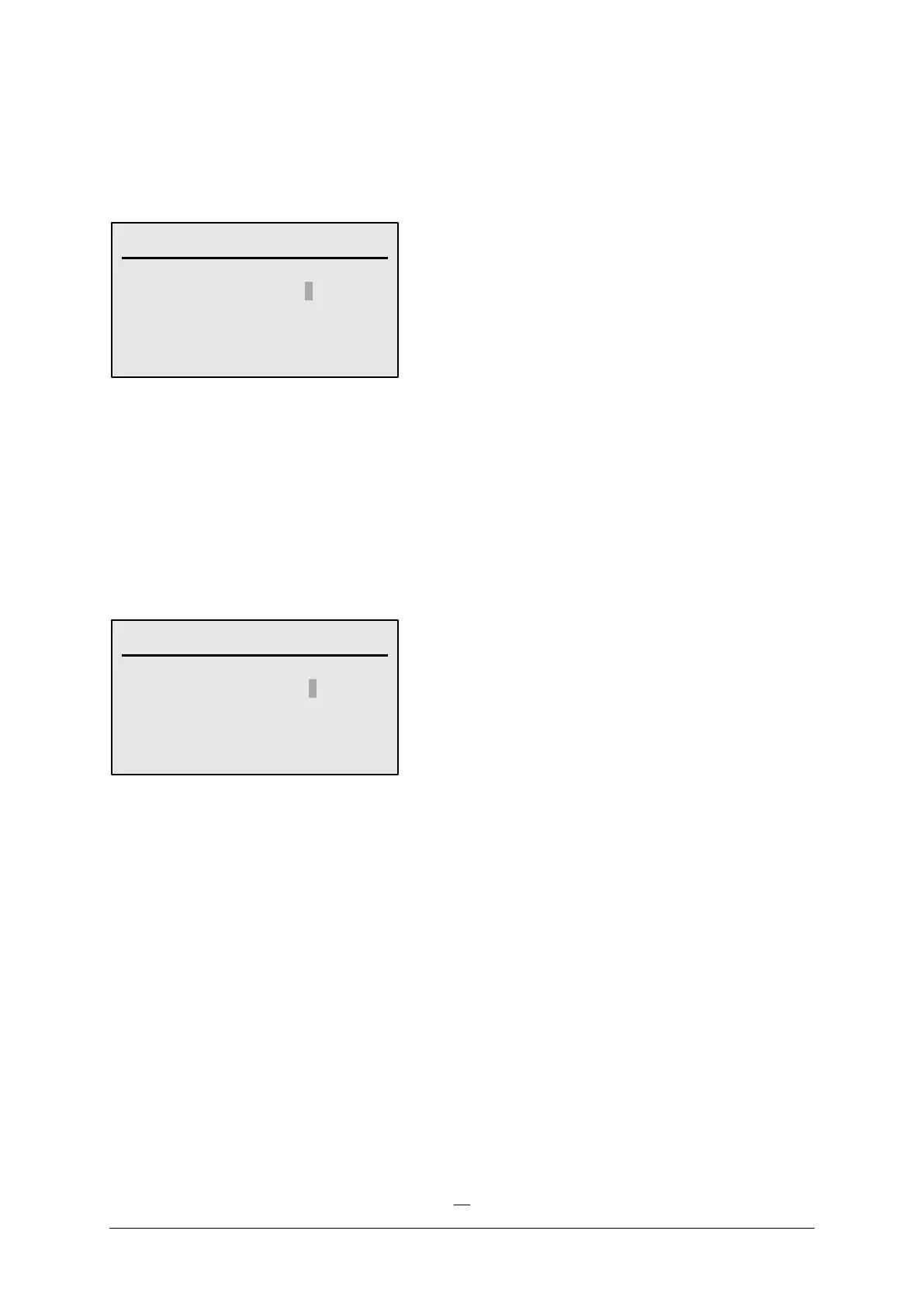
b. Zone Start
Select “START ZONE” from the Start Menu.
Enter the zone number and the required run time. Press the “OK/Select” key.
Press the MENU key to return to the Start Menu.
c. Pump Start
Select “START PUMP” from the Start Menu.
Enter the pump number and the time you want to run the pump for in hours, minutes and seconds. Press the
“OK/Select” key.
Press the MENU key to return to the Start Menu.
d. Manual Stop
Pressing the “STOP” key will result in immediately stopping any pump, zone or program which is running at
that time.
START ZONE
---------------------------------
ZONE NUMBER 1
TIME 0:00:00
--------------------------------------------
MANUAL PUMP
---------------------------------
PUMP NUMBER 1
TIME 0:00:00
--------------------------------------------



 To Next Page