Technobeam
®
User Manual Creating a Scene 4-7
Selecting a Color Wheel Pause Time
1. Use the <Up> and <Down> arrow keys to navigate to the
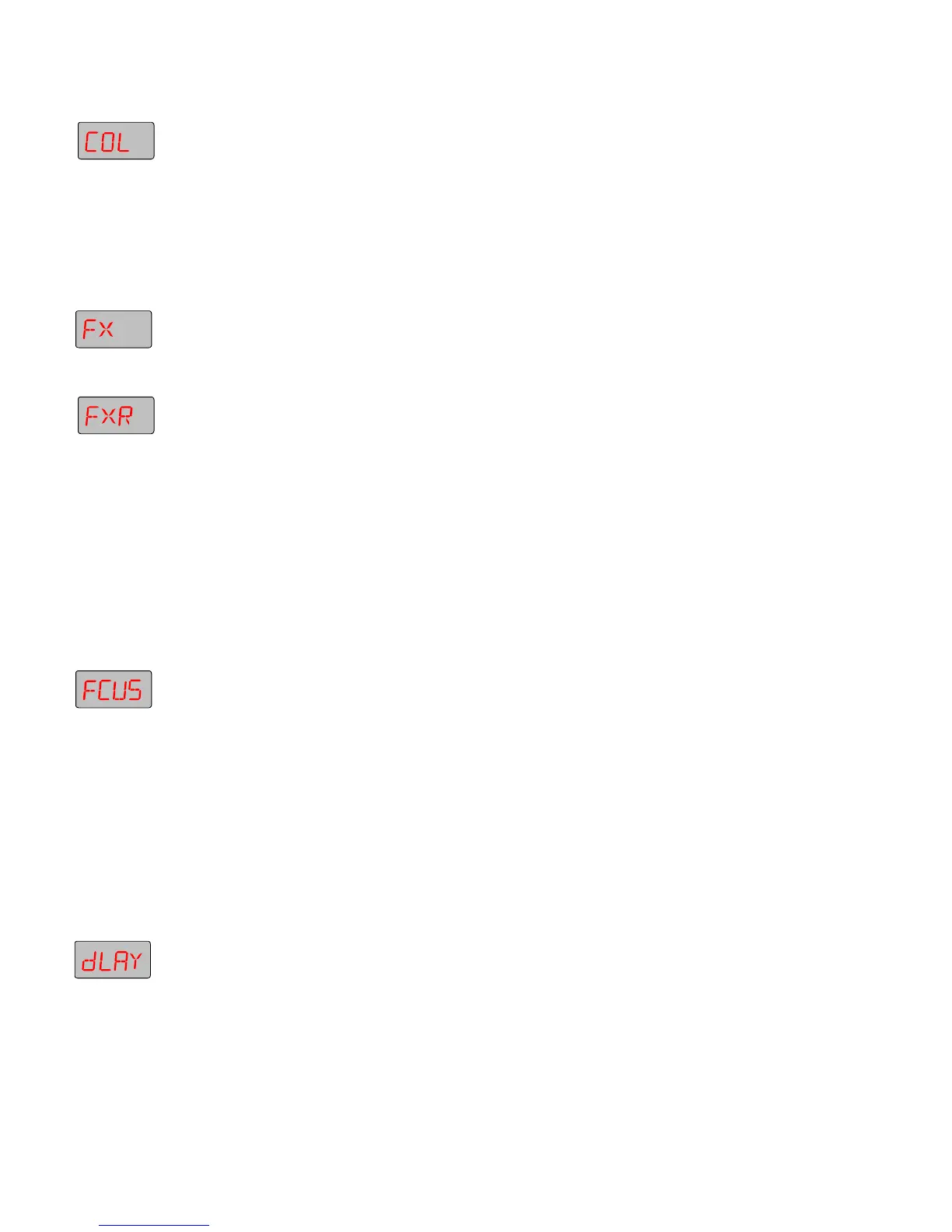
COL
construct.
2. Press <Enter>, then use the <Up> and <Down> arrow keys to select a
pause time (the higher the value, the longer the pause time).
3. Press <Enter> to accept your selection.
Selecting Effects Constructs
1. Use the <Up> and <Down> arrow keys to navigate to the
FX
construct.
2. Press <Enter>, then use the <Up> and <Down> arrow keys to select any
effects position other than
FX 1
(open).
3. Press <Enter>, then use the <Up> and <Down> arrow keys to navigate
to the
FXR
construct.
4. Press <Enter>, then use the <Up> and <Down> arrow keys to select
either a forward or reverse rotation speed.
5. Press <Enter> to save your settings.
Refocusing the Fixture
If you selected the suggested constructs, you should now see a litho
pattern being changed by a rotating effect and random color changes.
This section shows how you can use the fixture’s superior optics to
refocus the image.
1. Use the <Up> and <Down> arrow keys to navigate to the
FCUS
construct.
2. Press <Enter>, then use the <Up> and <Down> arrow keys to change
the focus. You can focus on the effects wheel, the litho wheel, the
color wheel or anywhere in between.
3. Press <Enter> when you are done.
Setting a Delay Time
The DLAY construct determines the length of time scene 1 “plays”
before the next scene begins.
1. Use the <Up> and <Down> arrow keys to navigate to the
DLAY
construct.
2. Press <Enter>, then use the <Up> and <Down> arrow keys to select a
value of
3.0
. This means that scene 1 will “play” for 3 seconds before
moving on to scene 2. (You will not see the effect of the DLAY
construct until you play back your programmed scenes.)



 To Next Page