5-6 Troubleshooting Technobeam
®
User Manual
Troubleshooting
If laser fails to illuminate, the most likely reasons are lack of power or
a failed laser.
Laser gradually loses power
This is normal; over time, the laser will gradually lose power until it
finally dims out entirely. If this is happening, contact High End
Systems Customer Service in one of the ways shown in “Contacting
High End Systems” on page Intro-4.
Laser is out of position
Align the laser as shown in the section titled “Technobeam Laser
Aiming Device™” on page 6-19.
Emission Indicator LED OFF, Laser OFF
The laser circuit board is not receiving power.
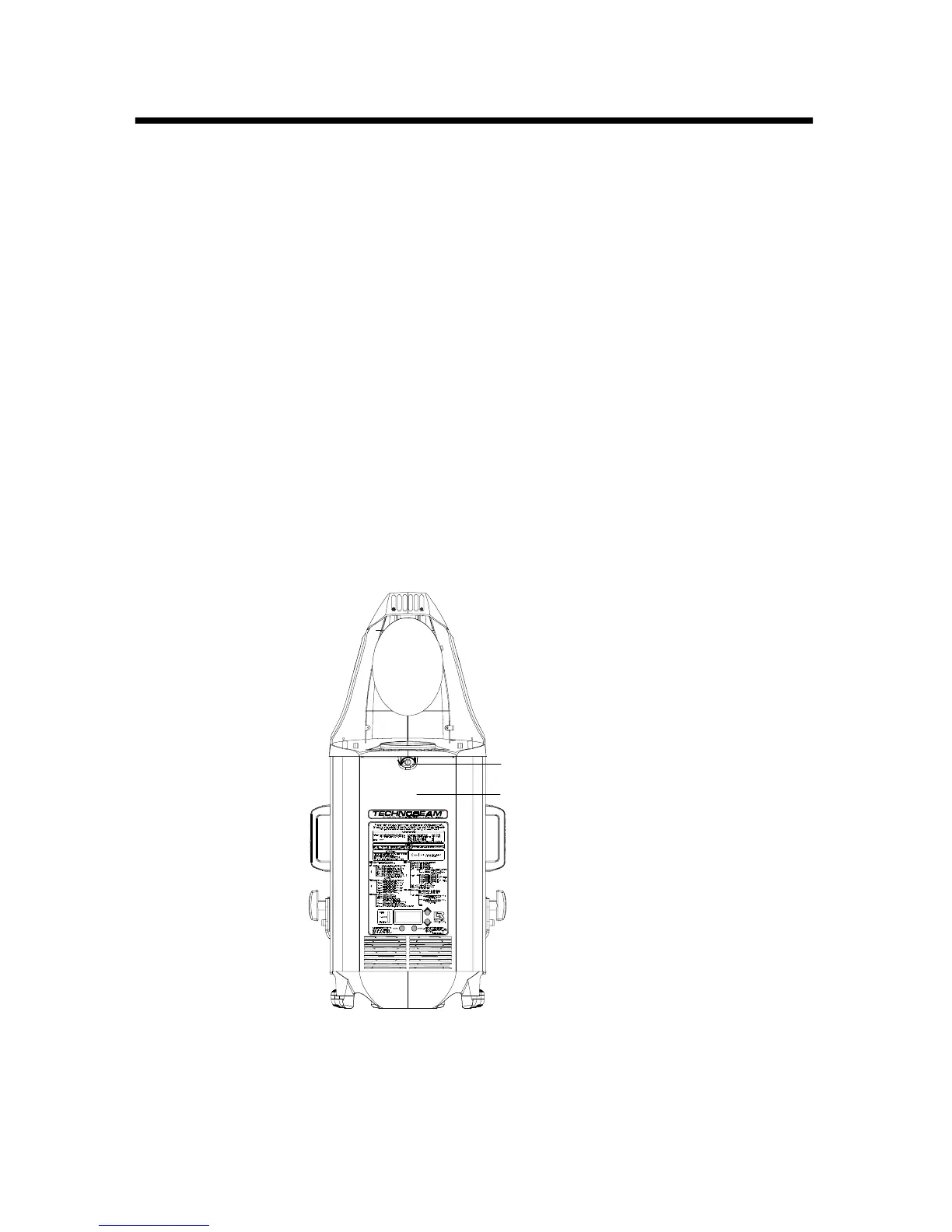
1. Unplug the fixture and remove the access door shown in Figure 5-3:
Figure 5-3. Removing the access door.
Door retaining screw
Access door



 To Next Page