Technobeam
®
User Manual Powering On the Fixture 2-3
Status LEDs
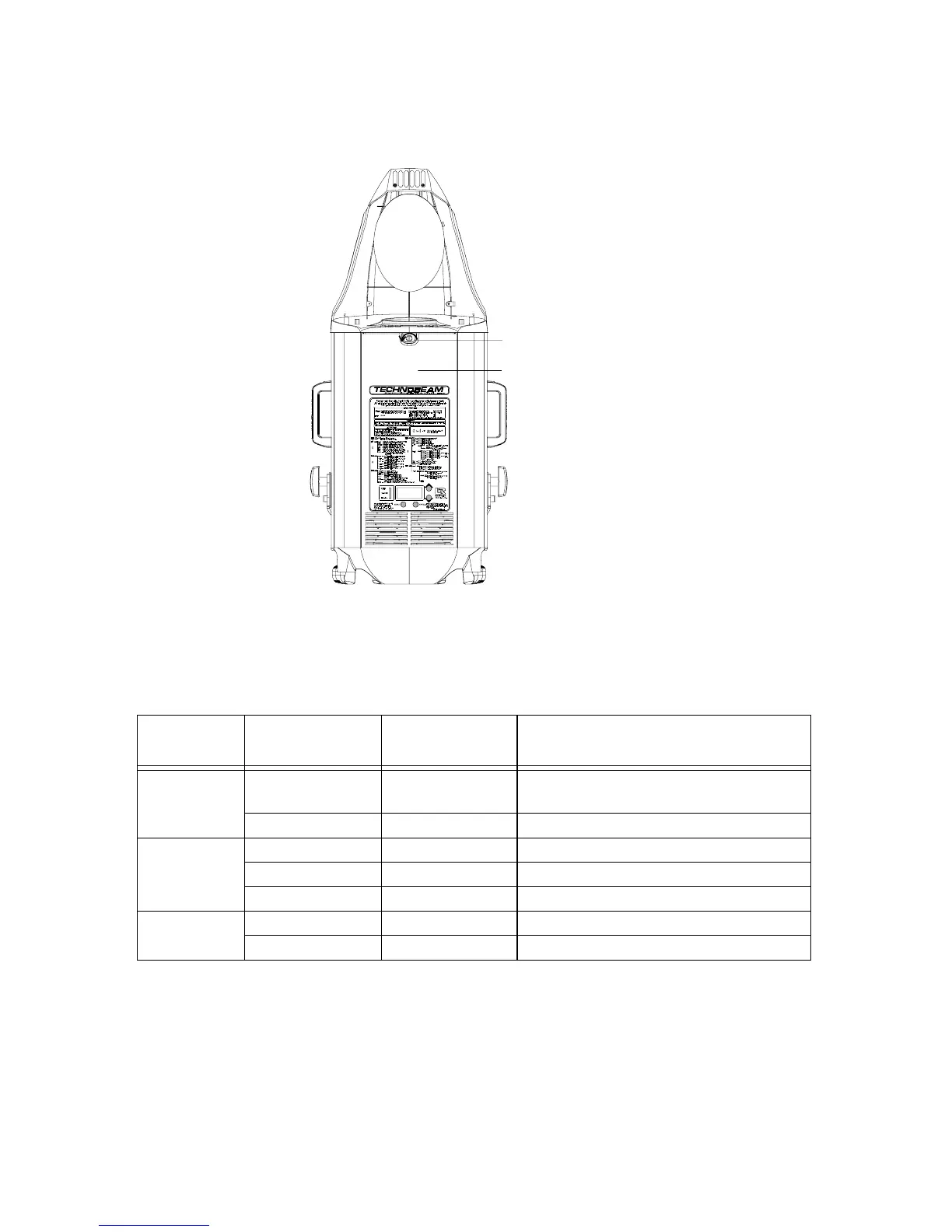
Technobeam fixtures have three status LEDs located on the access
door, as shown in Figure 2-2:
Figure 2-2. Location of the three status LEDs on the fixture’s access door.
Table 2-1 describes the three status LEDs:
If the LED states indicate a problem, see the section titled
“Troubleshooting” on page 2-20.
* - The Receive LED will not be ON unless the fixture is connected to a
DMX 512 link with a working controller. If you have already connected
Table 2-1. Status LEDs
LED name State
Problem
Indication?
Description
Motor solid red No The motors are receiving adequate
voltage.
OFF Yes Fuse or power failure. See below.
Transmit OFF Not necessarily* No data is being transmitted.
flickering yellow No A software crossload is taking place.
solid yellow Yes
†
Software or hardware failure.
Receive OFF Not necessarily* No data is being received.
flickering green No Fixture is receiving data.
Door retaining screw
Access door



 To Next Page