6-8 Replacing Wheel Components Technobeam
®
User Manual
6. Reach in with your finger to remove the litho/effect and aperture ring
(if any) from behind the spring.
7. See one of the following:
a. Rotating litho wheel: “Litho Installation Instructions” on page 6-9.
b. Rotating effects wheel: “Replacing a Rotating Litho or Effect” on
page 6-10.
Removing a Static Litho
1. Rotate the wheel until the desired litho is easy to access.
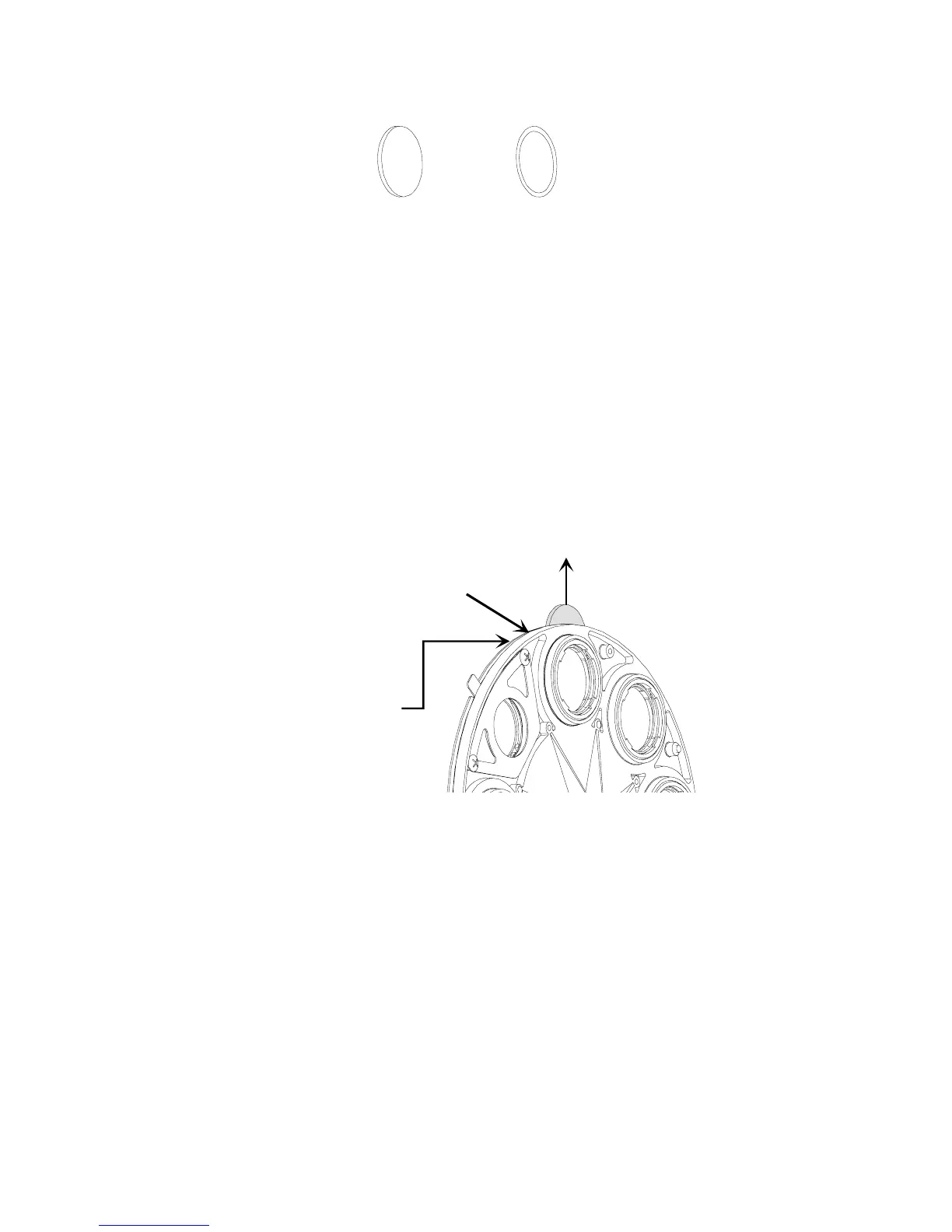
2. Carefully spread the wheel apart and reach behind the wheel to remove
the litho as shown Figure 6-7:
Figure 6-7. To replace a static litho in the rotating litho wheel, gently separate
the wheel and reach behind the wheel to push the litho out.
Cleaning the Litho
Clean the litho, if necessary, using a mild glass cleaner (
containing no
ammonia)
and a soft, lint-free cotton cloth.
Litho
Aperture
ring
Pull litho out
Gently separate
wheel
Reach behind
wheel with
your finger,
push litho up
1
2
3



 To Next Page