Technobeam
®
User Manual Troubleshooting 5-7
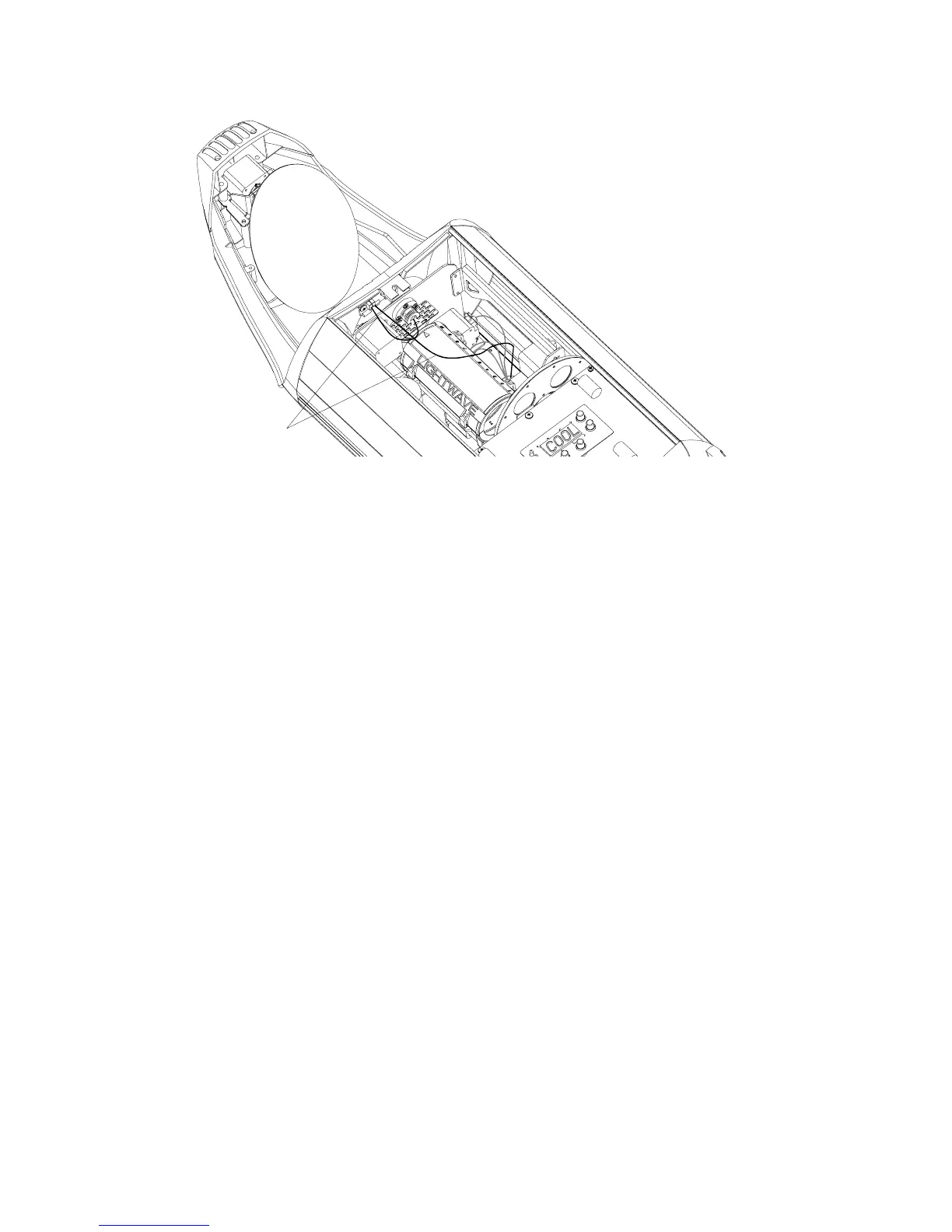
2. Check all wiring connections shown in Figure 5-4:
Figure 5-4. LAD wiring connections.
3. Check to make sure the cable labeled “LAD” is connected to the main
circuit board (with the LED display).
4. Replace the access door, plug the fixture in and make sure you have
enabled the laser as shown in the section titled “Controlling the Laser”
on page 5-5.
5. If the Emission Indicator LED and laser are both still OFF, contact High
End Systems Customer Service in one of the ways shown in “Contacting
High End Systems” on page Intro-4.
Emission Indicator LED ON, Laser OFF
1. The laser aiming device assembly is not receiving power. Check the
connection at the laser aiming device circuit board, shown in Figure
5-5.
LAD cables



 To Next Page