PREDATOR XS TURNTABLE STRETCH WRAPPER OPERATION MANUAL
HIGHLIGHT INDUSTRIES, INC. ● 2694 PRAIRIE SW; WYOMING; MI 49519 ● 1-800-531-2465
II-11
Cutler-Hammer AC Drive Keypad Operators
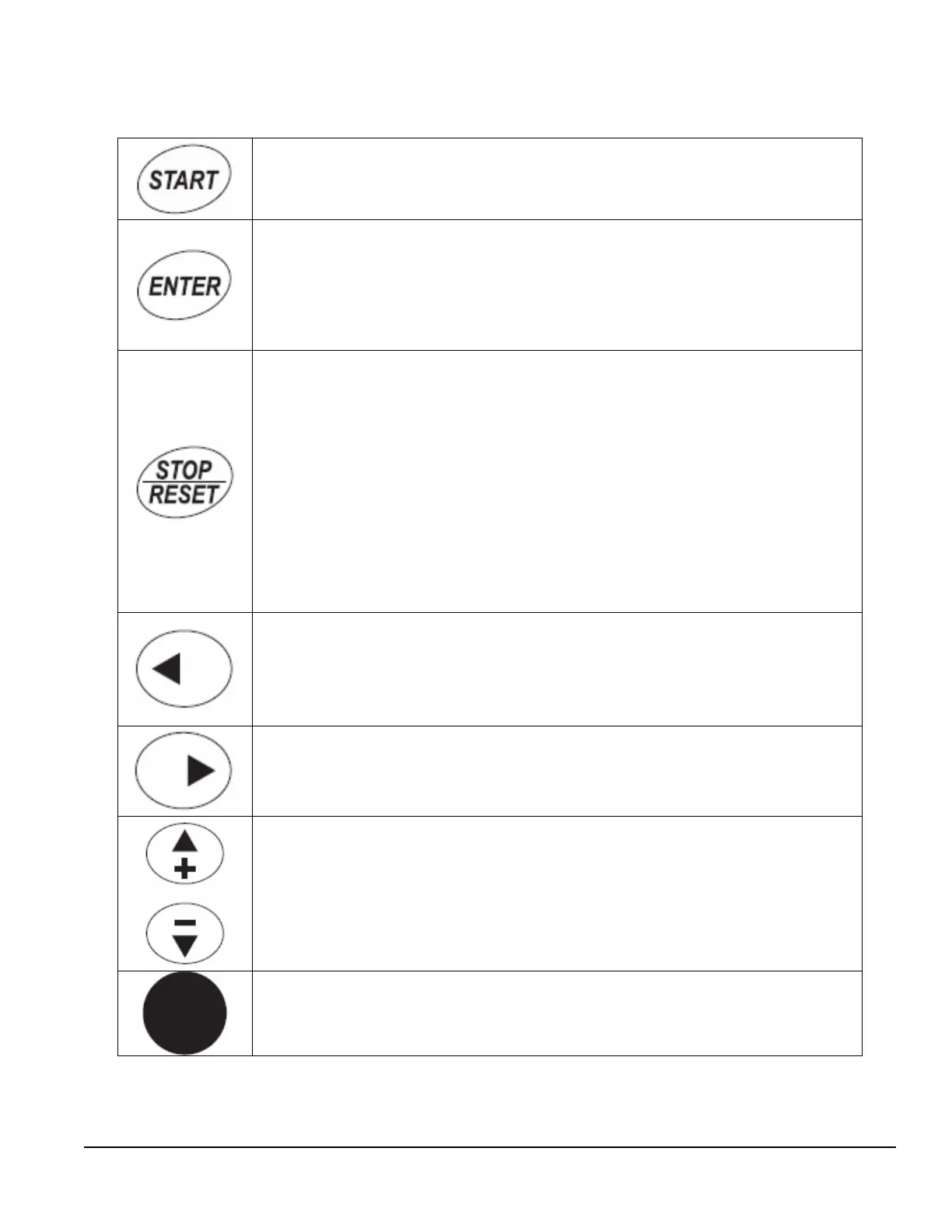
START
This button operates as Start button for normal operation.
ENTER
This button in the parameter edit mode is used to enter the
programming mode and enter the parameter selection.
• Used for parameter edit confirmation, acceptance (confirmation)
of the edited parameter value with exit from parameter edit
mode.
STOP/RESET
This button has two integrated operations. The button operates as Stop
button for normal operation. In the parameter edit mode it is used to
cancel previous action and back-up one step, and in fault mode it is
used to reset the fault.
STOP
• Motor STOP from the panel; active control place has to be selected
at “Panel”
RESET
• Used for active fault resetting
• In programming mode press RESET key to cancel previous action
and back up one step
LEFT Arrow
• Navigation button, movement to left
• In display mode, enter parameter group mode
• In parameter edit mode, exits mode, back up one step
• Cancels edited parameter (exit from a parameter edit mode)
RIGHT Arrow
• Navigation button, movement to right
• Enter parameter group mode
• Enter parameter mode from group mode
UP and DOWN Arrows
• Move either up or down the group list in order to select the desired
group menu.
• Move either up or down the parameter list in order to select the
desired parameter in the group.
• Increasing/decreasing of reference value on the keyboard (when
selected).
SPEED POT
•
Increase/decrease reference value on the keypad (when selected)


 To Next Page