Chapter 7 Set Device Rotary DIP Switch
Aer door staons have been connected to indoor staons, you can set rotary DIP switch of these
devices.
DIP Switch of Door Staon
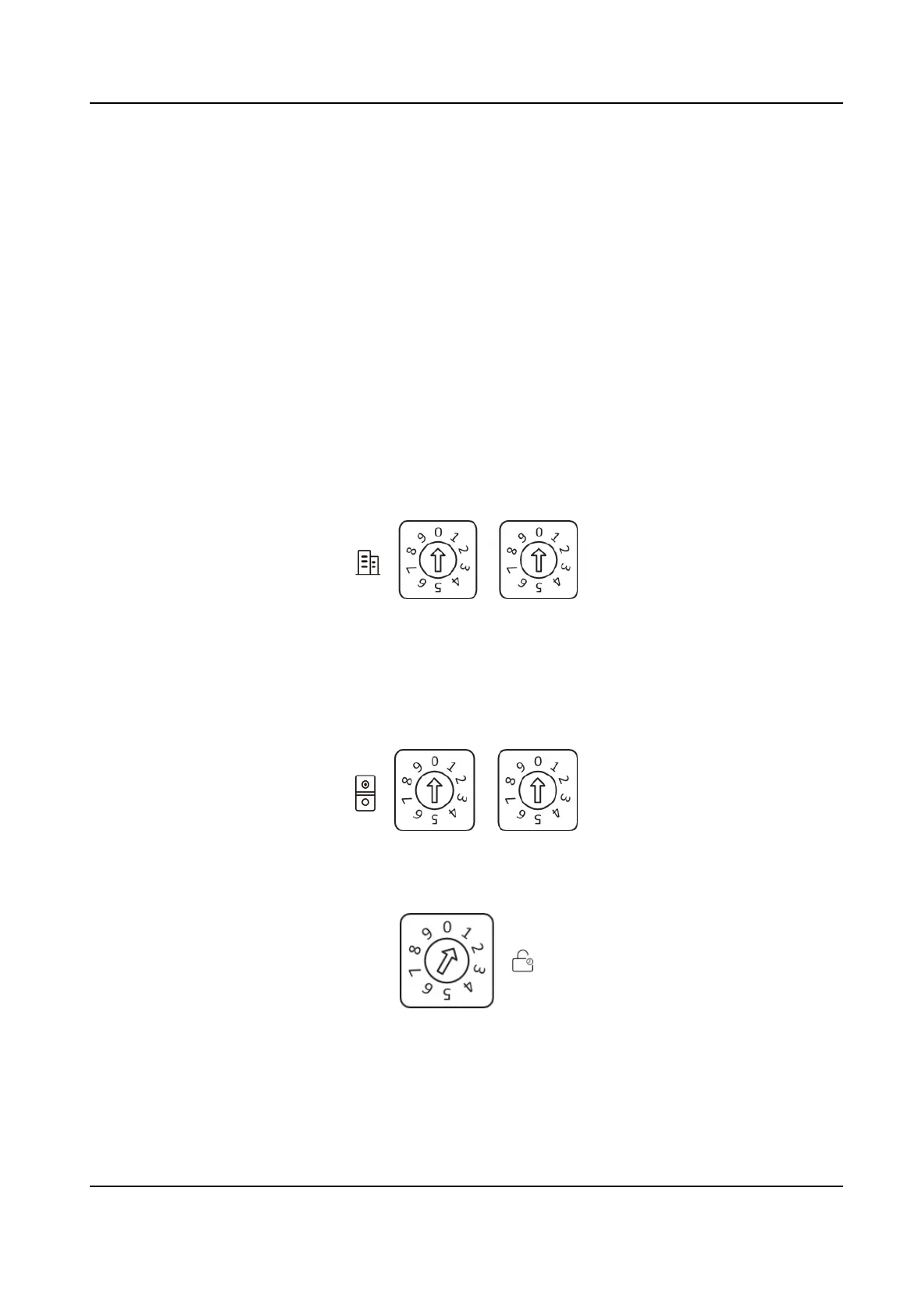
Use the rotary switch to set the building No., door staon No., sub door staon, outer door staon
No. and door open duraon. The Tens column refers to the number in Tens, and the Units column
refers to the number in Units. On each rotary DIP switch, 0 to 9 refers to No. 0 to 9. In total, you
can use 1 to 99 to number the building. If the door
staon is main door staon, the Door Staon
No. should be set as 0; If it is sub door staon, set Door Staon No. as 1~16; If it is outer door
staon, set Door Staon No. as 90~99. Use the screwdriver to adjust the number. The arrow
indicates the number.
Building No. (1~99)
Figure 7-1 Building No.
Door Staon No.
Main Door
Staon: 0
Sub Door Staon: 1~16
Outer Door
Staon : 90~99
Figure 7-2 DIP Switch of Door
Staon No.
Door Open Duraon
Figure 7-3 DIP Switch of Door Open
Duraon
DS-KD7003EY-IME2 Module Door Staon User Manual
49



 To Next Page
 Loading...








