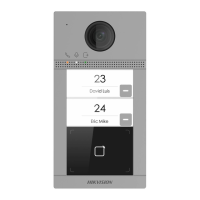
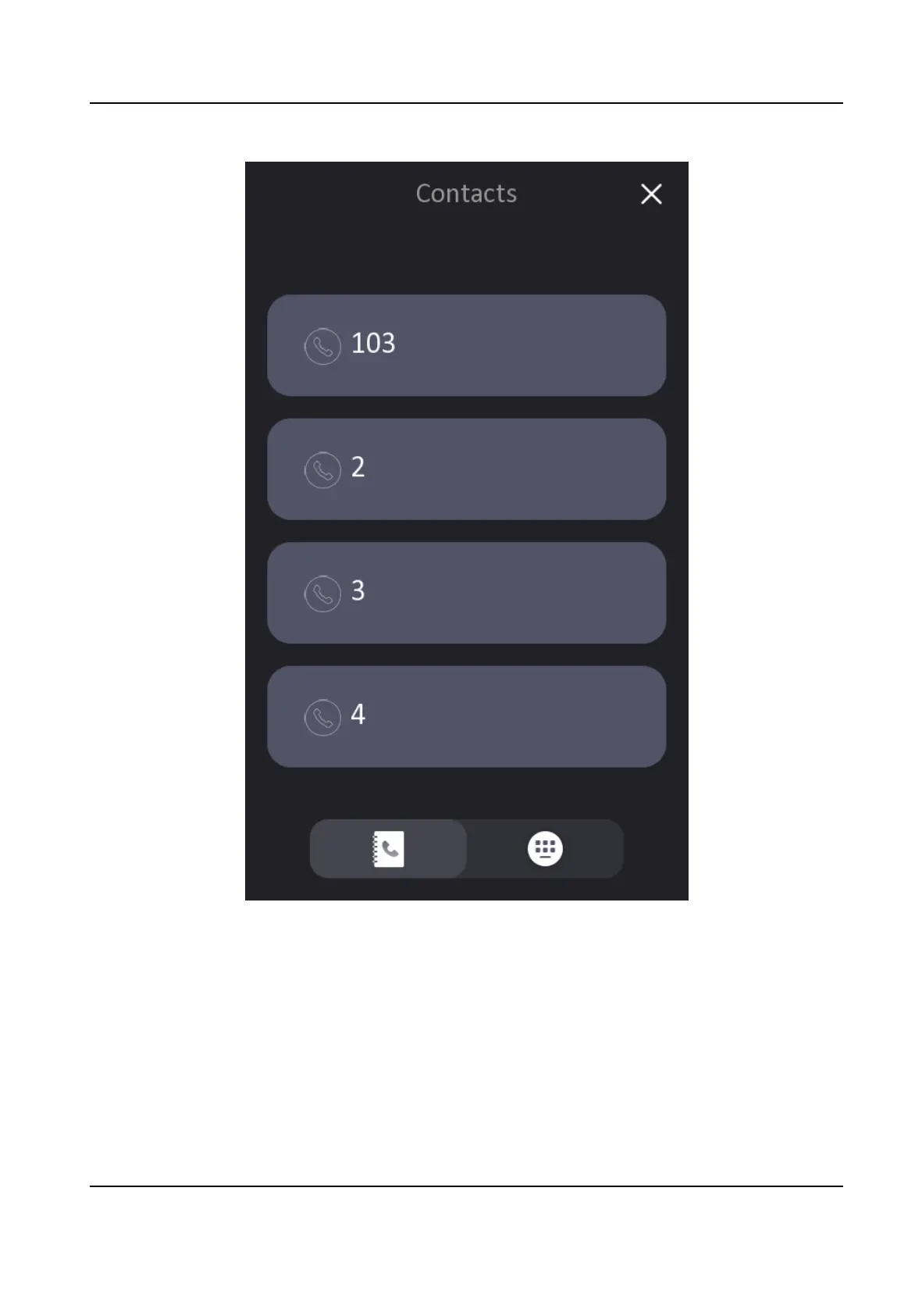
Figure 6-2 Contacts
Call Resident from Outer Door
Staon
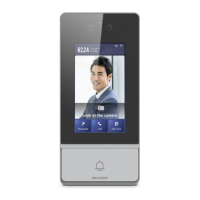
On the main page of the outer door staon, tap Call to enter the calling page.
Enter Phase No. + # + Building No. + # + Unit No. + # + Room No., and tap Call again to call
residents.
Enter Phase No. + # + Building No. + # + Unit No. + # + Room No., and tap Call again to call
residents.
Enter Phase No. + # + Room No., and tap Call again to call residents.
Video Intercom Villa Door Staon User Manual
36


 To Next Page
 Loading...