10
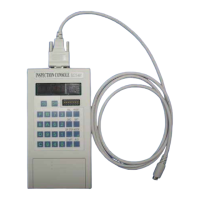
2.3 (3) Power Button/(4) Operation Button
Power ON-OFF button. Pressing ON button for about 1 second or longer turns the Maintenance Console
ON. Pressing OFF button while the power is ON, the console is turned OFF.
Functional buttons. Used for setting and resetting data, selecting function (Mode), increasing/decreasing
value (INC/DEC), stopping door, starting the elevator and so forth.
Hexadecimal buttons. Used for entering adjustment and other values and address.
2.4 (5) Battery Box
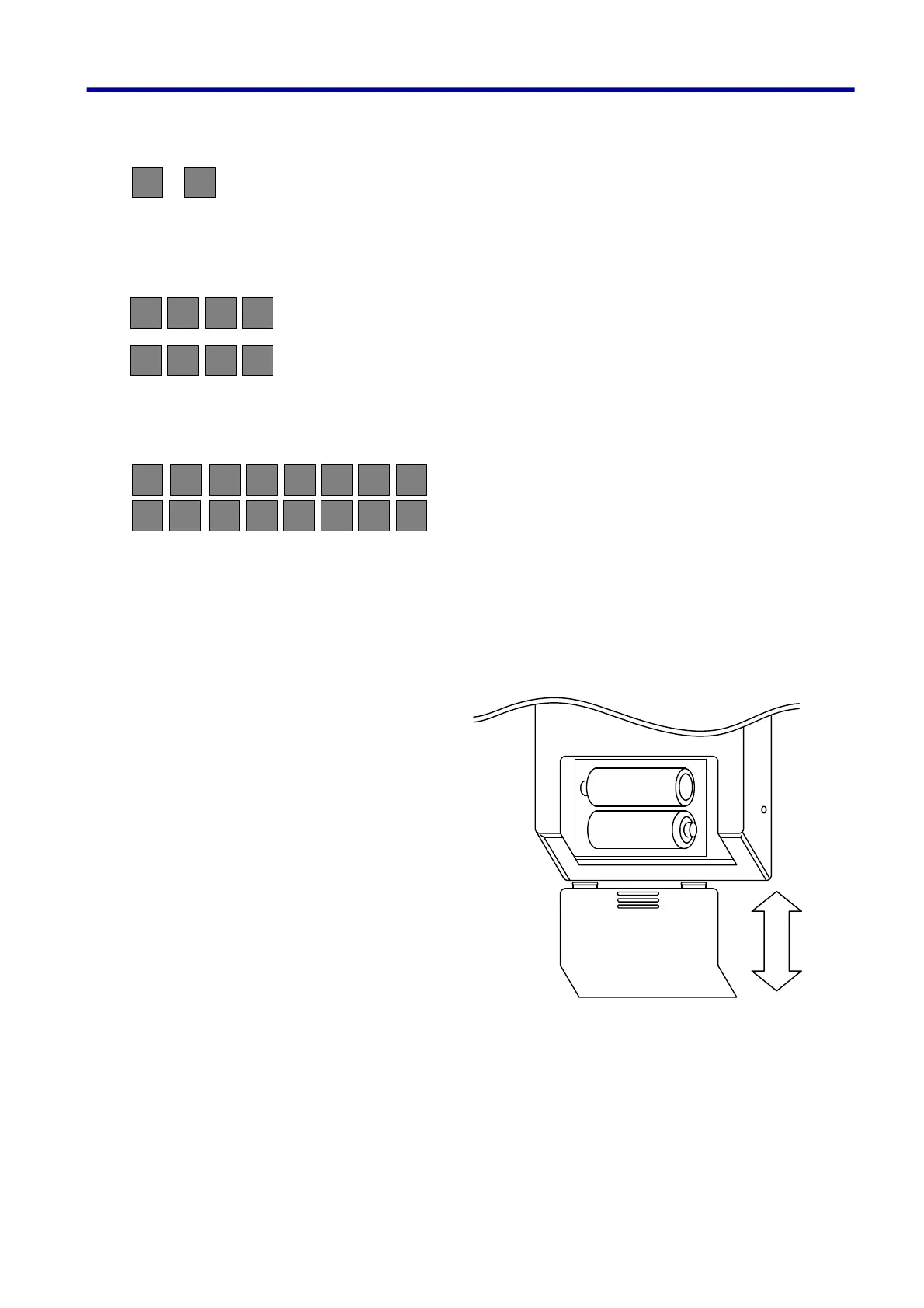
Slide the battery box cover downward to
open. Set 2 batteries attached in the
direction shown in the diagram. To close
the box, fully slide the cover upward until it
clicks.
OFF
ON
RESET
SET
MODE
A/D
INC
DEC
DRSTOP
START
LW
B
3
210 765
BA98 FEDC
4
2. Name of the Sections and their Functions


 To Next Page