23
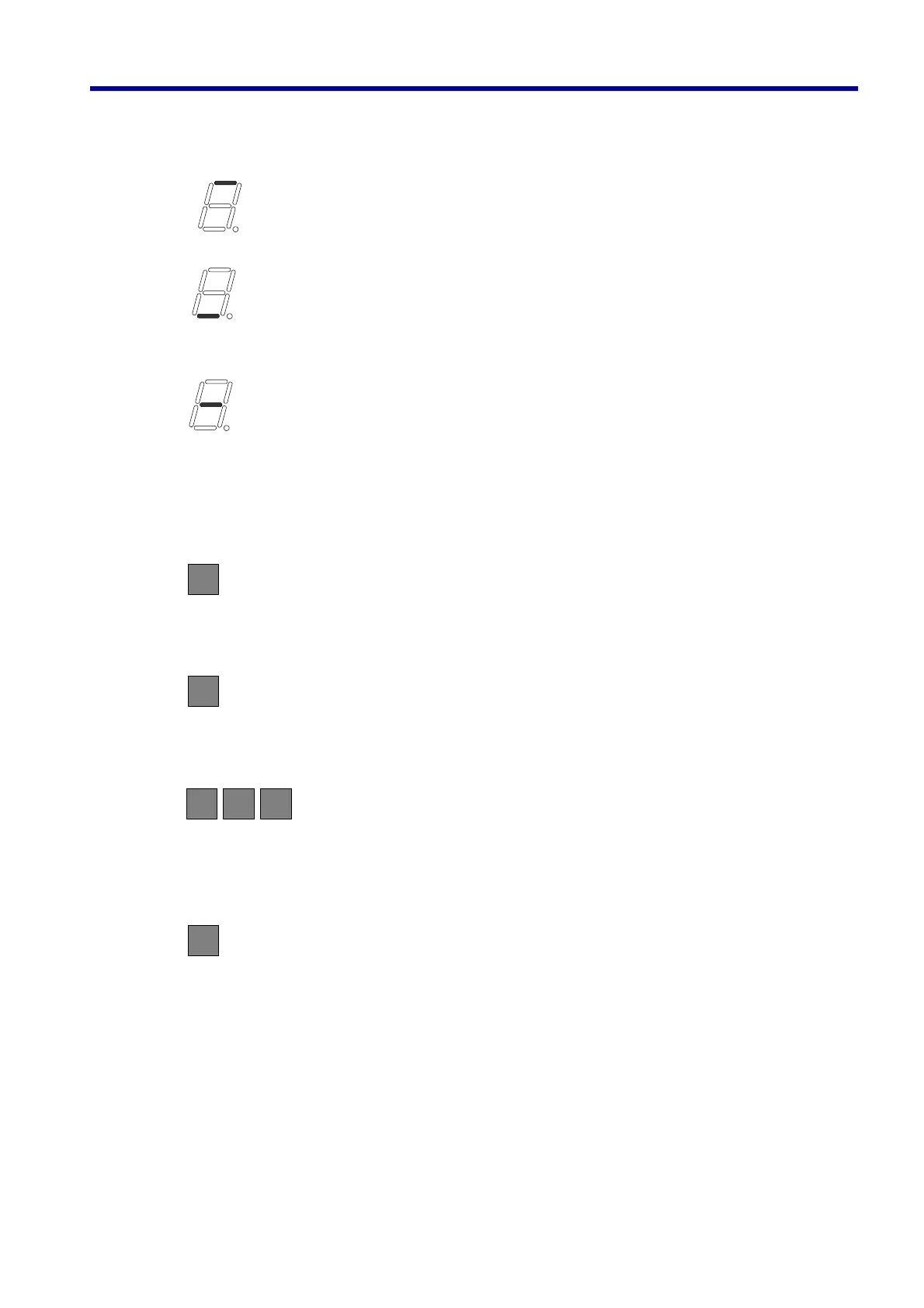
● (9th digit): Section of indication
Indicates the section of data currently indicated by 1st to 8th digits.
(Address indication mode): Indicates that the address is indicated to 1st -6th digits.
(Data indication mode): Indicates that data corresponding to the address entered to
1st to 8th digit is being indicated.
(Data rewrite mode): Indicate the state where rewriting data is being entered for
rewriting the data for the entered address.
5. 2 Basic Method of Operation
(1) reset button
Depressing the reset button returns the display to the address indication mode irrespective of the current
indication section/mode. At this time, data access size, address, etc. will be all reset simultaneously.
(2) set button
Depress this button when confirming the rewriting data in the data rewrite mode. This causes the data to
be actually written. This button is invalid in other mode.
(3) data indication buttons (L/W/B, DOOR/MODE/START buttons)
Depressing the data indication button during the address indication mode changes to the data indication
mode. At this time, B (START button) will be for byte size access (2 digits), W (MODE button) for word size
(4 digits) and L (DOOR button) for long word size access (8 digits).
(4) address/data selector button
Selects the address indication mode and data indication mode alternately. This button is invalid
when the access size is in undefined state before (3) data indication button is depressed. If this
button is depressed during the data rewrite mode, the data under the entry process will be dumped
and the mode returns to the address indication.
RESET
SET
MODE
W
START
B
DRSTOP
L
A/D
5. Group/Door Mode



 To Next Page