Discovery QDR Series Technical Manual
5-17
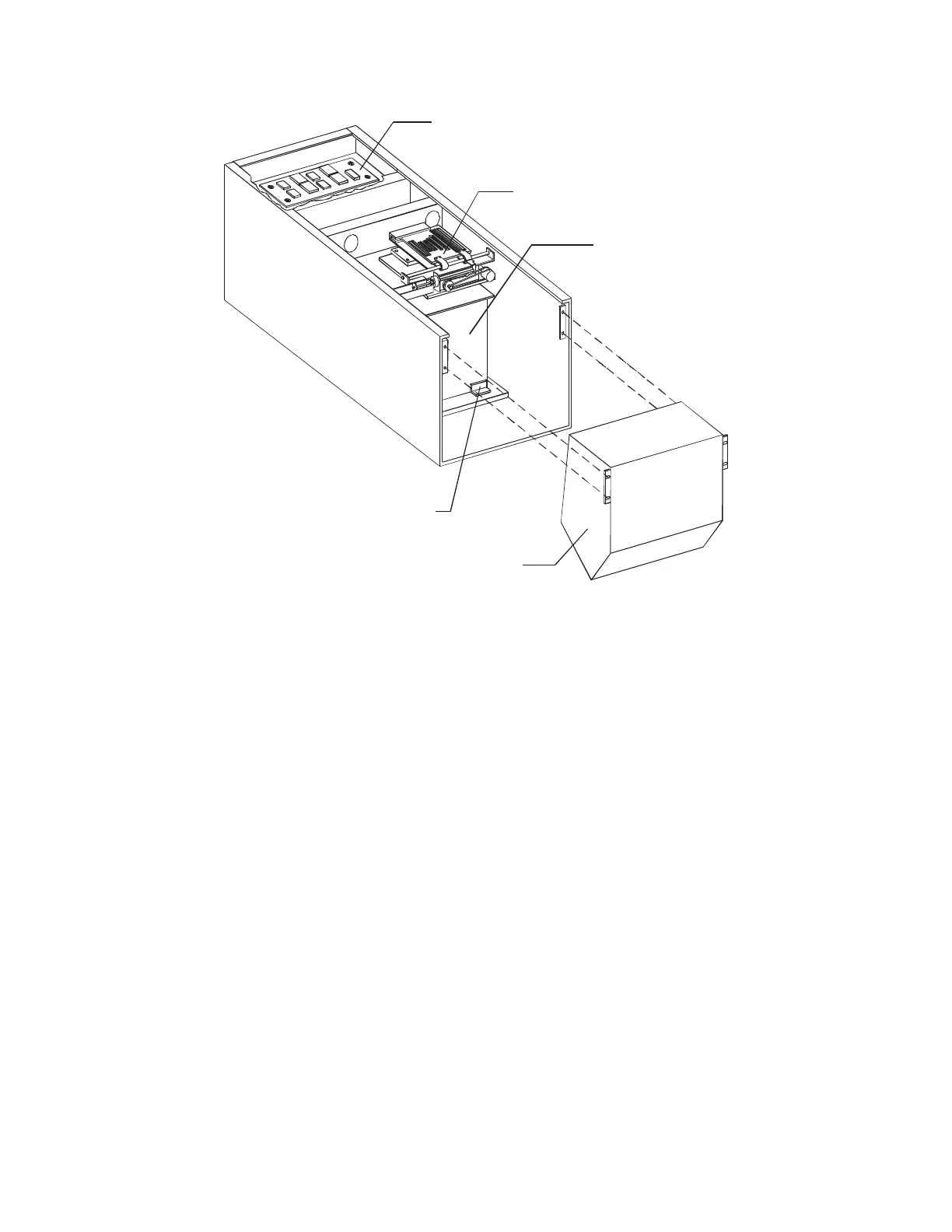
Figure 5-7. Lower C-Arm FRUs
5.6.1 C-Arm Interface Board
To remove and replace the C-Arm Interface Board, refer to Figure 5-7 and follow the
procedure below:
1. With the C-arm in the center of the table, use the Control Panel to move the table
out as far as it will go, for easier access to the cover screws.
2. Shut down the computer and then turn off the main circuit breaker on the foot end
pedestal.
3. Remove the lower C-arm cover, then remove the rear tank cover (covers the C-
arm Interface board).
4. Unplug all cables to the C-Arm Interface Board.
5. Remove 4 Phillips screws and remove the board.
6. To replace the C-Arm Interface Board reverse the steps.
7. Restore power, boot the computer and login as Service.
8. Perform “Test Scan Modes” on page 3-64.
X-Ray Controller Assembly
L-Bracket (2x)










 To Next Page