Discovery QDR Series Technical Manual
7-3
[ ] Run a computer virus checker (any major brand that is current for latest virus types).
[ ] Clean the fan filters, paying special attention to the computer fan filter.
[ ] Clean all exterior metal surfaces and wipe off the rails.
[ ] Clean the monitor screen, keyboard, and mouse ball rollers.
[ ] Clean the inkjet printer rollers and ink cartridge electrical contacts with isopropyl
alcohol.
7.2.1 Guide Rail and Bearing Maintenance
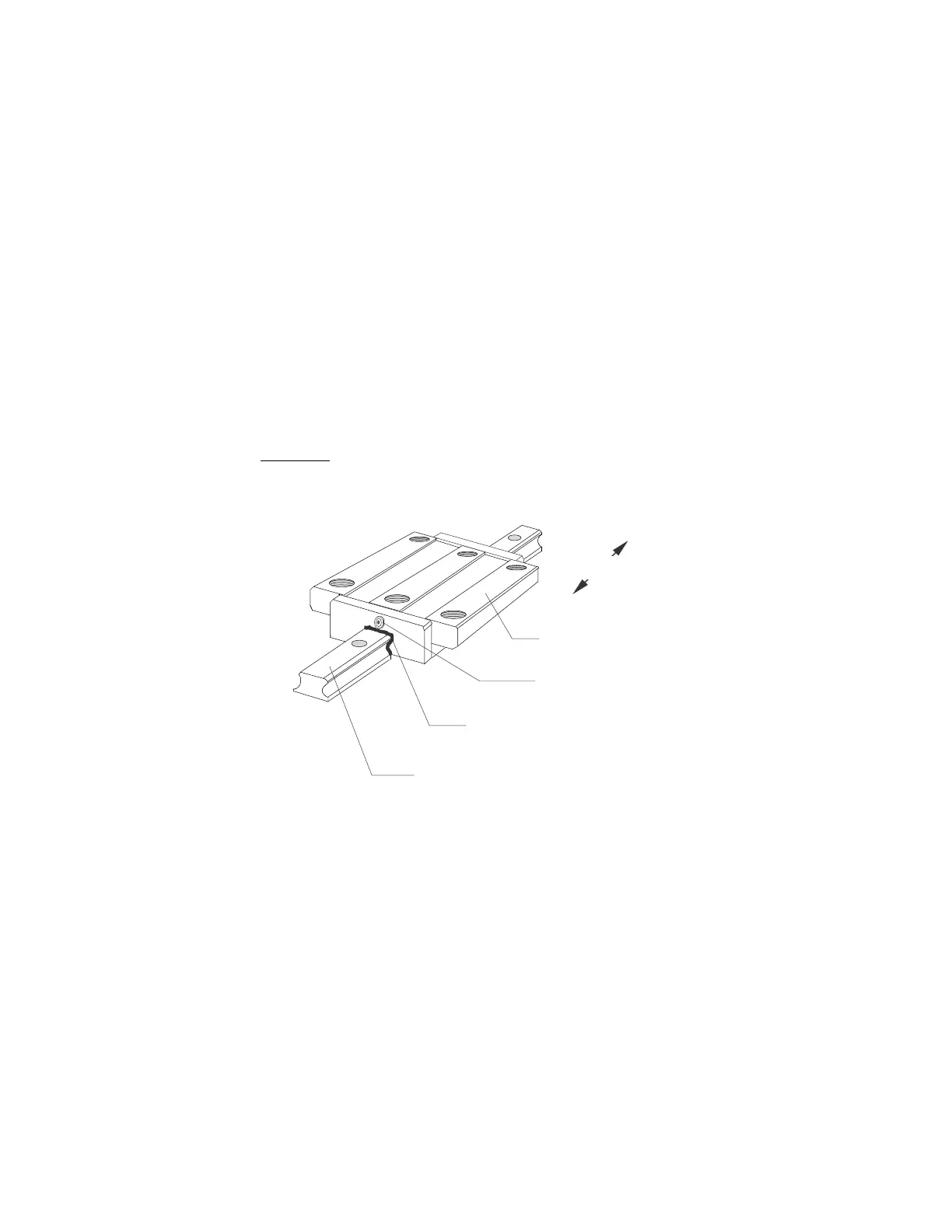
On all Discovery models, a guide rail and two guide bearings (AY) are located at the lower
back of the C-arm. Another guide rail and two guide bearings (TX) are located on the right
side running front to back just below the table. (See Figure 7-1).
1. Clean the AY and the TX guide rails using a dry, clean cloth.
Note: DO NOT use solvents such as alcohol or WD-40. If a solvent is needed to
remove dirt and/or gum buildup on the rail, be sure to thoroughly dry the
rail before moving the bearings. The solvent may harm the bearing grease.
Figure 7-1. Guide Bearing and Rail
Seal
Guide Rail
Guide Bearing
otio










 To Next Page