Discovery QDR Series Technical Manual
5-30
5.7.4 Analog to Digital Converter Board (A Model only)
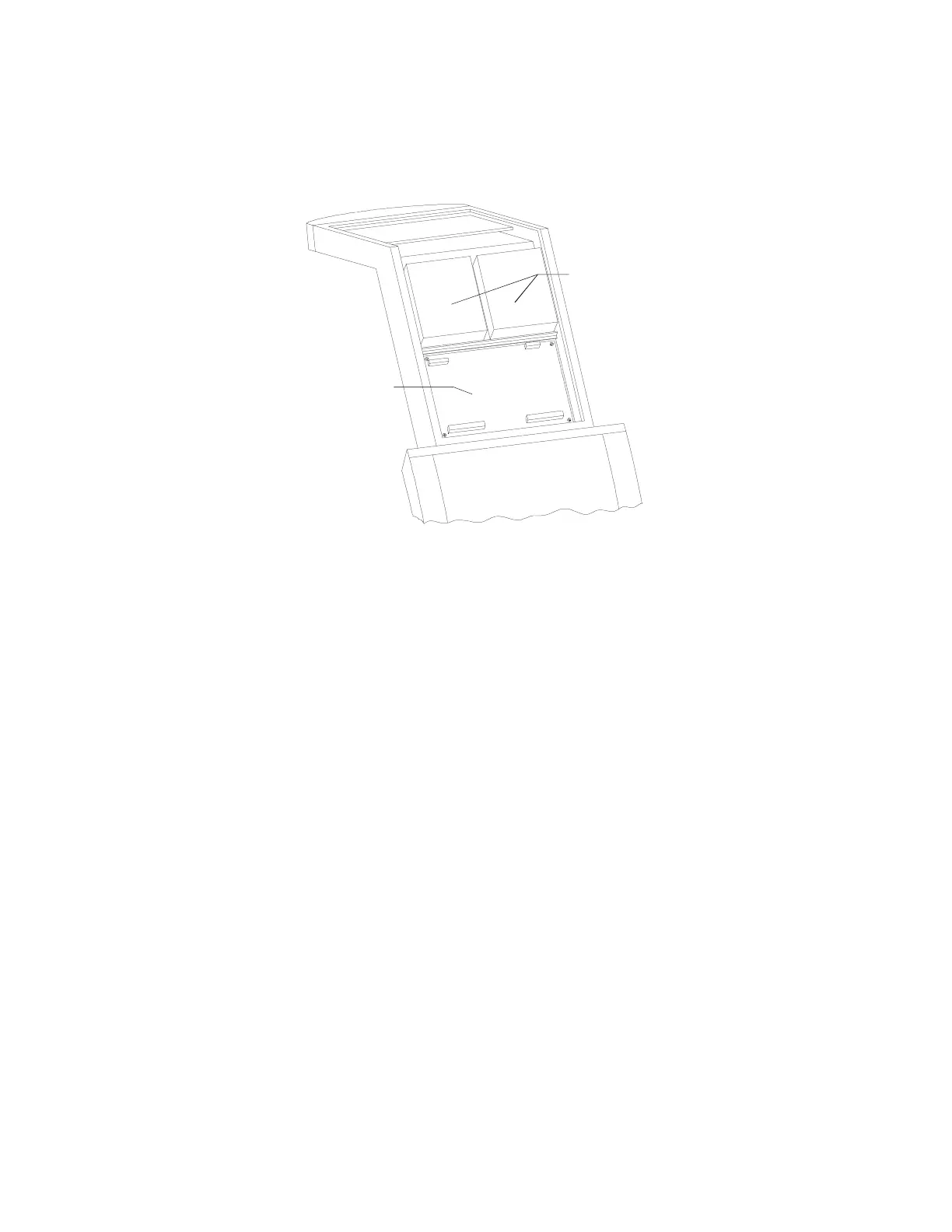
To remove and replace the Analog to Digital Converter (ADC) Board refer to Figure 5-15
and follow the procedure below:
Figure 5-15. Rear C-Arm FRUs
1. The C-arm should be in the AP position.
2. Shut down the computer and then turn off the main circuit breaker on the foot end
pedestal.
3. Remove the C-arm covers.
4. Unplug the cables on the ADC board.
5. Remove 4 Phillips screws, and remove the ADC board.
6. To replace the ADC board reverse the steps.
7. Restore power, boot the computer and login as Service.
8. Perform “A/D Gain Control Adjustment” on page 4-26.
9. Replace any covers that were removed.
10. Perform “Detector Flattening ” on page 4-29.
Convertor Bd
Analog to Digital










 To Next Page