Discovery QDR Series Technical Manual
5-23
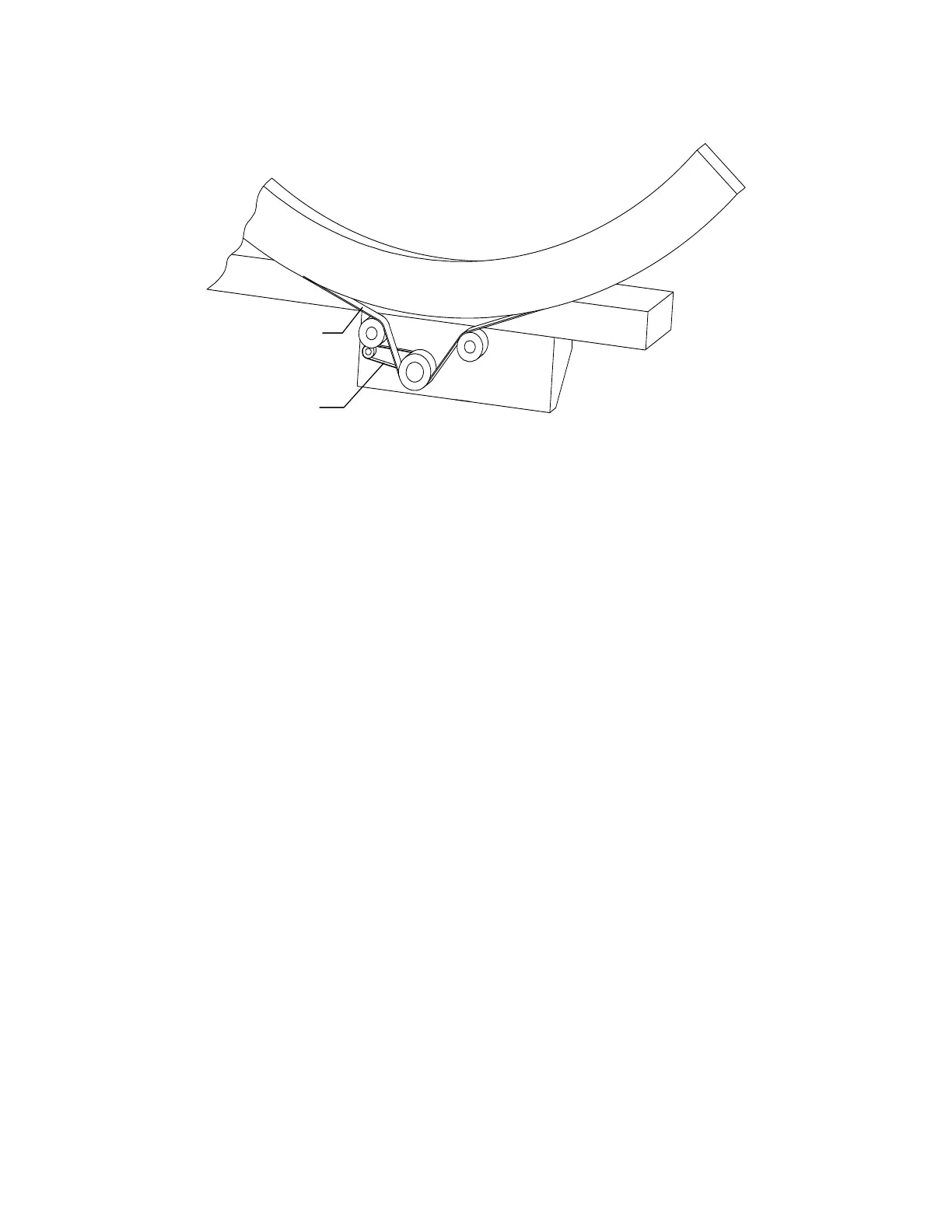
Figure 5-10. C-Arm R FRUs (Inside View)
5.6.6 Motor Controller Board
To remove and replace the Motor Controller Board refer to Figure 5-9 and follow the
procedure below:
1. Remove the motor cover plate by removing 2 (Phillips) screws.
2. Shut down the computer and then turn off the main circuit breaker on the foot end
pedestal.
3. Unplug the cables and unscrew the Phillips screws holding the board.
4. To replace the board reverse the steps.
Note: When replacing the AR Motor Controller board, ensure that the ID switch
is set to 6.
5.6.7 Arm R Belt
To remove and replace the Arm R Belt refer to Figure 5-9 and Figure 5-10, and follow the
procedure below:
1. Shut down the computer and then turn off the main circuit breaker on the foot end
pedestal.
2. Remove the tank covers.
3. Remove the X-ray controller assembly (to gain access to the front belt clamp).
4. Remove the rear C-arm shoulder cover.
Note: Take care not to move the C-arm during the remainder of this procedure.
5. Remove the belt tension nut, and remove the rear belt clamp (four 5/16" bolts).
6. Remove the belt from the motor pulleys. Access the pulleys from the left side of
the Scanner looking under the C-arm (see
Figure 5-10).










 To Next Page