Discovery QDR Series Technical Manual
9-9
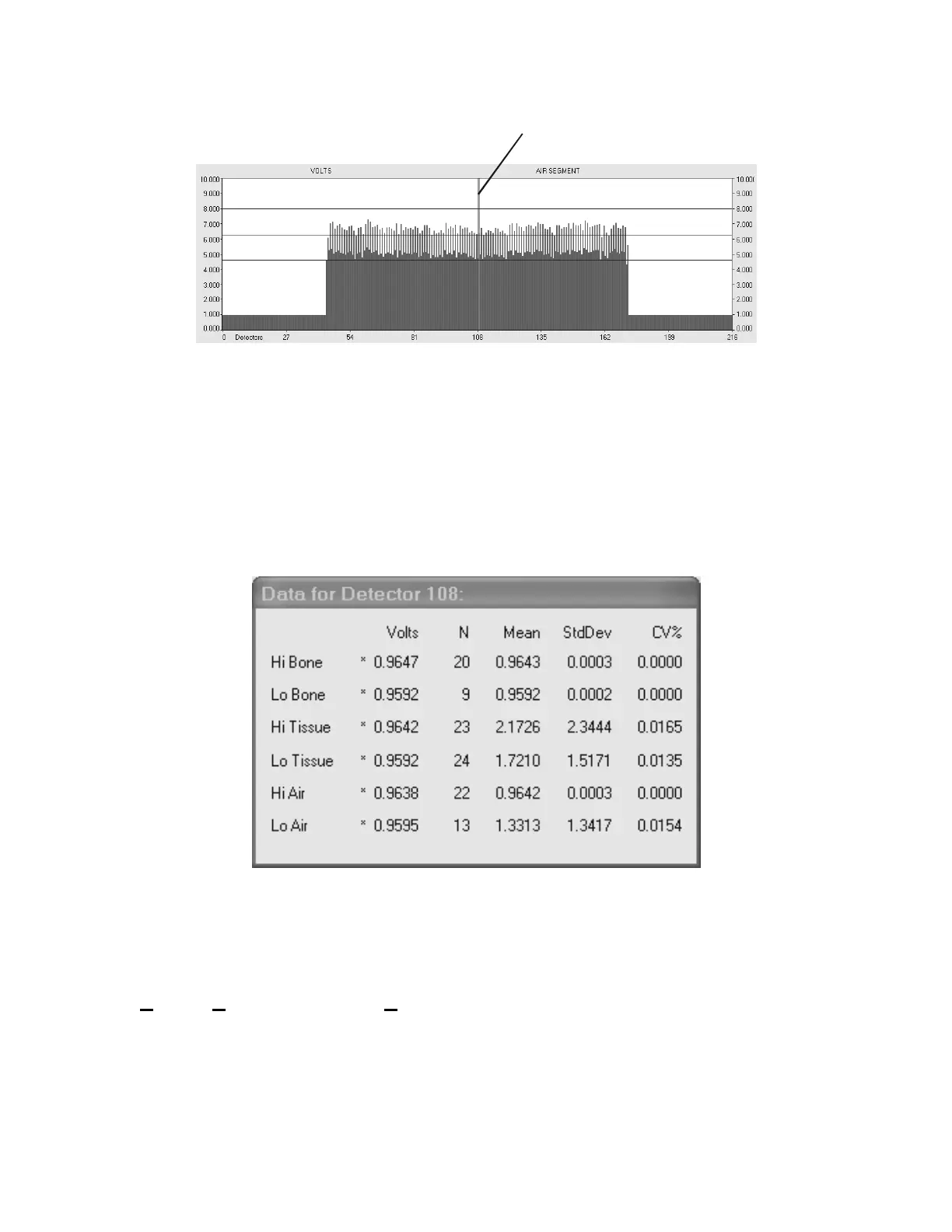
Figure 9-9.Moving the Detector
9.1.3.5.4 Show Details
Show Details defaults to off. When clicked, a small window pops up containing detailed
information about one detector, in tabular form (see Figure 9-10). This information
includes the current (most recent) value, mean value, standard deviation and number of
samples (values used to calculate the mean and standard deviation) for each of the six
filter-segments. The pop-up window can be dragged wherever the user wants and remains
until Show Details is actively released.
Figure 9-10. Show Details Window
9.2 SQDRIVER
The SQDRIVER program is accessed from the Discovery Main Menu by selecting
Utilities|Service Utilities|SQDRIVER. This program is used to calibrate the motors
and can be used as an effect tool for troubleshooting motor movement problems.
line to change detectors.










 To Next Page