Discovery QDR Series Technical Manual
3-33
3.4.4 Calibrate Motors
The SQDRIVER program provides a CALIBRATE command for each of the motors (AY,
AR, TY, TX, and TZ) to calibrate the encoder readback and determine the limits of
motion. These values are loaded into the SQDRIVER.INI file.
Note: Calibrate motors in the following order: TZ, AY, TY, TX, and AR.
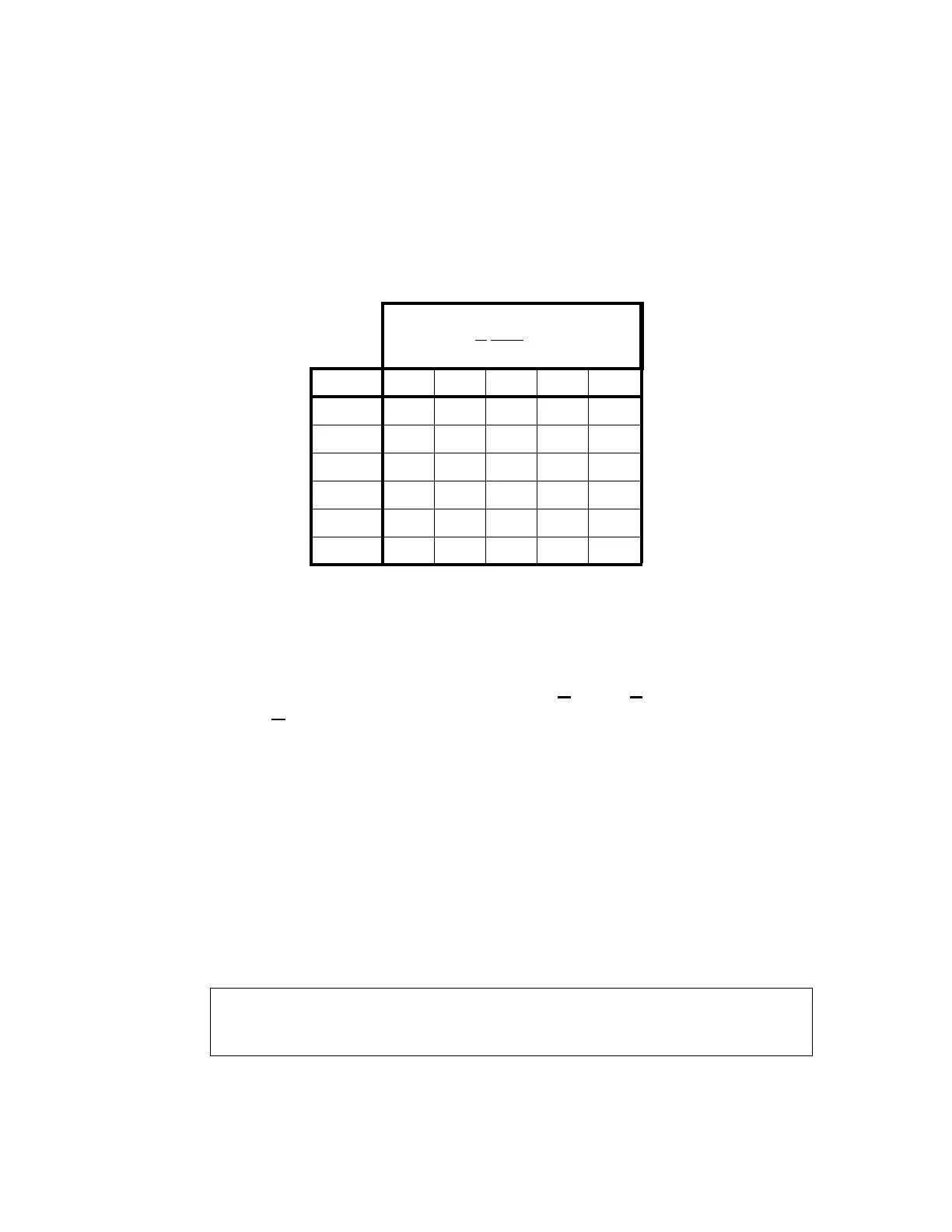
Use the following table to determine which calibration procedures you need to perform on
a given Discovery model.
Each motor (except TZ) requires the corresponding protocol calibration file in the
PROTOCOL sub-directory (e.g., for MOTOR$AY, the calibration protocol is
MOTOR_AY.PRO).
To perform the calibration procedure:
1. From the Discovery Main Menu screen, select Utilities|Service Utili-
ties|SQDRIVER (you must be in Service Mode).
2. At the CARM$$$$> prompt, type MOTOR$XX<Enter>, where XX equals TZ,
AY, TY, TX, or AR depending on which motor you are calibrating.
3.4.4.1 MOTOR$TZ (Discovery A and SL only)
1. Select the TZ motor device driver by typing: MOTOR$TZ<Enter>.
2. At the MOTOR$TZ> prompt, type: CALIBRATE<Enter>.
The program sends the calibration command to the TZ microprocessor and waits
twenty seconds for table motion to complete. During this time, the TZ micropro-
cessor moves the table pedestals to their top mechanical limit and then back
down to their lower mechanical limit. You are then asked the following:
3. Measure the distance moved using the bottom edge of the top pedestal cover and
the floor. The system displays:
Perform the calibration procedures if
indicated (*)
in order from left to
right.
Model TZ AY TY TX AR
A * * * * *
SL * * N/A * *
W N/A * * * N/A
Wi N/A * * * N/A
C N/A * N/A * N/A
Ci N/A * N/A * N.A
Mark the current height of the table and press the <Enter> key to move
the table to the topmost position. Then measure the distance that the table
moved in centimeters.










 To Next Page