Discovery QDR Series Technical Manual
3-39
Note: Press <Esc> anytime during the scan to abort the calibration procedure.
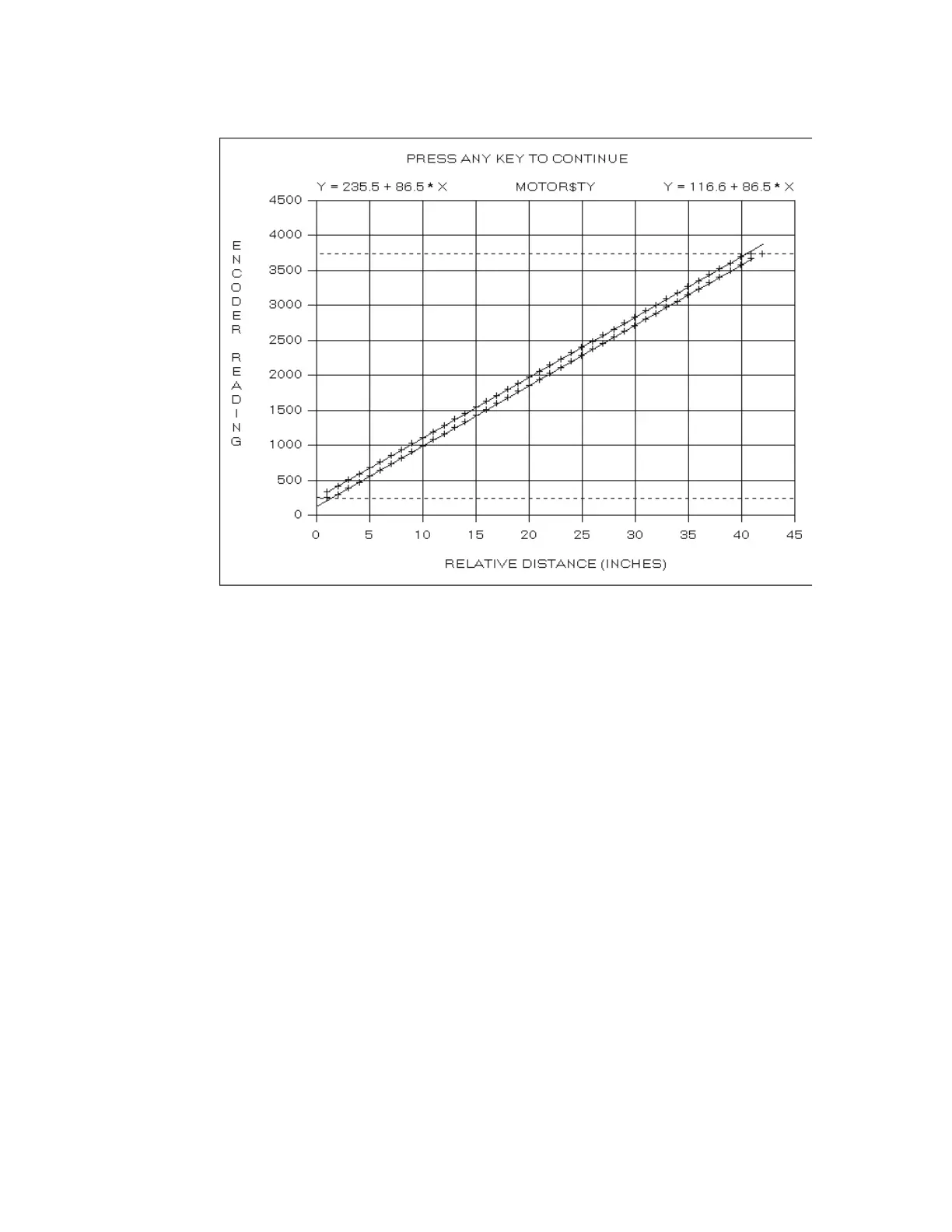
When the calibration scan completes, the program computes the linear fit for
both the positive and negative motion. The linear fit parameters are displayed at
the top left and top right of the plot in the form Y = Intercept + Slope * X. The
two slopes (e.g., 86.5 and 85.6) should be within 0.3 of each other.
When the calibration scan completes, the program computes the linear fit for
both the positive and negative motion. The linear fit parameters are displayed at
the top left and top right of the plot in the form Y = Intercept + Slope * X. The
two slopes (e.g., 86.5 and 85.6) should be within 0.3 of each other.
The program displays the positive and negative limits as horizontal dashed lines.
Note:The PosLimitOffset and NegLimitOffset entries in the [TyMotor] section of
the SQDRIVER.INI file determine the motion limits relative to the
mechanical stops. If these entries are not present, or are zero, the motion
limits are set to the mechanical limits.
The program then changes the plot title to PRESS ANY KEY TO CONTINUE.










 To Next Page