Rev. 1.30 16 of 34 November 13, 2020
e-Link32/e-Link32 Pro User’s Guide
2 MDK_ARM (KEIL) Setup and Use
▀
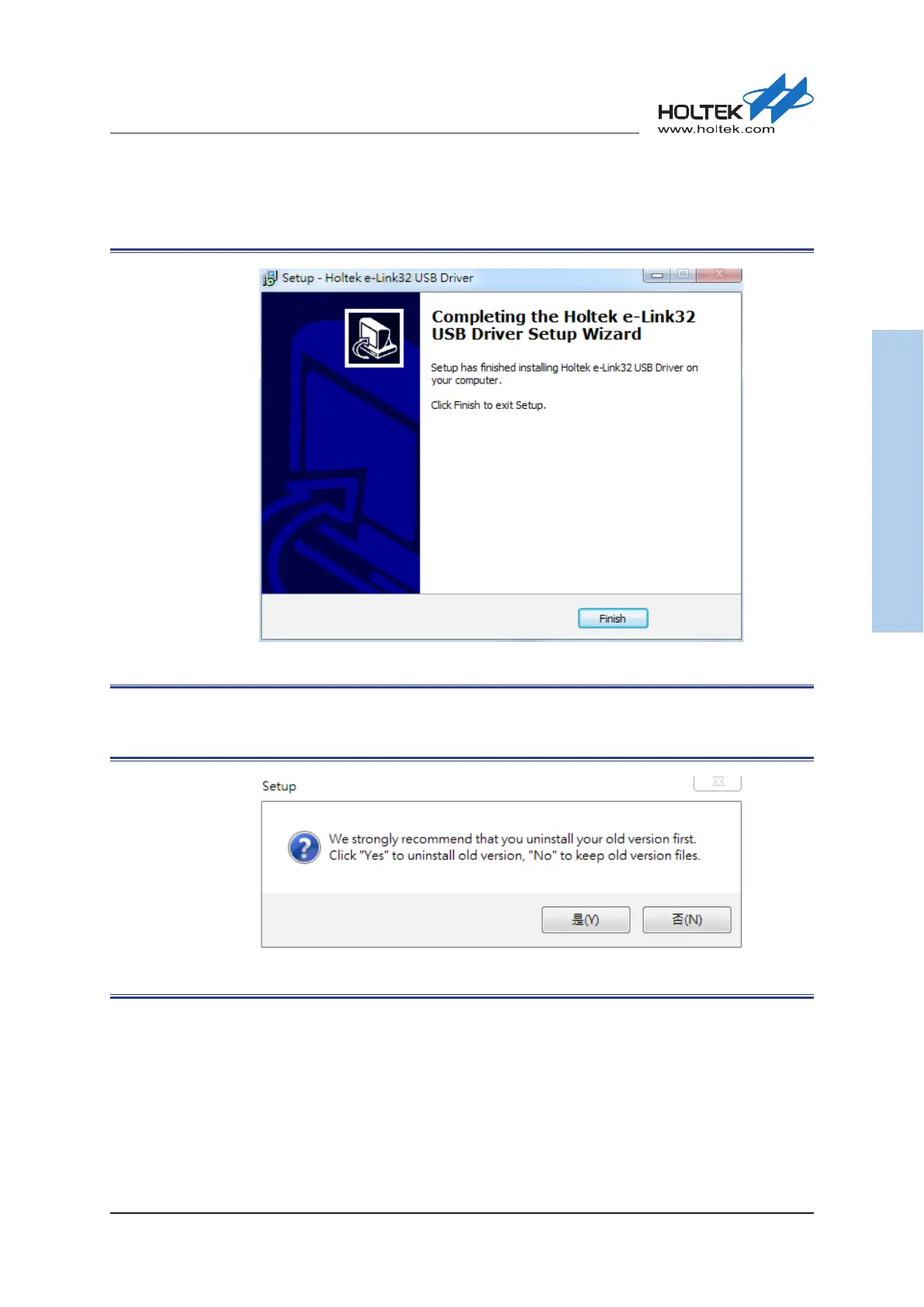
Once the installation has nished, the following screen will appear. Press the “Finish” button to
enter the next Keil Plugin installation process.
Figure 11. Holtek e-Link32 USB Driver Installation Completion
▀
If the Holtek e-Link32 Keil Plugin has already been installed, users will be prompted to uninstall
any older versions. Press the “Yes” button to continue.
Figure 12. Holtek e-Link32 Keil Plugin Old Version Uninstallation



 To Next Page