Rev. 1.30 6 of 34 November 13, 2020
e-Link32/e-Link32 Pro User’s Guide
1 Overview
1 1
Overview
The purpose of this user’s guide is to familiarise users with the Holtek e-Link32/e-Link32 Pro
Debug Adapter. The guide includes information on how to setup and use the e-Link32/e-Link32
Pro with the Keil MDK-ARM and IAR EWARM.
Introduction
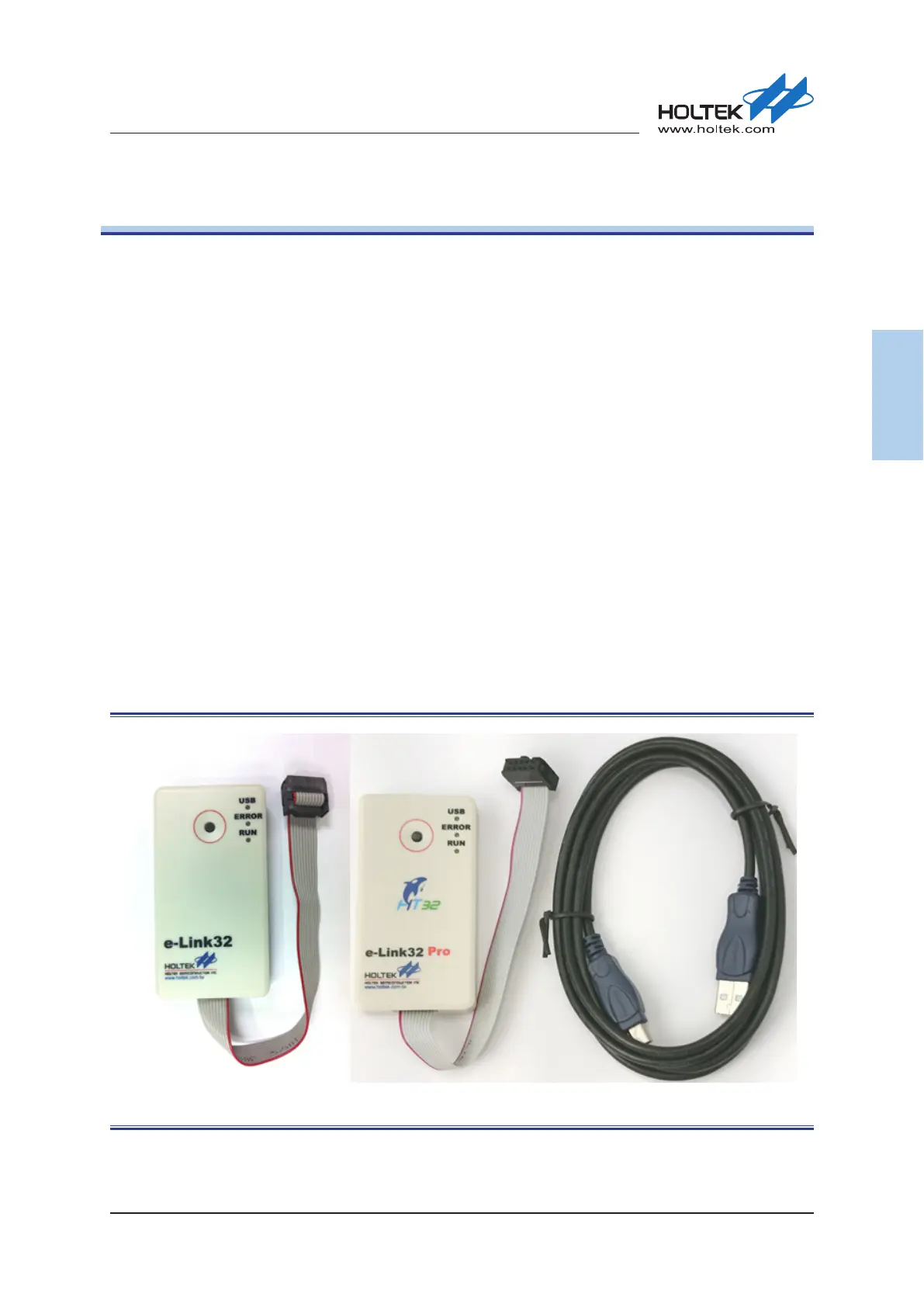
The Holtek e-Link32/e-Link32 Pro connects the target board (via Serial Wire) to the PC’s USB
port. Users can then program and debug their embedded programs on the target board.
The e-Link32/e-Link32 Pro provides the following key features.
▀
Supports HT32 Series MCUs
▀
Serial Wire Debug interface
▀
Integrates with Keil & IAR IDE
▀
USB powered
▀
10-pin Cortex Debug Connector
▀
Three LEDs used to display the USB, ERROR and RUN status
▀
Single RESET button
▀
Serial communication with the target MCU (for e-Link32 Pro only)
Figure 1. e-Link32/e-Link32 Pro Debug Adapter Appearance



 To Next Page