Rev. 1.30 29 of 34 November 13, 2020
e-Link32/e-Link32 Pro User’s Guide
3 IAR Setup and Use
3 IAR Setup and Use
▀
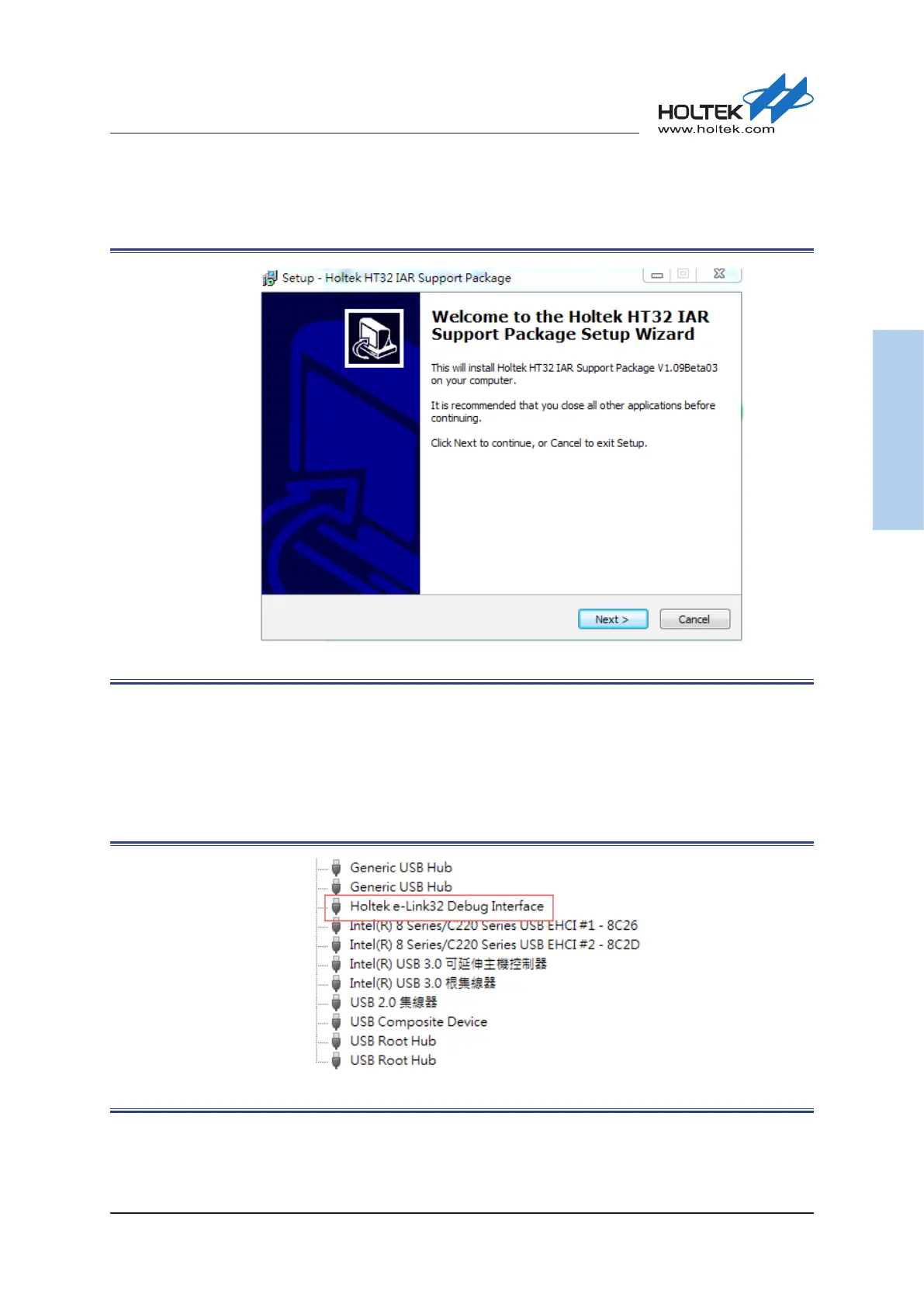
Once the installation has nished, press the “Finish” button to enter the next Holtek HT32 IAR
Support Package installation process, then press the “Next” button to continue.
Figure 36. Holtek HT32 IAR Support Package Installation Introduction
▀
Once the installation has nished, press the “Finish” button.
▀
Connect the e-Link32/e-Link32 Pro to the PC’s USB port.
▀
Open the PC’s “Device Manager” to check the connection status of the e-Link32/e-Link32 Pro.
▀
If the e-Link32 is connected, a connection device named “Holtek e-Link32 Debug Interface” will
appear on the “Device Manager” window, conrmting that the installation has been successful.
Figure 37. e-Link32 Device Name



 To Next Page