Rev. 1.30 25 of 34 November 13, 2020
e-Link32/e-Link32 Pro User’s Guide
3 IAR Setup and Use
3 IAR Setup and Use
▀
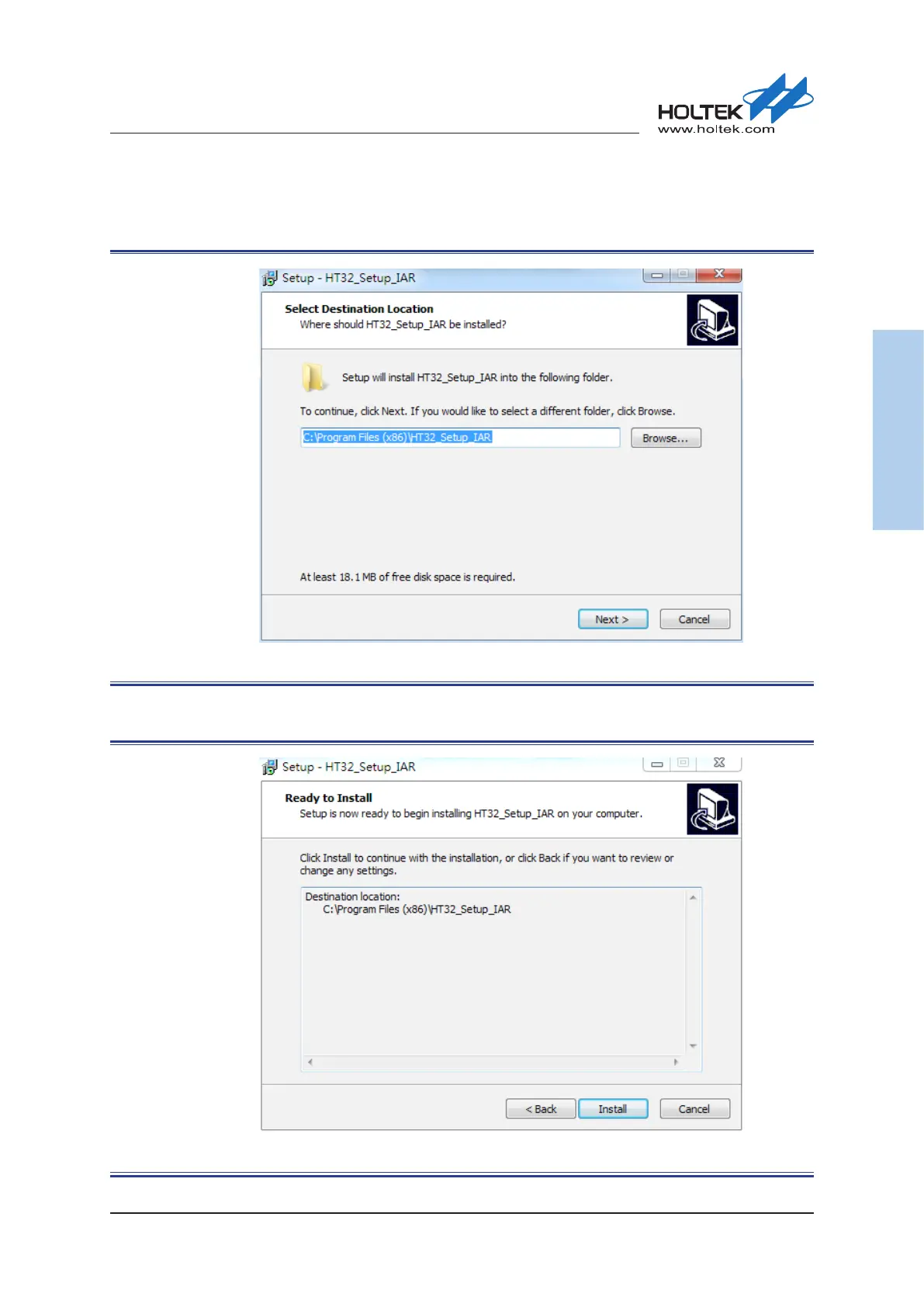
The default installation path of the IAR Boot program is “C:\Program Files (x86)\HT32_Setup_
IAR”. Select the desired installation path and press the “Next” button to continue.
Figure 28. HT32_Setup_IAR_vxx.exe Installation Path
▀
Press the “Install” button to start the installation.
Figure 29. HT32_Setup_IAR_vxx.exe Installation Process



 To Next Page