Rev. 1.30 18 of 34 November 13, 2020
e-Link32/e-Link32 Pro User’s Guide
2 MDK_ARM (KEIL) Setup and Use
▀
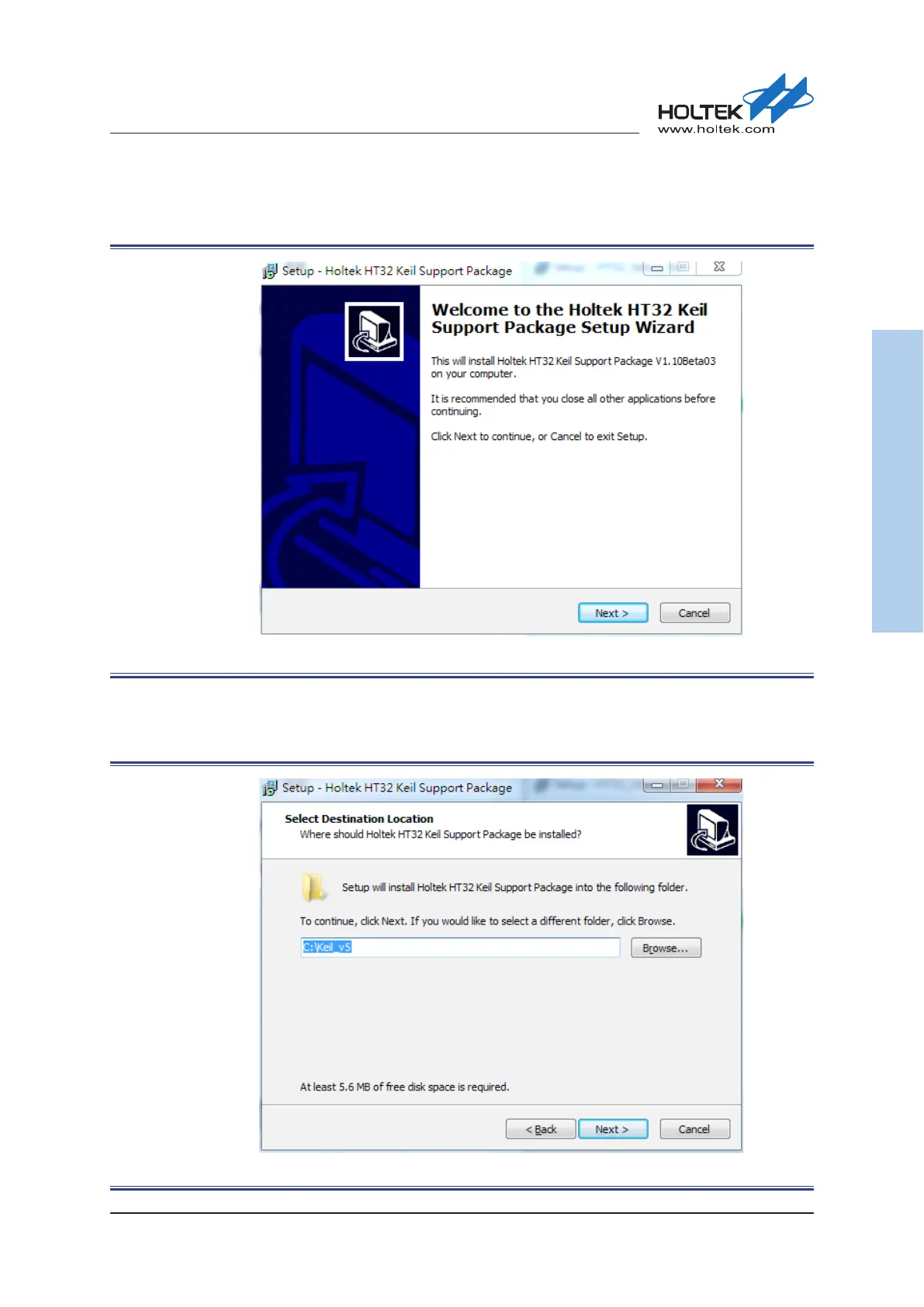
Once the installation has nished, press the “Finish” button to enter the next Holtek HT32 Keil
Support Package installation process, then press the “Next” button to continue.
Figure 15. Holtek HT32 Keil Support Package Installation Introduction
▀
The Keil Support Package installation path is subject to that of the Keil4/Keil5. The default
installation path of the Keil4/Keil5 is “C:\Keil_xx”. Select the desired installation path and press
the “Next” button to install.
Figure 16. Holtek HT32 Keil Support Package Installation Path



 To Next Page