18 19
INSTALL
INSTALL MANUAL
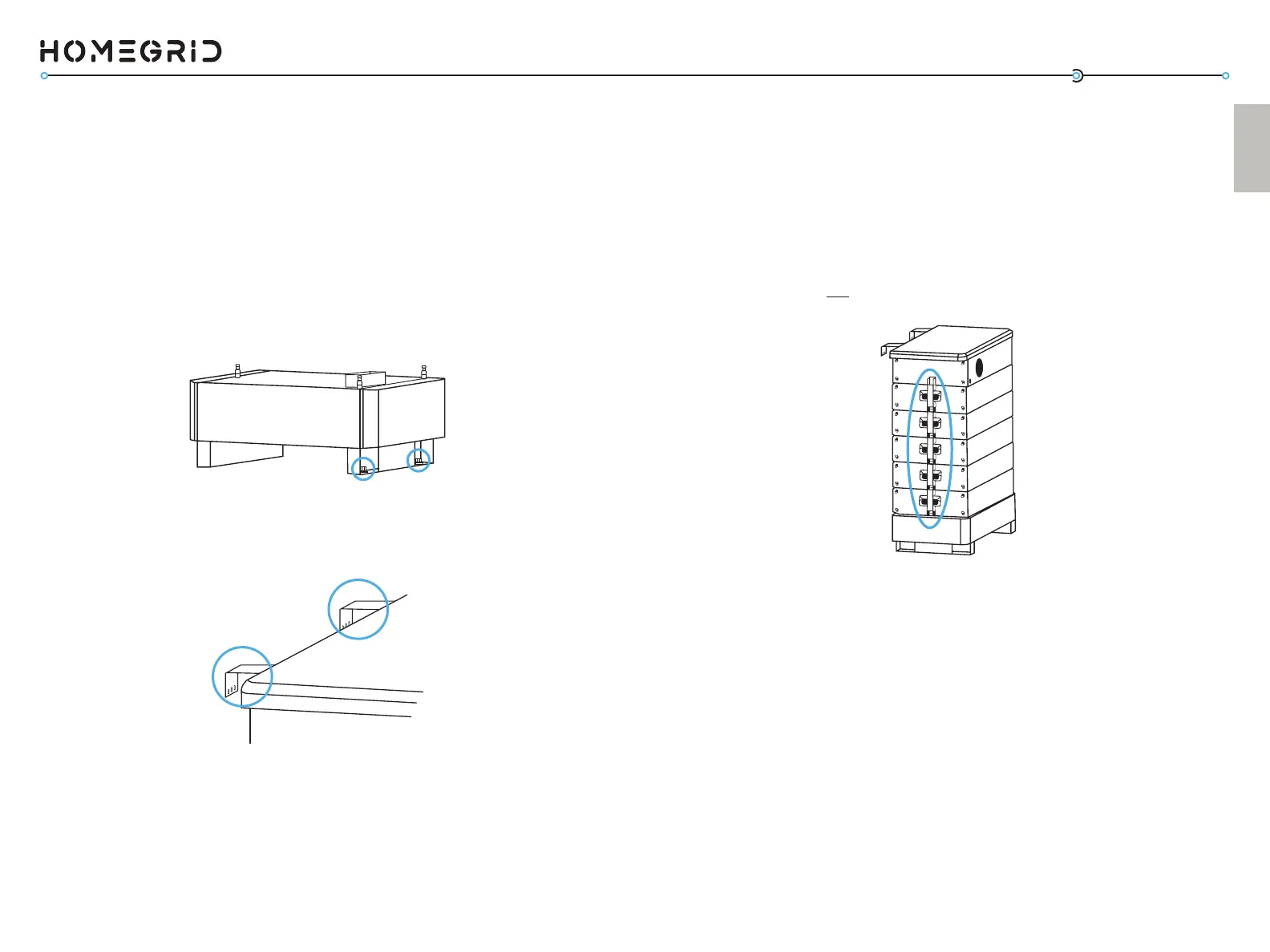
Oponal: Using the included baery module xing brackets
(included in each baery module box) the baery modules
within the stack can be fastened together for even greater
stability. You will need to remove the other side panel on each
baery module to access these aachment points. You will also
need to remove the top panel of the BMS and the other side
panel of the BMS to gain access to the top aachment point.
(Doing so will not void the warranty)
The HomeGrid app is designed for both installers and end users.
Depending on the type of user, there are dierent features
within the app. Aer commissioning the system using steps 1-7,
follow these steps to connect it to Wi-Fi.
8. Connect the Baery to Wi-Fi via the HomeGrid App
The HomeGrid App is available on App Store (iOS) and Google
Play Store (Android).
To get a system online (i.e., Skybox, Gen 3 BMS) installers
will need to make note of the serial numbers for all devices
connected to a stack. Contact HomeGrid Support to link those
devices to the installer account.
a. Download the HomeGrid App
Oponal: Using expansion bolts, the base stand of the Stack’d
Series baery may be bolted to the ground for even further
stability.
Oponal: Using the included wall brackets, the back of the BMS
may be fastened to the wall behind it for even further stability.
7. Oponal Install Features
a) Using the smaller compression seal entrance (same as
the communicaon cable), run the Wi-Fi cable through
the compression seal, and screw on to the Wi-Fi port.
b) Place the antenna on top of the Stack’d Series baery.
Wi-Fi Cable and Antenna Aachment



 To Next Page