256
Display Audio
Start Up
The Display Audio starts automatically when you set the power mode to
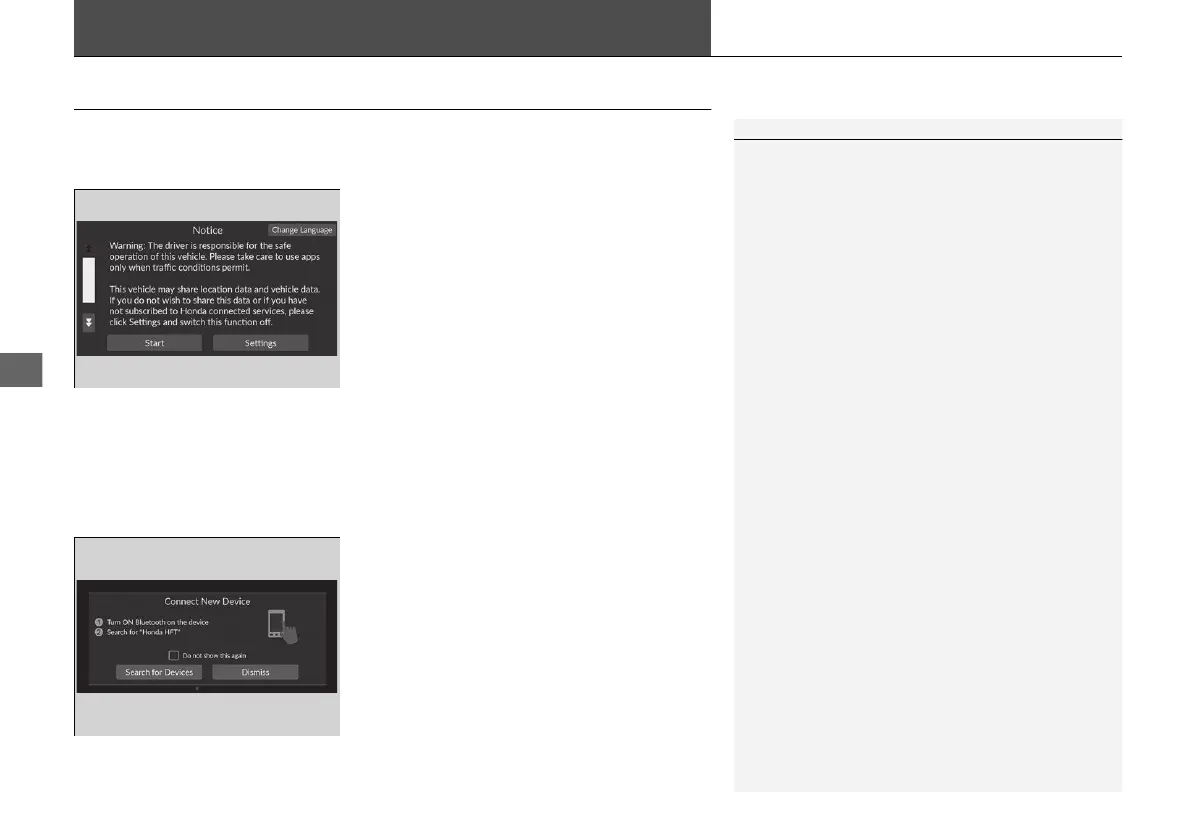
ACCESSORY or ON. At start-up, the following screen about the data upload will be
displayed.
Select Start.
u If you want to change the settings for
data upload, select Settings, then select
the ON/OFF settings on the Location
and vehicle data sharing screen.
u If you do not select Start, the system will
automatically be switched the audio/
information screen after a certain period
of time.
u If there is no registered device, select
Start and the Bluetooth® pairing screen
will be displayed.
u If you check the box with Do not show
this again, this screen will not be
displayed.
■
To pair a mobile phone (when there is
no phone paired to the system)
1. Make sure your phone is in search or
discoverable mode.
2. Select Honda HFT from your phone.
u If you want to pair a phone from this
Display Audio, select Search for
Devices, and then select your phone
when it appears on the list.
1Start Up
Location and vehicle data sharing
ON: Available the data communication.
OFF: Not available the data communication.
20 2EX JSS (KE KG)-32TYF6000.book 256 ページ 2020年3月6日 金曜日 午後6時58分













 To Next Page