130
uuIndicatorsuDriver Information Interface Warning and Information Messages
Driver Information Interface Warning and Information Messages
The following messages appear only on the driver information interface. Press the (home) button, select (information), then press
the left selector wheel to see the message again with the system message indicator on.
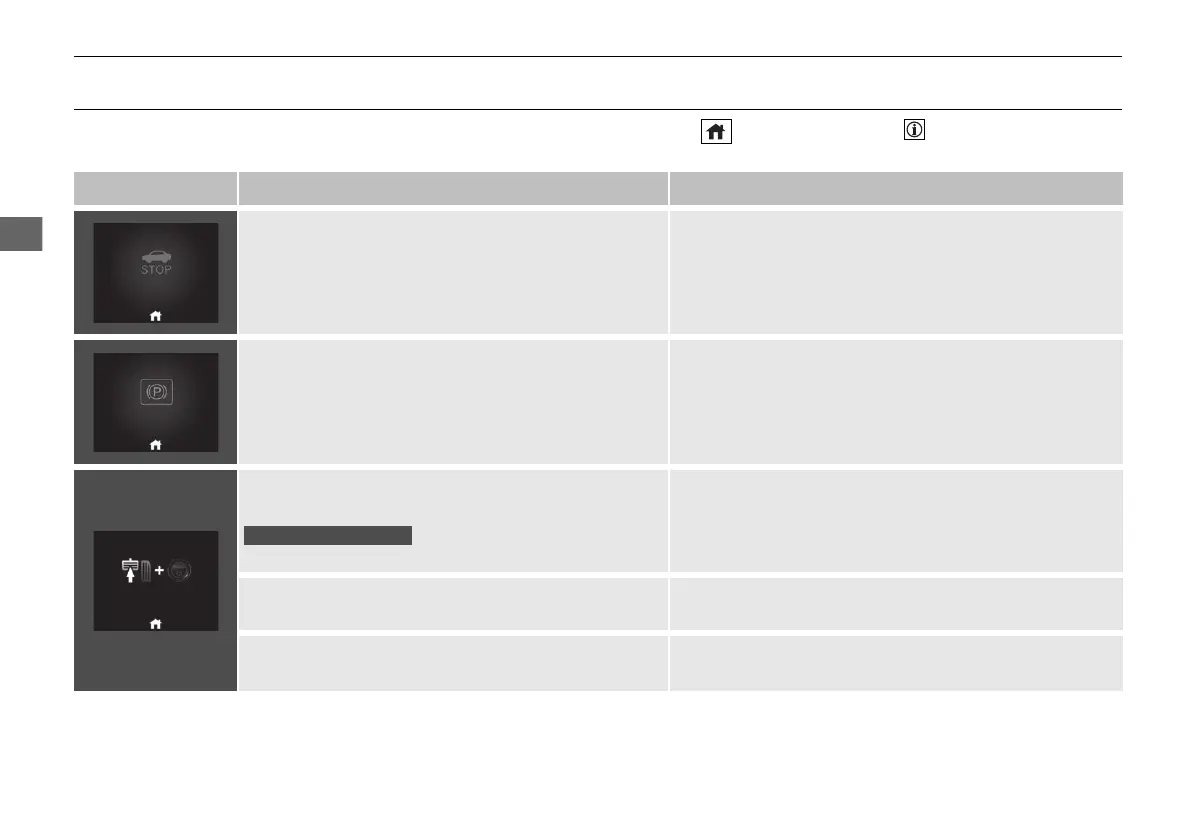
Message Condition Explanation
• Appears when the vehicle is no longer able to run
due to a malfunction.
• Immediately stop in a safe place.
• Appears when there is a risk that the vehicle will
move unexpectedly after you have stopped due to a
malfunction with the vehicle.
• While the vehicle is stopped, apply the parking brake.
2 Parking Brake P. 500
• Have your vehicle checked by a dealer.
• Appears after you set the power mode to
ACCESSORY or ON.
• Appears after you unlock and open the driver’s door.
2 Turning on the Power P. 381
●
Appears when you need to press the POWER button
because Auto Power ON is inhibited.
2 Auto Power ON/OFF P. 198
●
Appears when you set the power mode to ON again
and the vehicle is able to run.
2 Turning on the Power P. 381
20 2EX JSS (KE KG)-32TYF6000.book 130 ページ 2020年3月6日 金曜日 午後6時58分













 To Next Page