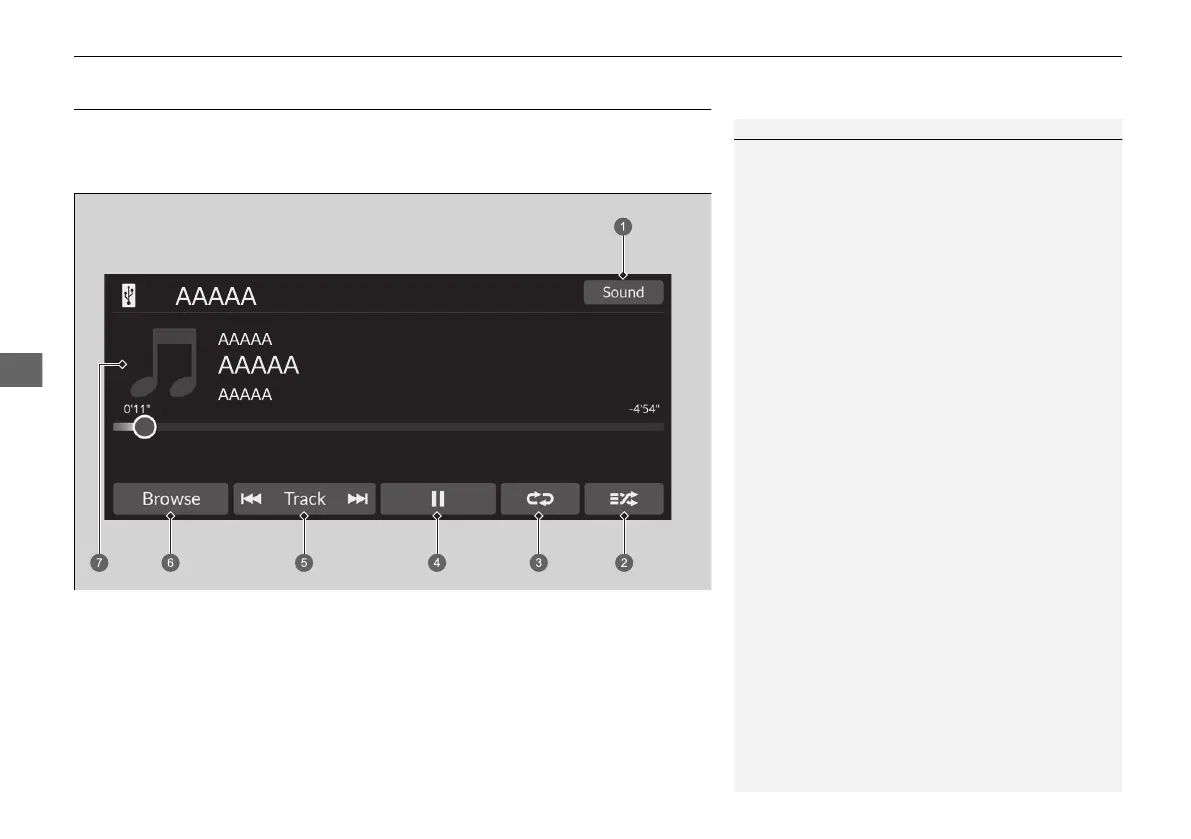
mode.
1Playing an iPod
Available operating functions vary on models or
versions. Some functions may not be available on the
vehicle’s audio system.
If there is a problem, you may see an error message
on the audio/information screen.
2 iPod/USB Flash Drive P. 362
If you operate the music app on your iPhone/iPod
while the phone is connected to the audio system,
you may no longer be able to operate the same app
on the audio/information screen.
Reconnect the device if necessary.
If a smartphone is connected via Apple CarPlay or
Android Auto, the iPod/USB source will be
unavailable and audio files on the phone will be
playable only within Apple CarPlay or Android Auto.













 To Next Page