268
uuDisplay AudiouAudio/Information Screen
Audio/Information Screen
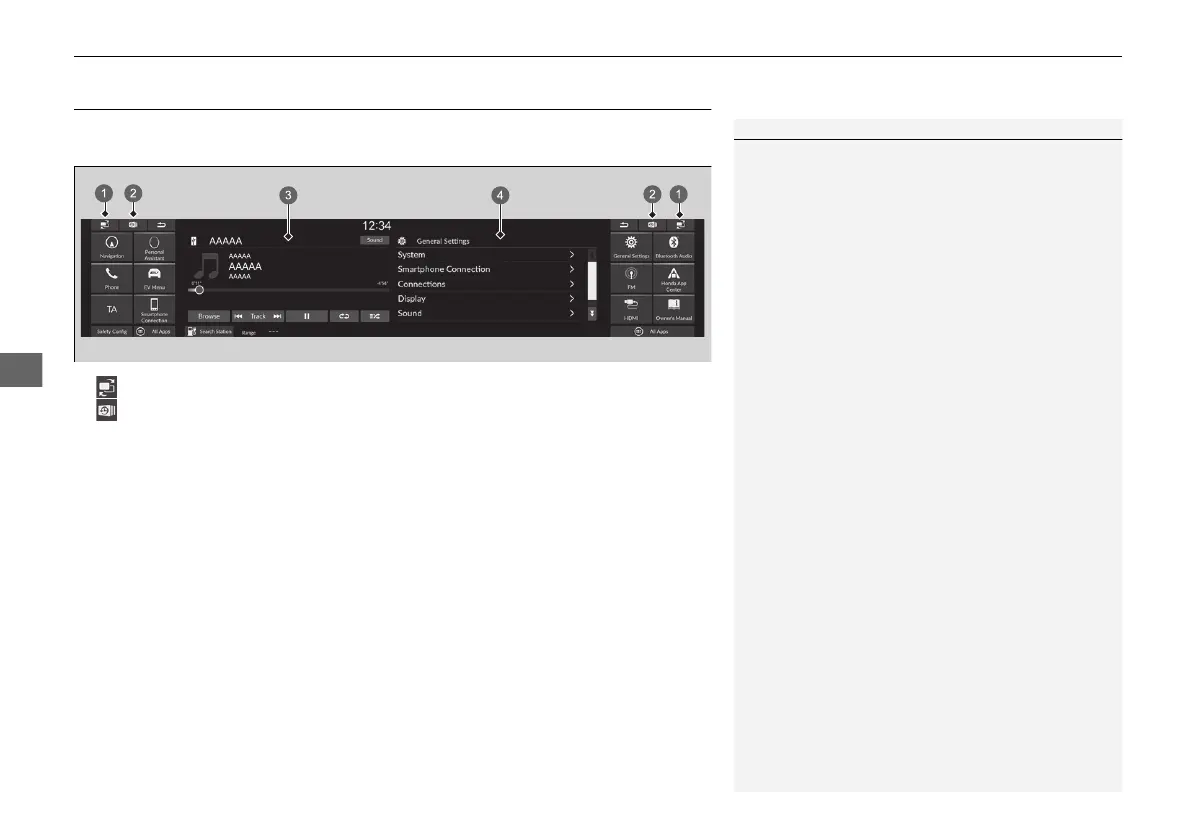
Displays the audio status and images are input from the outside on the centre screen
and assistant screen. From these screens, you can go to various setup options.
1Audio/Information Screen
Touchscreen Operation
• Use simple gestures - including touching, swiping,
and scrolling - to operate certain audio functions.
• Some items may be grayed out during driving to
reduce the potential for distraction.
• You can use voice commands.
• Wearing gloves may limit or prevent touchscreen
response.
You can change the touchscreen sensitivity setting.
2 System P. 328
a (Screen Switch) Icon
b (Recent) Icon
c Centre Screen
d Assistant Screen
20 2EX JSS (KE KG)-32TYF6000.book 268 ページ 2020年3月6日 金曜日 午後6時58分













 To Next Page