303
uuDisplay AudiouPlaying a Video Using the HDMI
TM
Continued
Playing a Video Using the HDMI
TM
Your audio system allows you to play videos from an HDMI-compatible device.
Connect the device, using an HDMI
TM
cable, then select the HDMI
TM
mode.
2 HDMI
TM
Port P. 260
1Playing a Video Using the HDMI
TM
This feature is limited while driving. To play videos,
stop your vehicle and apply the parking brake.
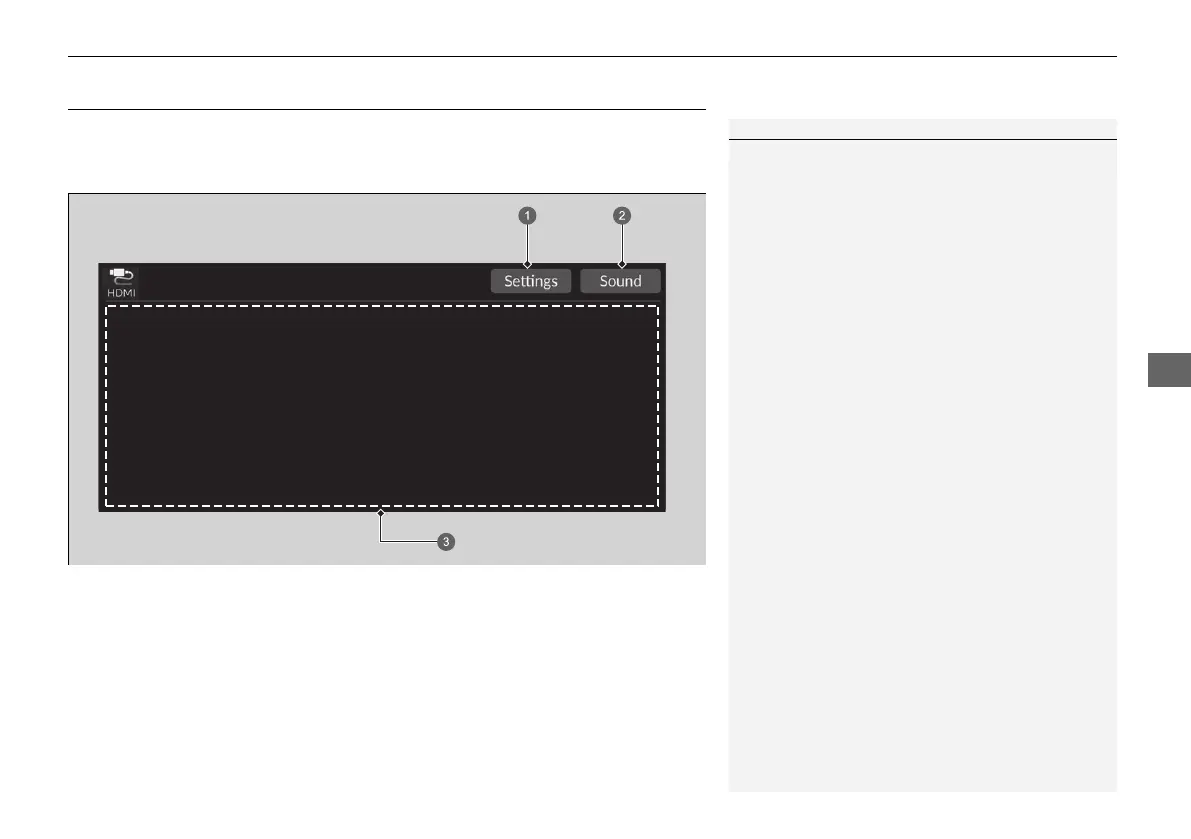
a Settings Icon
b Sound Icon
c Displays playing video
20 2EX JSS (KE KG)-32TYF6000.book 303 ページ 2020年3月6日 金曜日 午後6時58分













 To Next Page