messages.
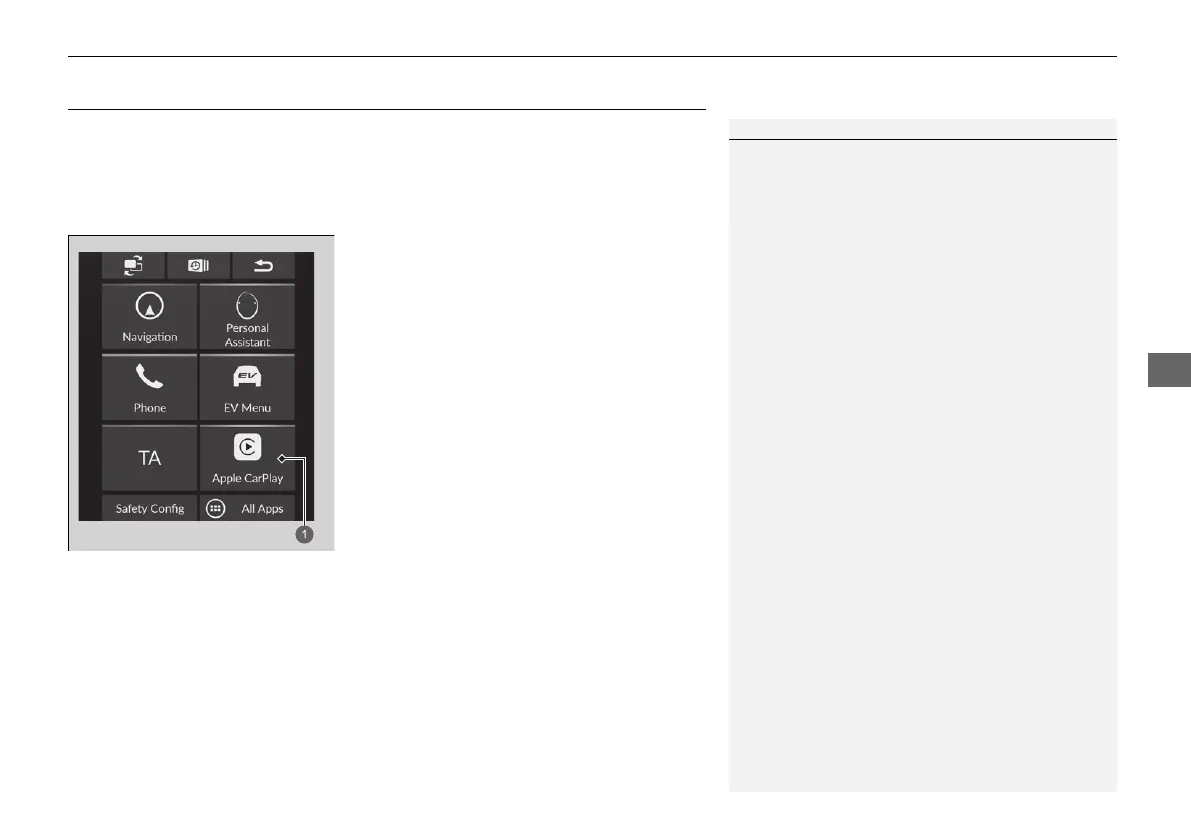
1Apple CarPlay
Only iPhone 5 or newer versions with iOS 8.4 or later
are compatible with Apple CarPlay.
Park in a safe place before connecting your iPhone to
Apple CarPlay and when launching any compatible
apps.
While connected to Apple CarPlay, calls are only
made through Apple CarPlay. If you want to make a
call with the Hands-Free Telephone (HFT) system,
turn Apple CarPlay off.
2 Setting Up Apple CarPlay P. 311
When your iPhone is connected to Apple CarPlay, it is
not possible to use the Bluetooth® Audio or the
Hands-Free Telephone (HFT) system. However, other
previously paired phones can stream audio via
Bluetooth® while Apple CarPlay is connected.
2 Phone Setup P. 351
For details on countries and regions where Apple
CarPlay is available, as well as information pertaining
to function, refer to the Apple homepage.













 To Next Page