350
uuDisplay AudiouHands-Free Telephone System
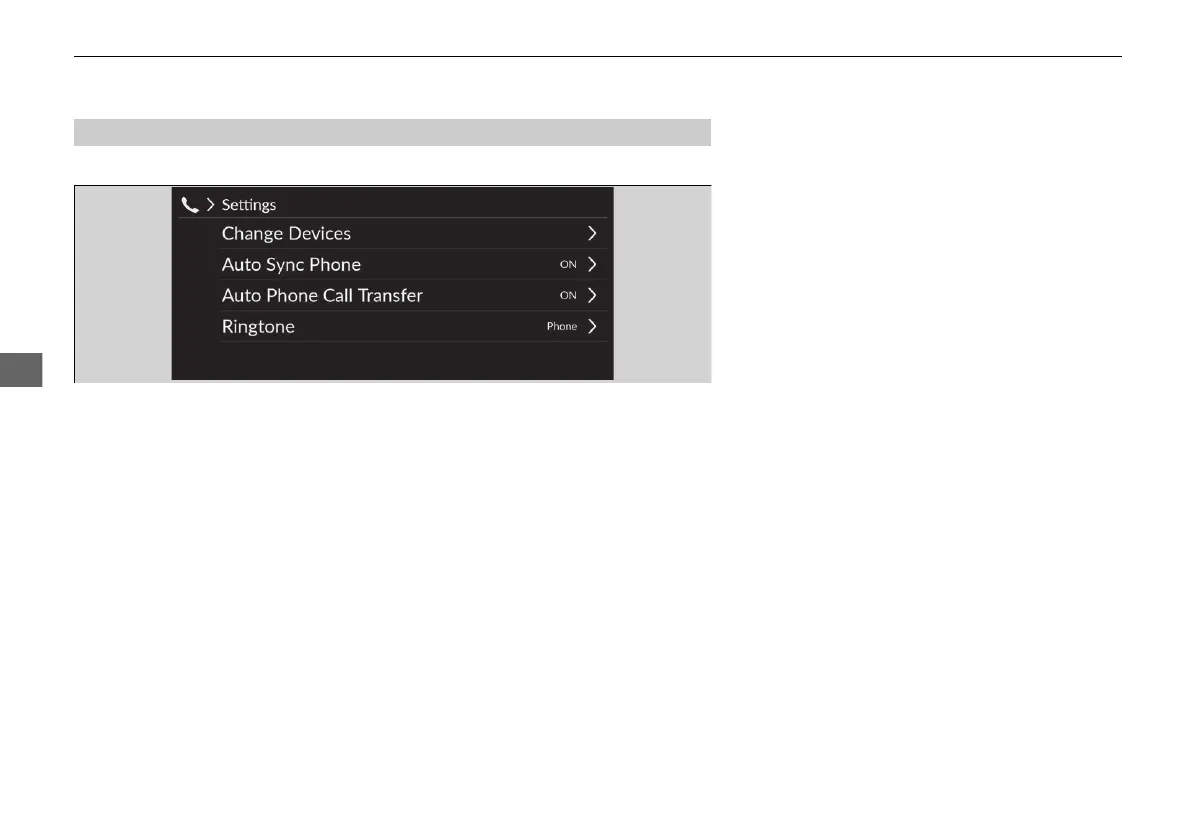
To display the phone settings screen, select Settings on the phone screen.
Change Devices: Pairs a new phone to the system and connect, disconnect, or
delete a paired device.
2 Phone Setup P. 351
Auto Sync Phone: Sets phonebook and recent calls data to be automatically
imported when a phone is paired to HFT.
2 Automatic Import of Mobile Phonebook and Recent calls P. 354
Auto Phone Call Transfer: Sets calls to automatically transfer from your phone to
HFT when you enter the vehicle.
2 Automatic Transferring P. 355
Ringtone: Selects the ring tone.
2 Ring Tone P. 355
■
Phone Settings Screen
20 2EX JSS (KE KG)-32TYF6000.book 350 ページ 2020年3月6日 金曜日 午後6時58分













 To Next Page