357
uuDisplay AudiouHands-Free Telephone System
Continued
■
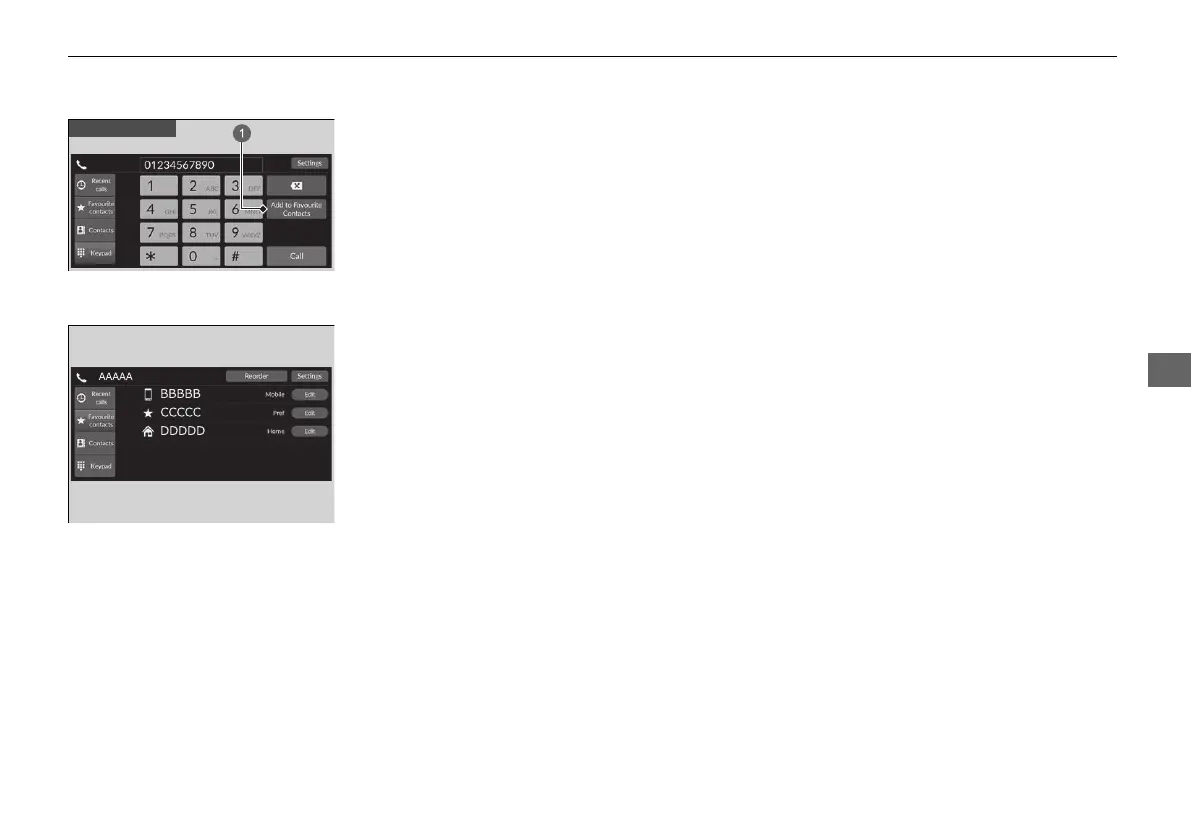
To edit a Favourite contacts
1. Select Phone.
2. Select Favourite contacts.
3. Select Edit on the Favourite contacts entry
you want to edit.
4. Select a setting you want.
5. Select Done.
■
To delete a Favourite contacts
1. Select Phone.
2. Select Favourite contacts.
3. Select Edit on the Favourite contacts entry
you want to delete.
4. Select Remove.
5. A confirmation message appears on the
screen. Select Yes.
a Add to Favourite Contacts
20 2EX JSS (KE KG)-32TYF6000.book 357 ページ 2020年3月6日 金曜日 午後6時58分













 To Next Page