471
uuHonda SensinguLane Keeping Assist System (LKAS)
Continued
■
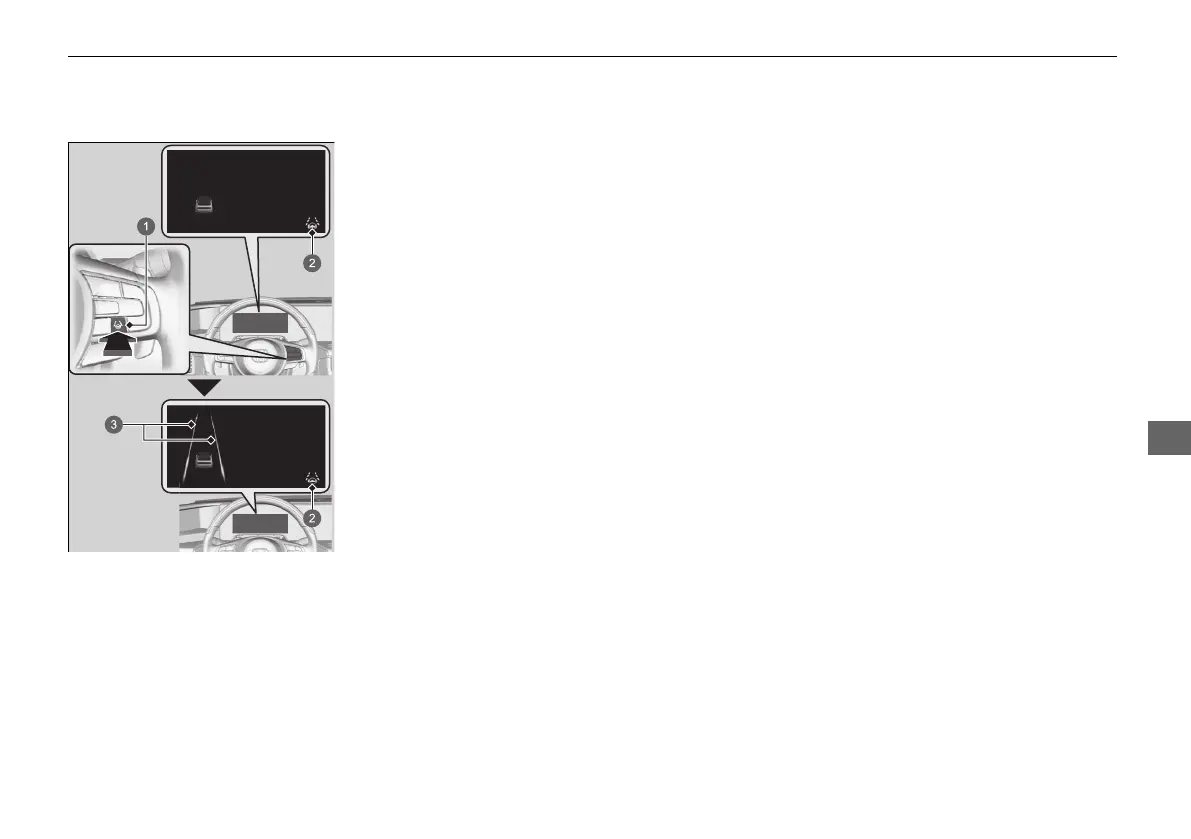
How to activate the system
1. Press the LKAS button.
u The icon is on in the gauge.
The system is ready to use.
2. Keep your vehicle near the centre of the
lane while driving.
u Lane appear on the gauge.
The system is activated.
a LKAS Button
b Lane Keeping Assist System
(LKAS) Indicator (green)
c Lane
20 2EX JSS (KE KG)-32TYF6000.book 471 ページ 2020年3月6日 金曜日 午後6時58分













 To Next Page