Continued
547
uuHonda Parking Pilot
*
u
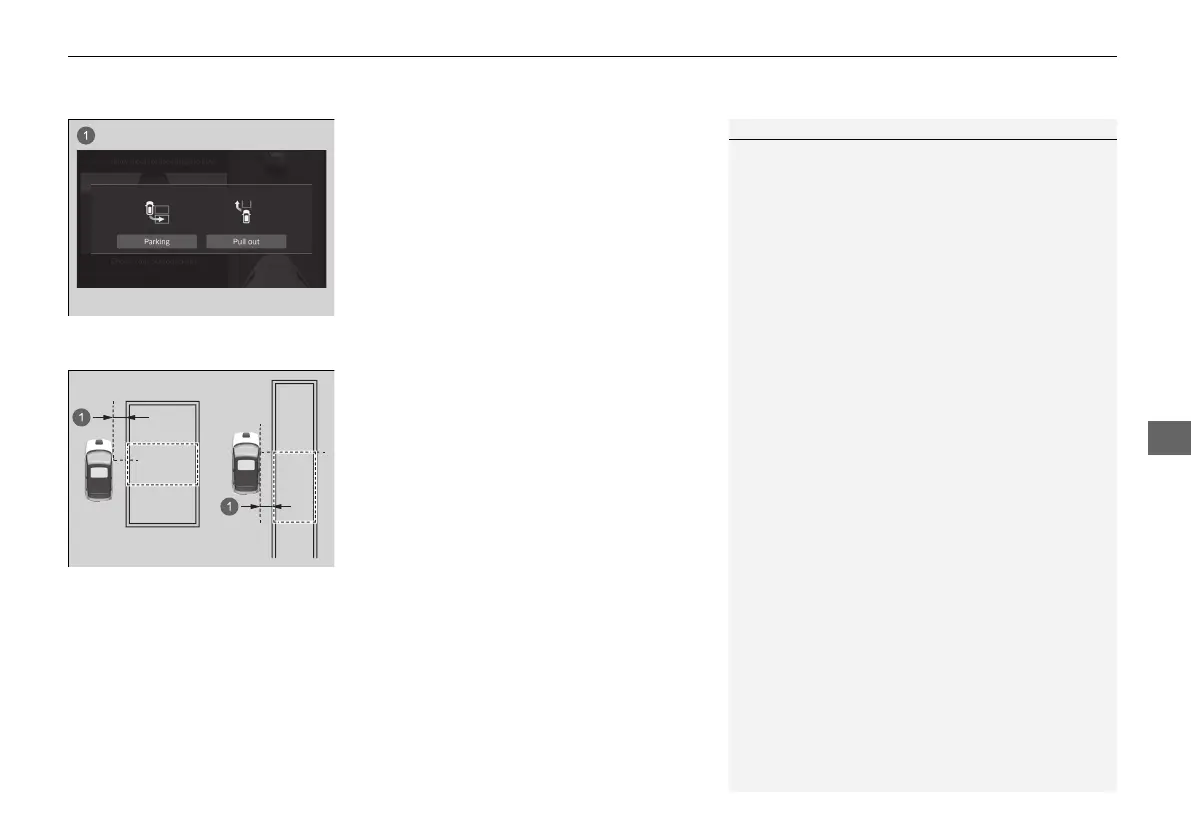
2. Move the vehicle close to the space where
you want to park, and slowly advance to
within 1 m (3.3 ft.) of the parking space
until you are parallel to the parking space.
Stop when the candidate parking space is
outlined in green on the display.
u The system will beep when it detects a
parking space.
u The detected parking space boundary
(green) may be adjusted depending on
the vehicle position or other condition.
1How to enter a parking space
Honda Parking Pilot cannot be used if the detected
parking space is not shown.
Tips for detecting the target position
The parking space with boundary:
Stop so that the driver's seat is just beside the parking
space.
The parking space without boundary:
Stop so that the driver's seat is behind the parking
space.
When you select the parking space directly confirm
the space of the area.
20 2EX JSS (KE KG)-32TYF6000.book 547 ページ 2020年3月6日 金曜日 午後6時58分













 To Next Page