4 MENU SETTINGS
47
Viewing history
Work history
Home screen J [4.History] J [1.Operating history] J
[2.Work history]
You can view the lawn mower’s cutting history (when
the lawn mower was mowing), return history (when
the lawn mower was returning to the docking station),
and charge history (when the lawn mower was
charging).
NOTE:
- Only the history of auto mode is displayed.
1
Check the history by pressing the up/down
arrow buttons to scroll the menu.
2
Press the G button to return to the previous
screen.
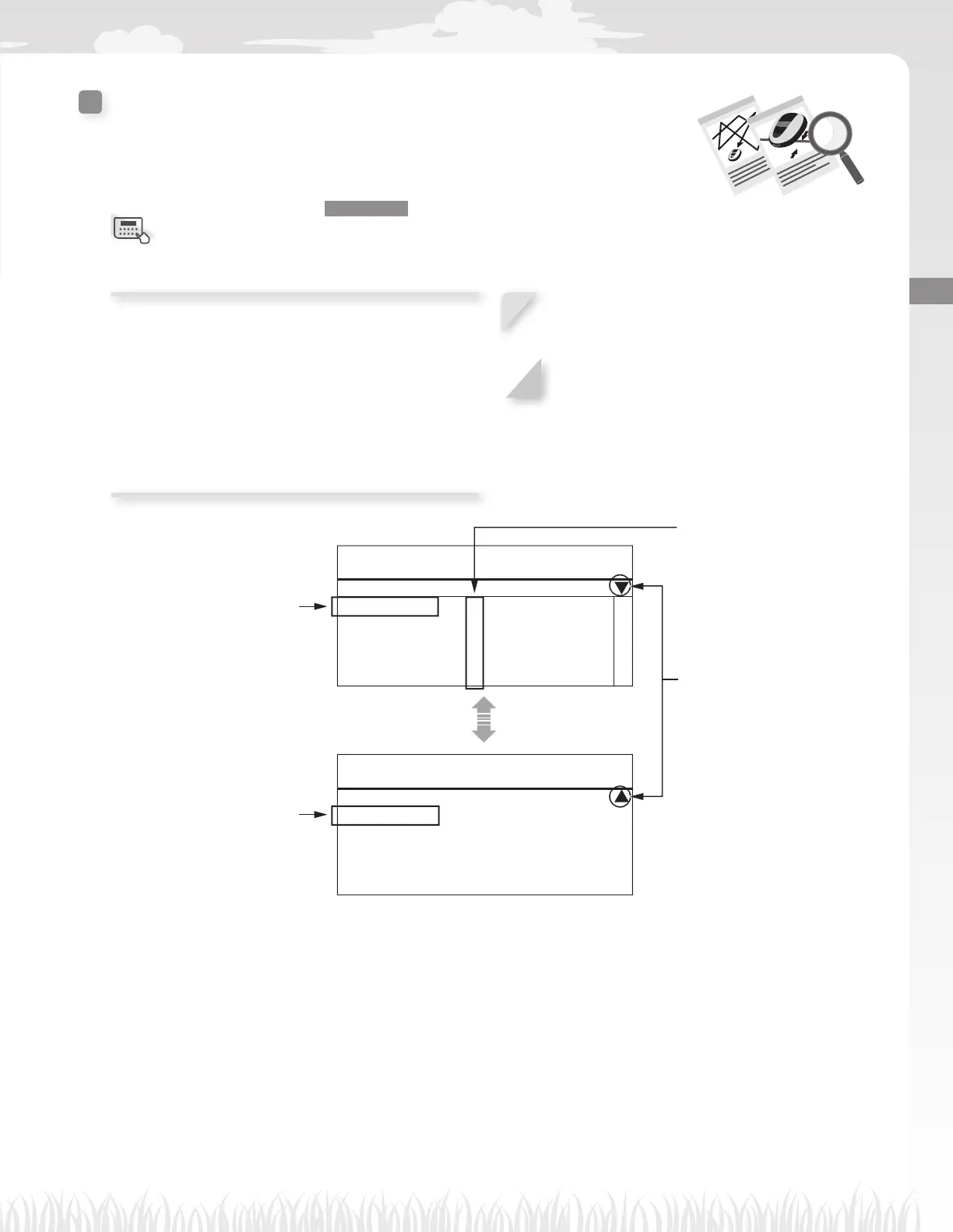
This mark indicates that
there is another page. Use
the E / F buttons to change
pages.
Each time the lawn mower
leaves the docking station after
recharging, a new entry is created
in the history list. The most recent
entry is [01], and the oldest entry
is [10].
The time for the most recent
charge history entry is displayed
fi rst.
The start point number
where the lawn mower was
mowing is displayed.
17:01 Fri
Work history
Cutting history
01:22min 1 06:43min 1
02:60min 1 07:67min 2
03:53min – 08:33min 3
04:12min 3 09:59min –
05:62min 1 10:45min 1
17:01 Fri
Work history
Charge history
01:32min 06:43min
02:66min 07:77min
03:53min 08:33min
04:42min 09:59min
05:71min 10:45min
Menu screen



 To Next Page