50
Setting the system
Home screen J [5.System settings] J [2.Display/Sound] J [Keypad]
You can set whether or not a beep sound is emitted
when you press control panel buttons.
1
Select [ON] or [OFF] by pressing the up/down
arrow buttons.
2
Press the H button.
3
Press the G button to return to the previous
screen.
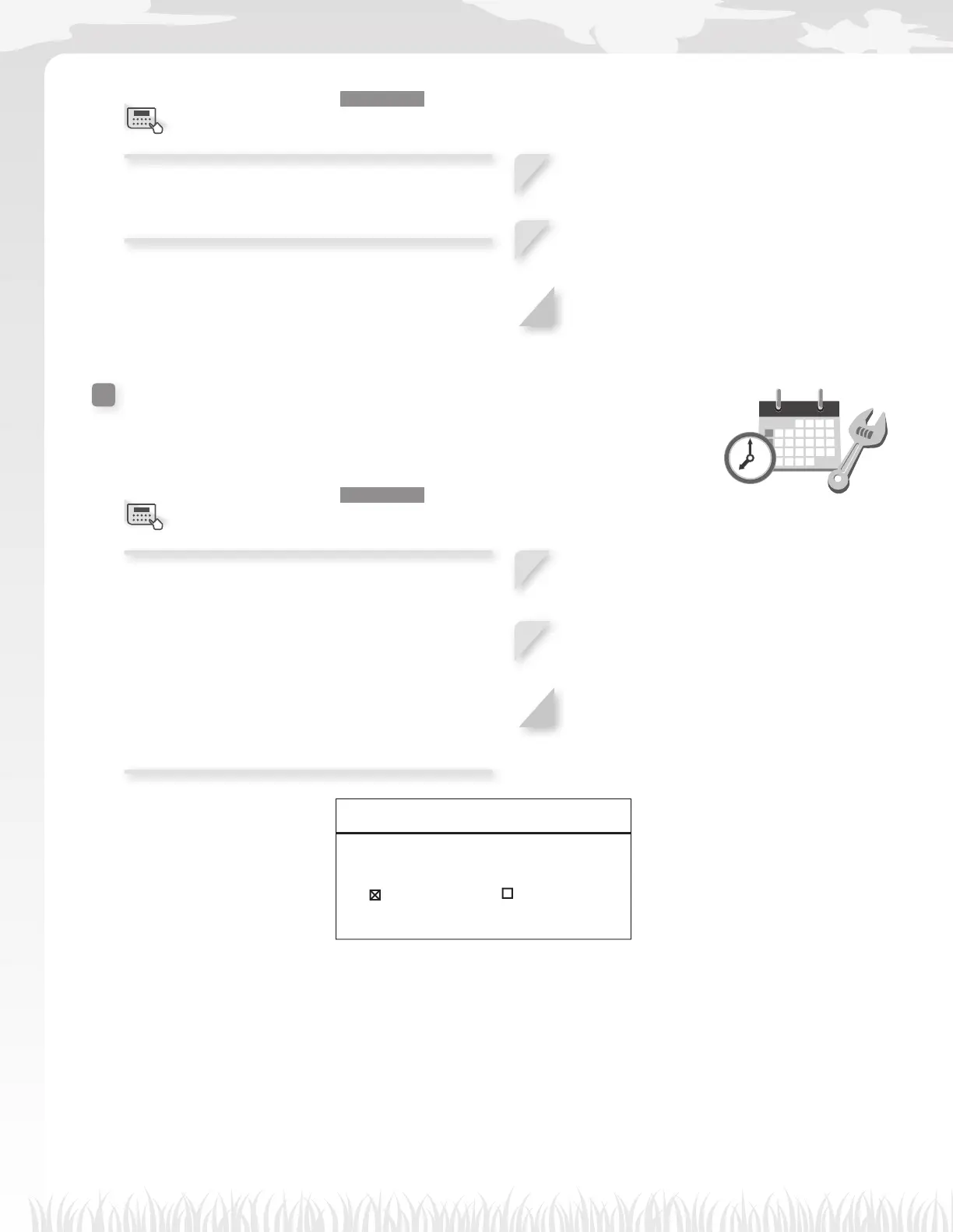
Date and Time
You can set the internal date and time for the lawn mower.
Home screen J [5.System settings] J [3.Date and Time]
Set the date and time for the lawn mower. The timer
operates based on this date and time setting.
“Daylight saving time” is also known as “summer
time”.
When it is on, Miimo’s clock switches to daylight
saving time automatically.
NOTE:
- Turn it off as needed because it is on by default.
1
Enter the date with the format {Month}/{Day}/
{Year} and the time in 24-hour format using
the number buttons.
2
Press the H button.
3
Press the G button to return to the previous
screen.
17:01 Fri
Date and time
Date Time
08/29/2016 18:00(24h)
Daylight saving time
ON OFF
From 12/31/2016
to 11/06/2016
Menu screen
Menu screen



 To Next Page