4 MENU SETTINGS
25
Menu overview
4
MENU SETTINGS
The control panel menus are used to set how the lawn mower operates.
Menu overview
NOTE:
- We recommend having your dealer change these settings during installation.
Menu screen
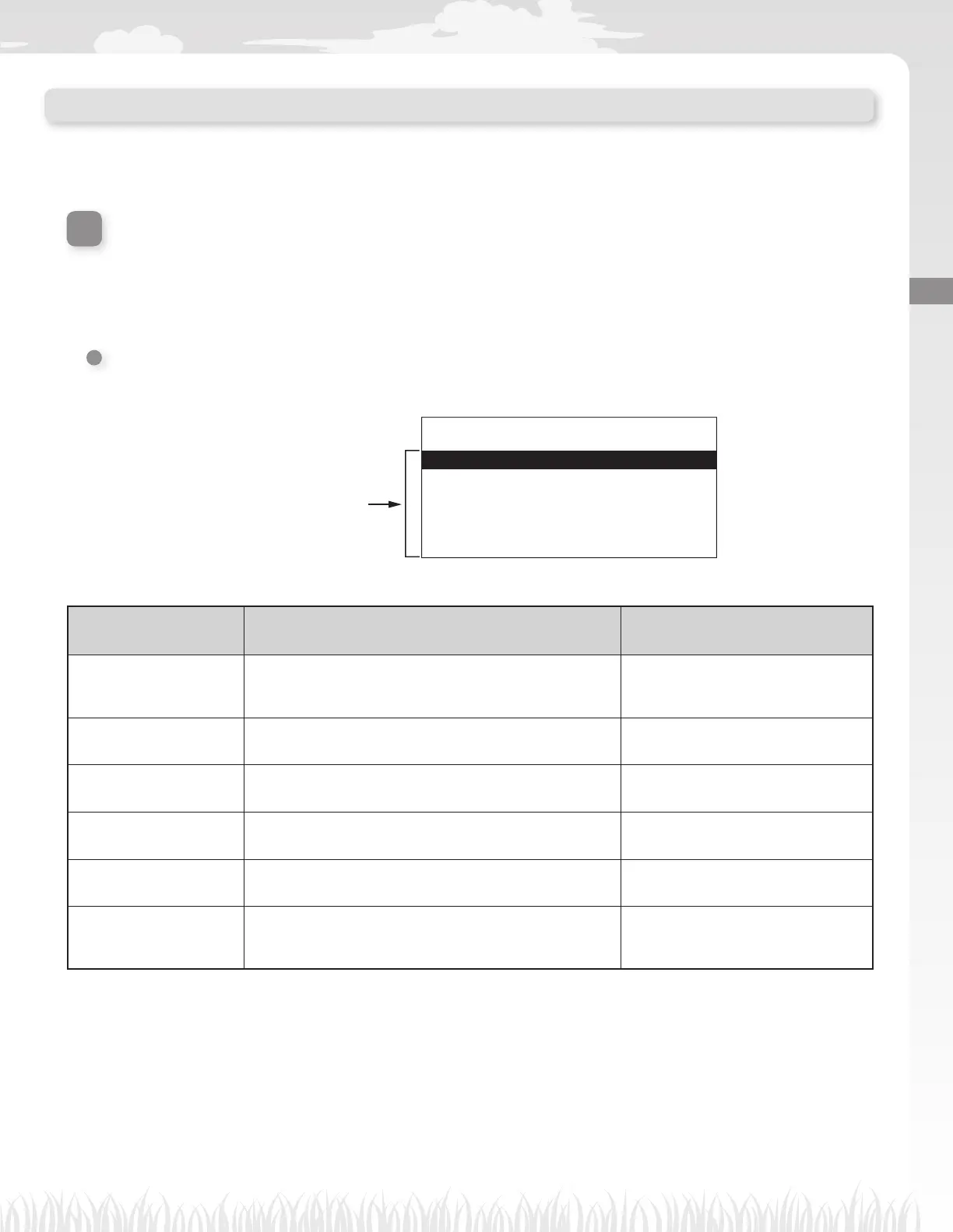
Selecting [Menu] in the home screen and press the H button, Menu screen is displayed as below:
Selectable menu items
17:01 Fri
Menu
1.Work timer
2.Lawn setup
3.Diagnostics
4.History
5.System settings
6.Setup wizard
The menu consists of multiple levels of submenus. The uppermost levels are as follows:
Menu name Usage
See this page for
information
[1.Work timer] For setting the work day and work time, and selecting the
start points.
(M page 27)
[2.Lawn setup] For confi guring the lawn mower to operate.
(Mpage 31)
[3.Diagnostics] For diagnosing the lawn mower.
(Mpage 43)
[4.History] For viewing operation and error history.
(Mpage 47)
[5.System settings] For confi guring system-related settings.
(Mpage 49)
[6.Setup wizard] For confi guring the setting through the set up wizard
according to the steps of the screens.
(Mpage 17)



 To Next Page