24
Setting up the lawn mower
4-
11
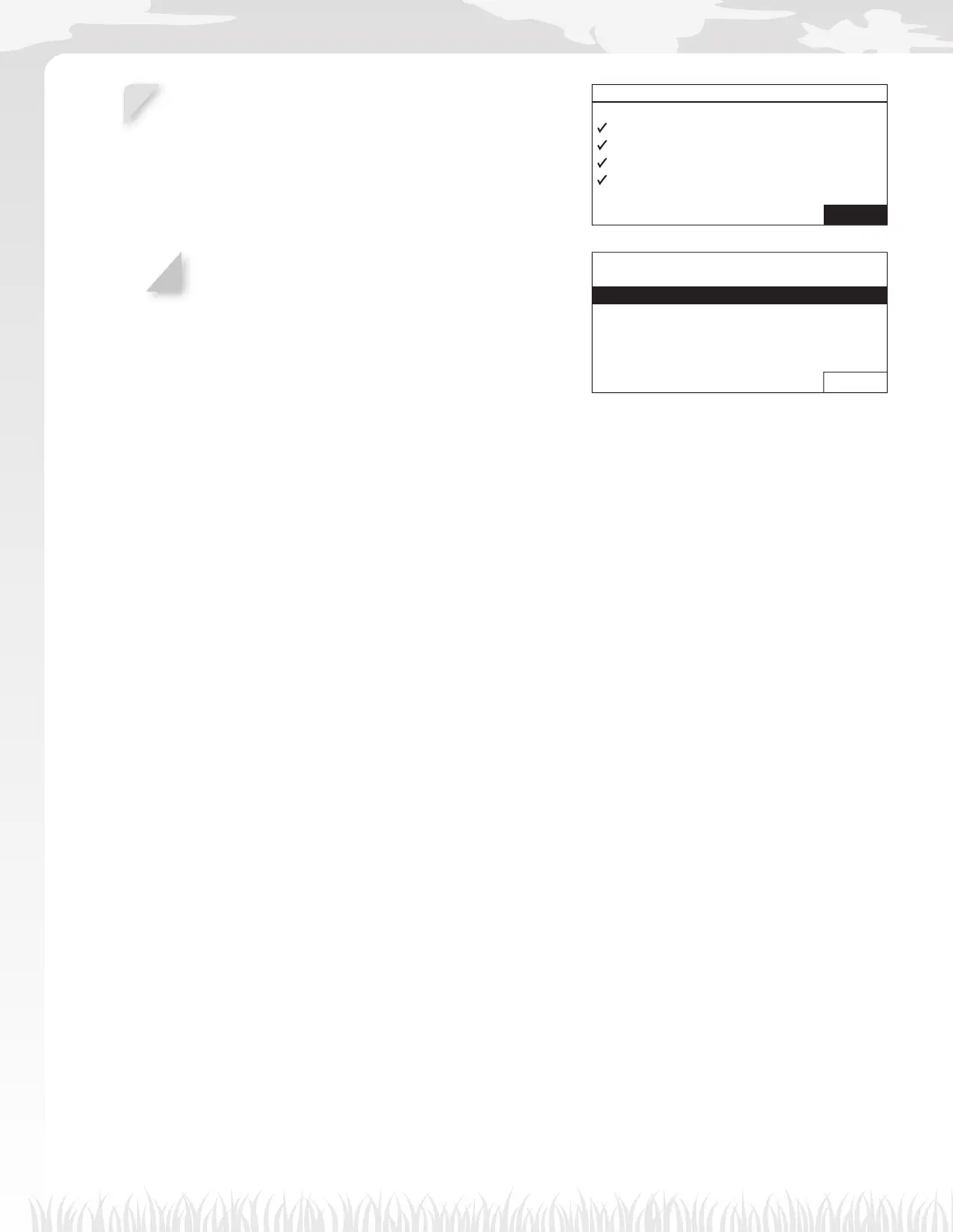
Select [Finish] and press the H button.
Initial setup complete screen is displayed.
NOTE:
- If you want to modify the settings in this menu,
select this menu again. You can confi gure the
settings through the setup wizard.
Setup wizard
1.Lawn layout
2.Mowing start points
3.Test start points
4.Work timer
Finish
4-
12
Select [Finish] and press the H button.
Initial setup is completed and Home screen is displayed.
Initial setup complete
1.Setup wizard
2.Restart initial setup
Finish



 To Next Page