52
Setting the system
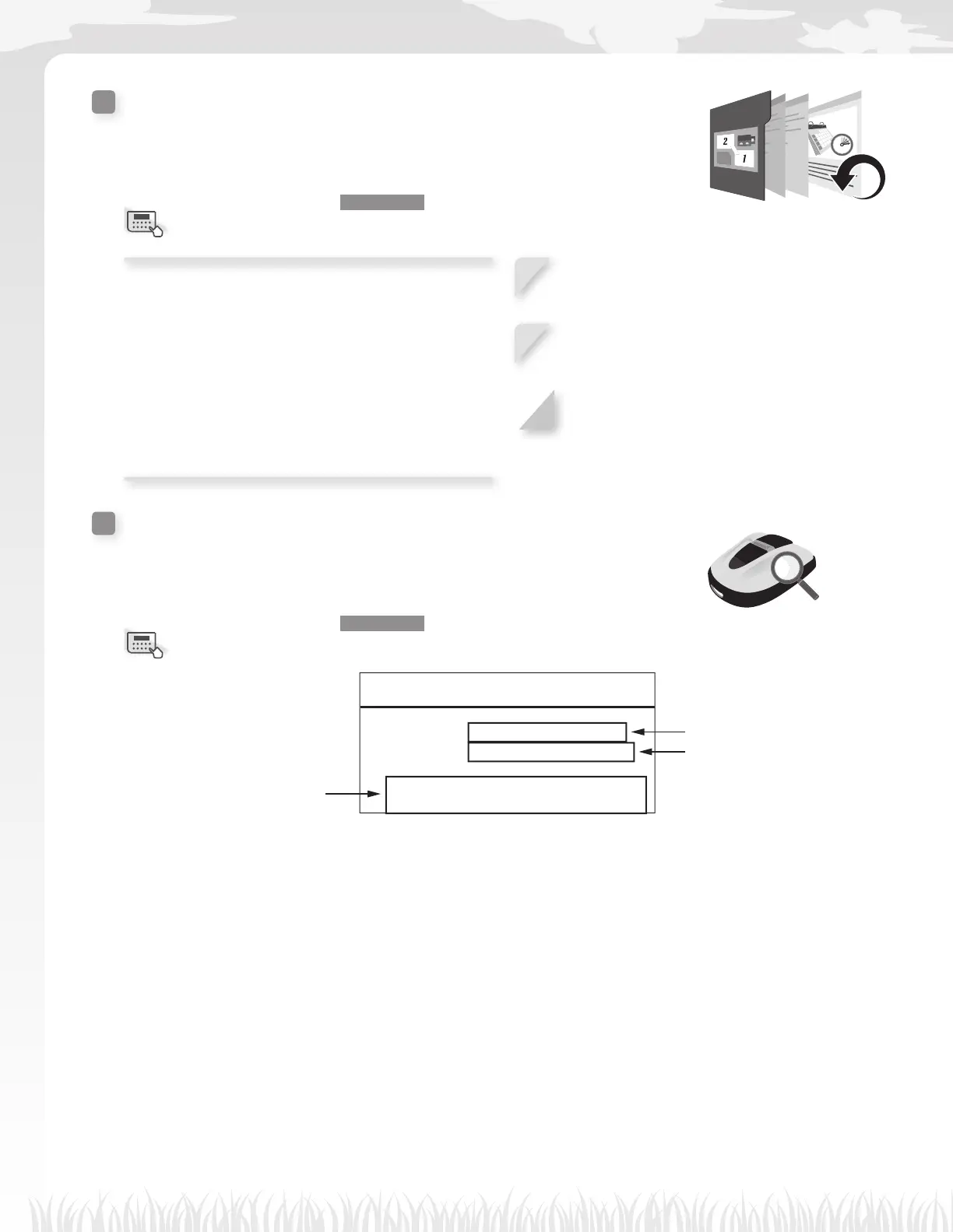
Factory reset
You can reset all settings to the factory defaults.
Home screen J [5.System settings] J [5.Factory reset]
Execute this command to revert all settings to their
factory defaults.
NOTE:
- This command will not reset the history of the lawn
mower (working and fault history). This only resets
the settings of the lawn mower.
- Consult your dealer before executing this
command.
1
Input your PIN and press the H button.
2
Select [Yes].
3
Press the H button.
After the message “Activated” is displayed, the
power turns off.
Help
You can get the information of the lawn mower such as the model name,
frame serial number, and software version.
Home screen J [5.System settings] J [6.Help]
17:01 Fri
Help
Honda Power Equipment
Miimo :HRM520
:MBDF-1000001
Software version
Main ECU : 1.0.0
Display ECU : 1.0.0
This is the model name.
This is the frame serial number.
NOTE:
- If the Frame number is
“0000000”, contact your
dealer.
This is the software version.
Menu screen
Menu screen



 To Next Page