7 MAINTENANCE
63
Periodic inspection and maintenance / Maintenance procedures
7
MAINTENANCE
Periodic inspection and maintenance
The lawn mower must be periodically inspected and maintained for safety and to keep it running at a high level of performance.
Periodic maintenance will also help to extend service life.
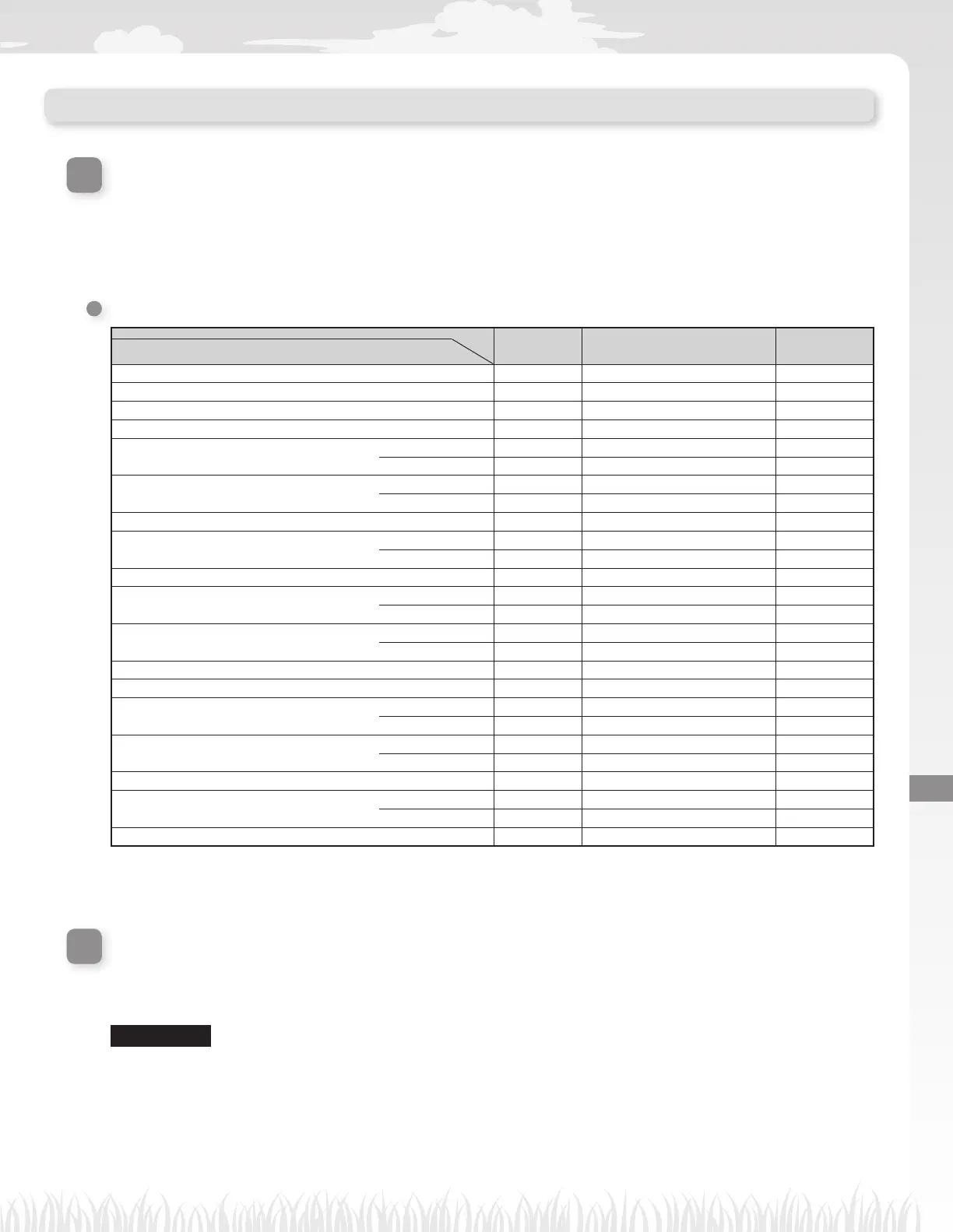
The required service intervals and the kind of maintenance to be performed are described in the following chart.
Honda recommends annual service to be completed by your local authorized Honda dealer. The dealer will be
able to perform a variety of checks and software updates that cannot be completed by the owner.
Maintenance schedule
REGULAR SERVICE PERIOD
Every week
Every year or every 840h
operating hours. (Cutting time)
Page
Perform at every indicated period or operating hour
interval, whichever comes soonest.
Blade & Blade nut
*1
Check
(M page 68)
Blade disc
*1
Check
(M page 68)
Drain hole Check or clean
*
2
(M page 64)
Manual stop button Check
(M page 65)
Body parts
*1
Clean
(M page 64)
Check
*
2
–
Docking station
Clean
(M page 65)
Check
(M page 66)
Docking station Screws Check or tightness
*
3
(M page 67)
Rear (drive) wheels
*1
Clean
(M page 64)
Check
*
2
–
Rear wheels axle Grease
*
2
–
Front (caster) wheels
*1
Clean
(M page 64)
Check
*
2
–
Front caster ball bearing & bushing
Check
*
2
–
Replace if necessary
*2
–
Frame inside Clean
*
2
–
Frame seals Replace
*
2
–
Obstruction sensors (case, springs and lift
washer)
Check or clean
*
2
–
Replace
*
2
–
Docking station (boundary wire connectors)
Check if necessary
*2
–
Clean
*
2
–
Docking station (charging plug) Check
*
2
–
Mower recharging plates
Clean
*
2
–
Replace if necessary
*2
–
Battery condition Check
*
2,
*
4
–
*1 Blades, the blade nuts, the blade disc, body parts, the front (caster) wheels, and the rear (drive) wheels should be replaced as needed.
*2 These items should be serviced by your servicing dealer, unless you have the proper tools and are mechanically profi cient.
Refer to Honda shop manual for service procedures.
*3 If the screws become loose, tighten them securely.
*4 Confi rm using 10 last charges history.
Maintenance procedures
Dirt and grass may accumulate on the top and bottom of the lawn mower during and after mowing, and the
blades may become worn, damaged, or unable to turn. Make sure to check the lawn mower according to the
chart in “Periodic inspection and maintenance” (M page 63).
N WARNING
-
Make sure to press the manual STOP button and turn the lawn mower off before performing the following procedures.
- Put on a pair of work gloves before performing the following procedures.
- Be careful when performing the following procedures, because blades are extremely sharp.
NOTE:
- Remove the lawn mower from the docking station when performing the following procedures.



 To Next Page